Leaderboard
-

Reciprocity
Members27Points21956Posts -
.jpg.9fa8fa4c0312506b2d2ed55eb93d50c2.jpg)
Genecanuck
Members23Points724Posts -
Doreensfree
Moderators19Points35867Posts -
johnny5
Members17Points9141Posts




Popular Content
Showing content with the highest reputation on 05/03/25 in all areas
-
7 pointsG’day NOPE .....Not One Puff Ever.... (replace Ever with Min,Hour, Day as required.)
 7 points
 -
7 points
-
6 points
-
6 points
-
6 points
-
6 points
-
5 points5 points5 points5 points5 points5 points5 points5 points5 points5 points5 points5 points4 pointsG’day NOPE .....Not One Puff Ever.... (replace Ever with Min,Hour, Day as required.)
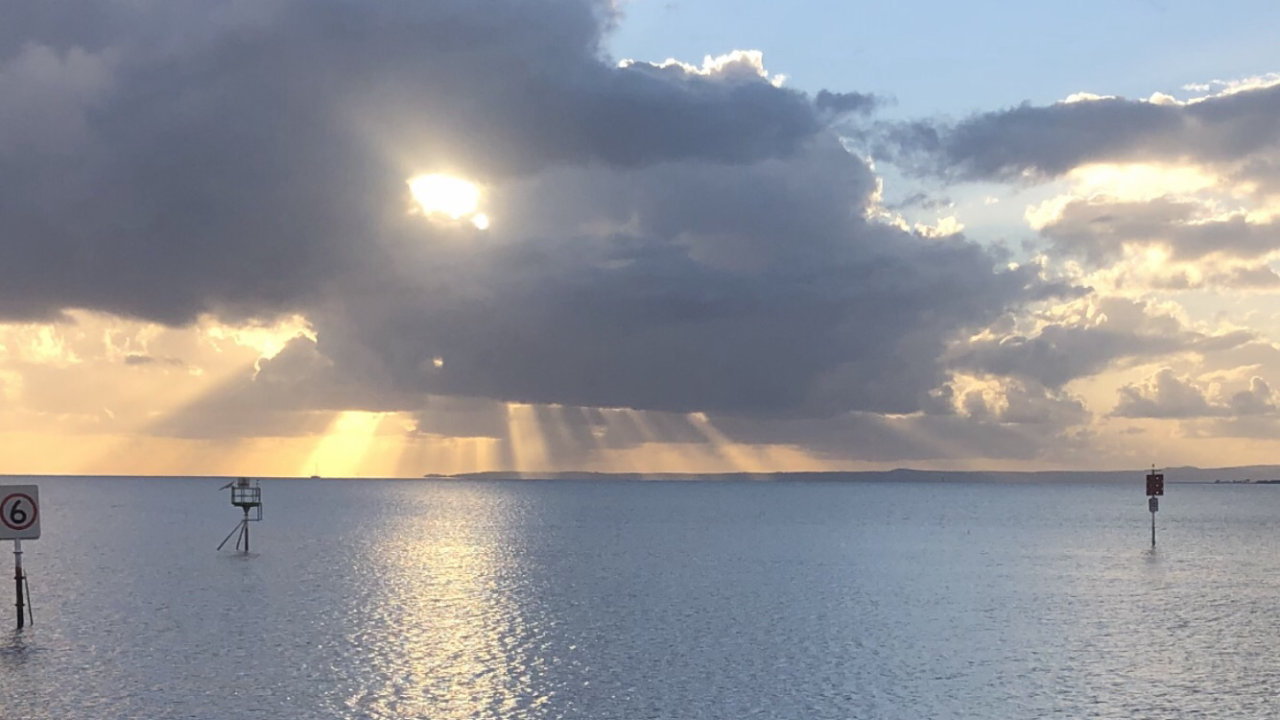 4 points4 points4 points4 points4 points3 points3 points3 points3 points3 points3 points2 points2 points2 points2 points2 points2 points2 points2 points2 points2 points1 point1 point1 point1 point1 point1 point1 point1 point1 point1 point1 pointHey, its another Friday and that time again for all of you special window lickers to pat yourself on the back for another smoke free week. So who is a certified professional window licker this week?
 1 point1 point1 point1 point1 point1 point1 point1 point1 point1 point1 point1 point1 pointIt has come to The Mod Squad's attention that some photos posted on a thread have been downloaded by outsiders and used in nefarious ways on Instagram and YouTube. The matter is being reported through a variety of avenues. This is troubling to us all and certainly distressing to the member whose privacy was violated. Going forward, we would advise our members to refrain from posting personal photographs as there is no way we can ensure that they remain in house, on the QTrain. We try to provide a safe space for everyone and ask for your help by not posting information or photographs that could be randomly vandalized. For those who already have posted personal photographs, we recommend deleting them. You can do this by going to My attachments. It shows what thread the pic is on and by clicking on it takes you to that thread and post. Then click on edit and you'll see your uploaded pic below the paperclip and a trashcan. Click on the "x" in the bottom right of the trashcan to delete it, click save. Should anyone needs assistance with this, please don't hesitate to PM our Mod Squad @Doreensfree or @jillar We will be more than happy to help in any way we can. Keep yourselves safe, The Mod Squad1 pointThis leaderboard is set to New York/GMT-04:00
Important Information
Account
Navigation
Search
Configure browser push notifications
Chrome (Android)
- Tap the lock icon next to the address bar.
- Tap Permissions → Notifications.
- Adjust your preference.
Chrome (Desktop)
- Click the padlock icon in the address bar.
- Select Site settings.
- Find Notifications and adjust your preference.
Safari (iOS 16.4+)
- Ensure the site is installed via Add to Home Screen.
- Open Settings App → Notifications.
- Find your app name and adjust your preference.
Safari (macOS)
- Go to Safari → Preferences.
- Click the Websites tab.
- Select Notifications in the sidebar.
- Find this website and adjust your preference.
Edge (Android)
- Tap the lock icon next to the address bar.
- Tap Permissions.
- Find Notifications and adjust your preference.
Edge (Desktop)
- Click the padlock icon in the address bar.
- Click Permissions for this site.
- Find Notifications and adjust your preference.
Firefox (Android)
- Go to Settings → Site permissions.
- Tap Notifications.
- Find this site in the list and adjust your preference.
Firefox (Desktop)
- Open Firefox Settings.
- Search for Notifications.
- Find this site in the list and adjust your preference.






.thumb.jpg.7b1999cedf8cea3fb23ae42d3ba44980.jpg)