Skip to content
View in the app

A better way to browse. Learn more.

Quit Train, A Quit Smoking Support Community

A full-screen app on your home screen with push notifications, badges and more.

To install this app on iOS and iPadOS
  1. Tap the Share icon in Safari
  2. Scroll the menu and tap Add to Home Screen.
  3. Tap Add in the top-right corner.
To install this app on Android
  1. Tap the 3-dot menu (⋮) in the top-right corner of the browser.
  2. Tap Add to Home screen or Install app.
  3. Confirm by tapping Install.

Leaderboard

Popular Content

Showing content with the highest reputation since 09/01/26 in all areas

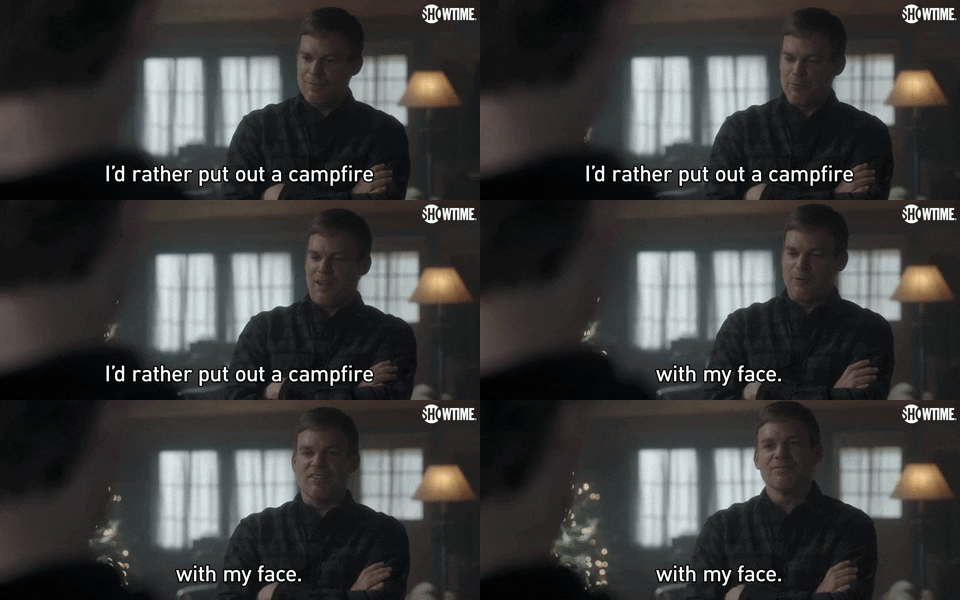
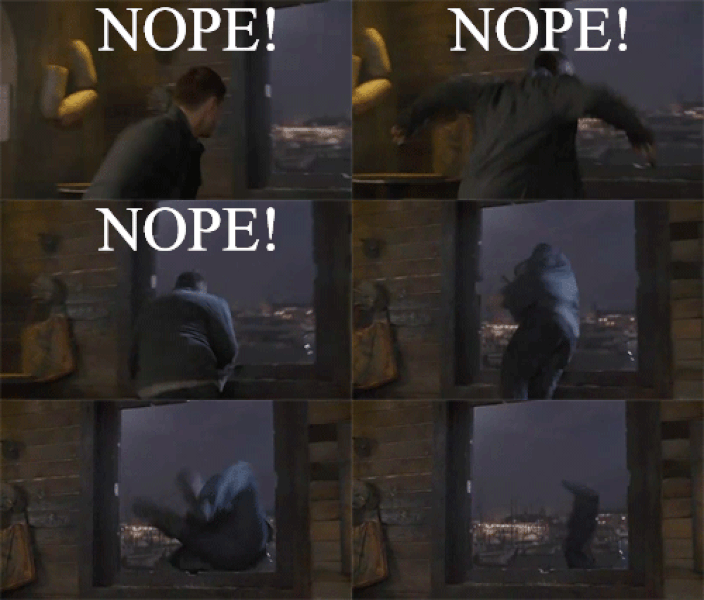
  1. NOPE Not One Puff Ever SNOTT Smoking's Not On The Table
  2. G’day NOPE .....Not One Puff Ever. Bee heaven
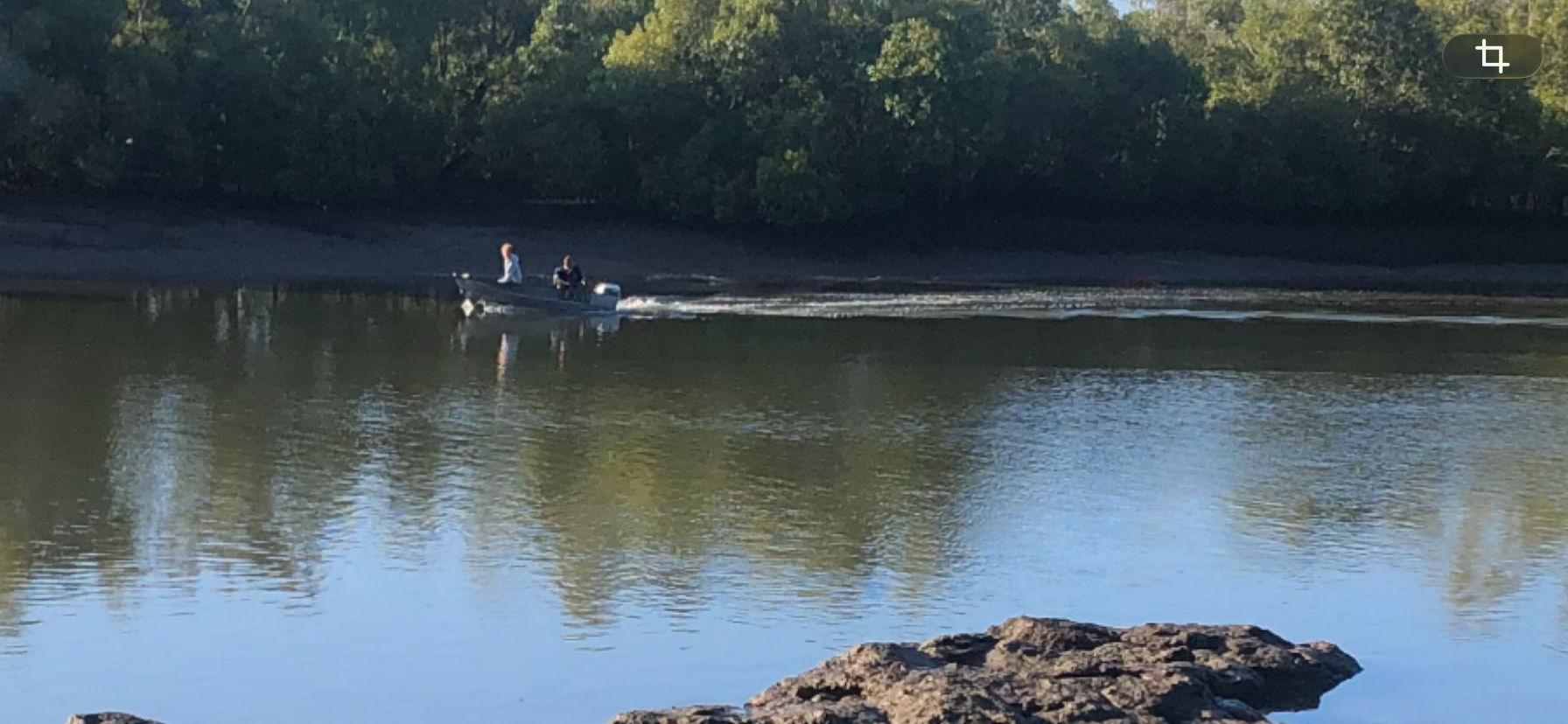
  3. G’day NOPE .....Not One Puff Ever. Start of the Mary river
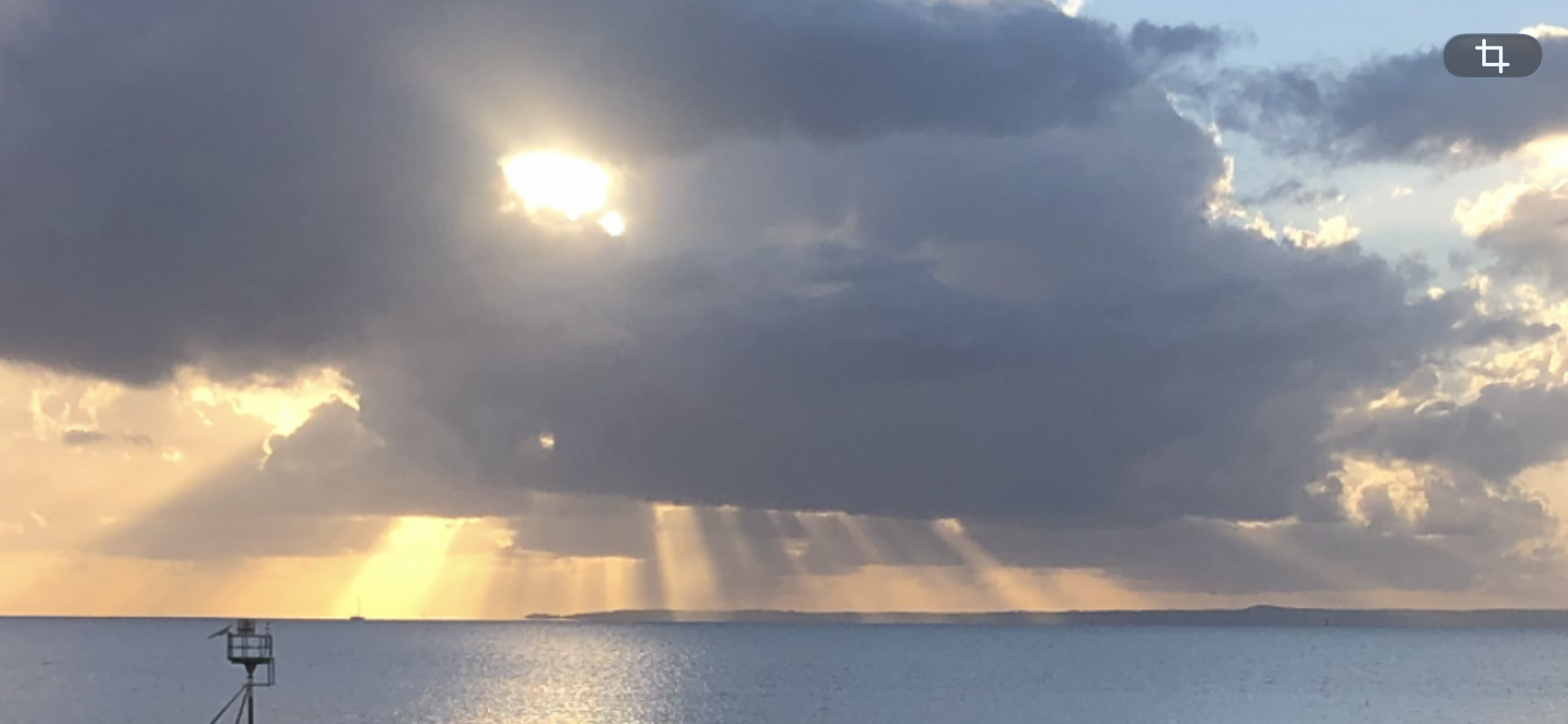
  4. G’day NOPE .....Not One Puff Ever.
  5. G’day NOPE .....Not One Puff Ever. Gone fishn
  6. G’day NOPE .....Not One Puff Ever.
  7. G’day NOPE .....Not One Puff Ever.
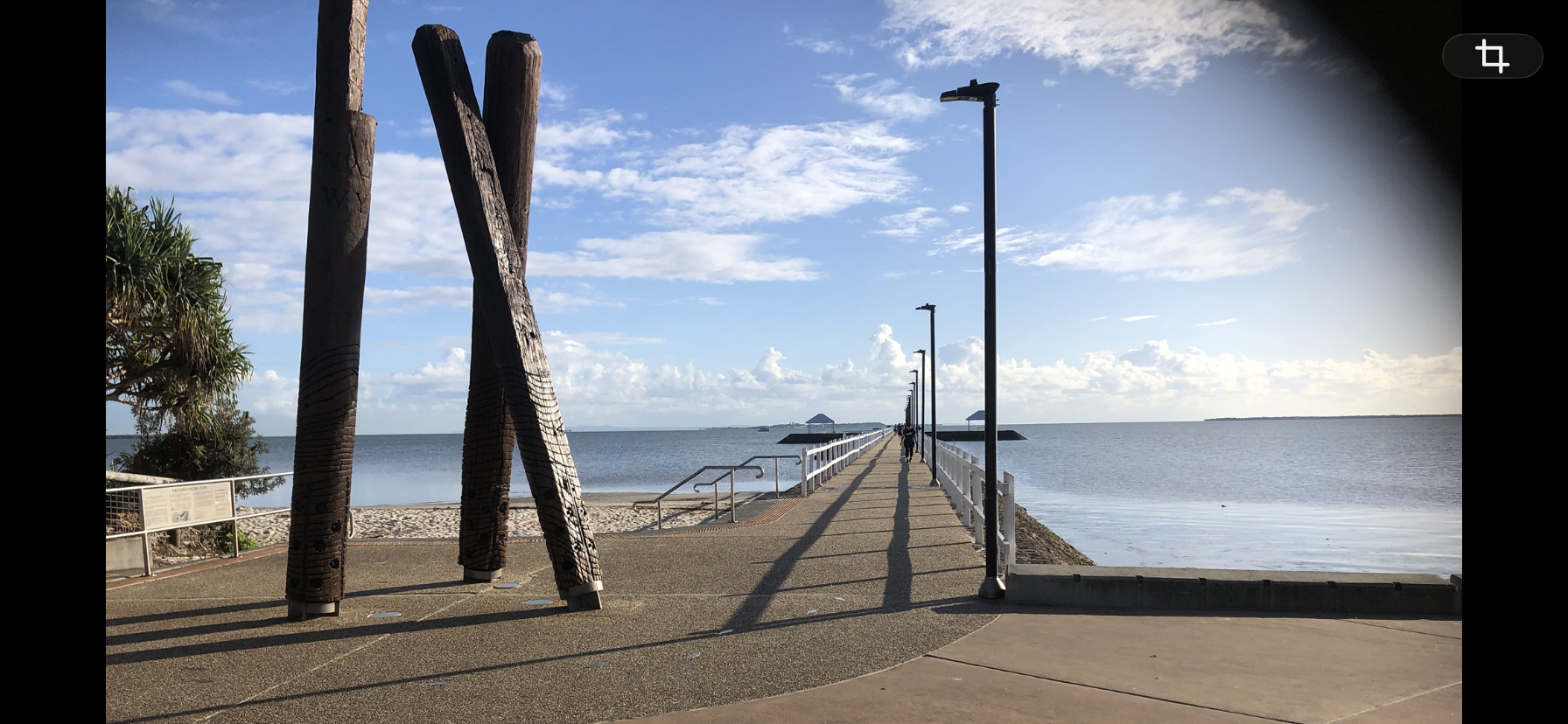
  8. G’day NOPE .....Not One Puff Ever. Wynnum wharf
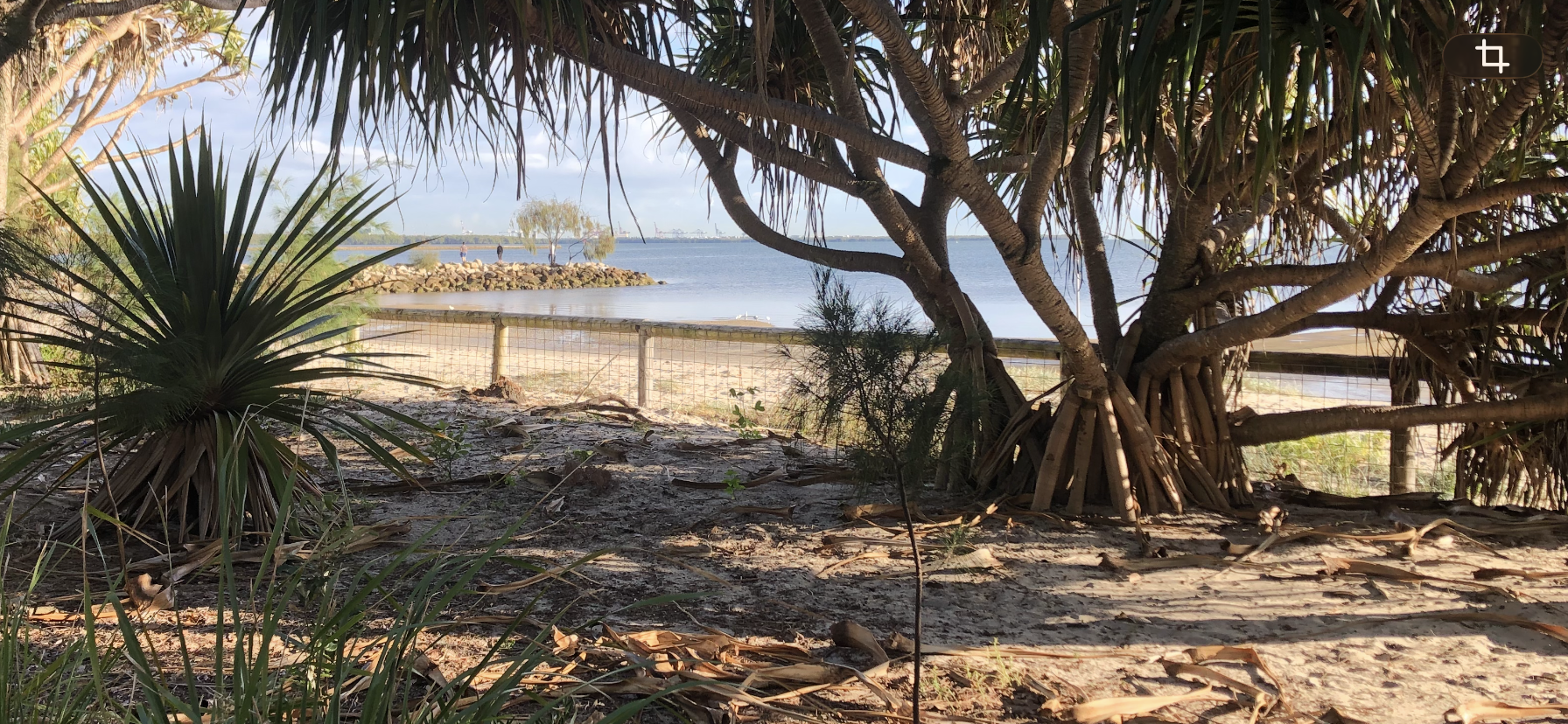
  9. G’day NOPE .....Not One Puff Ever. Pandamas beach
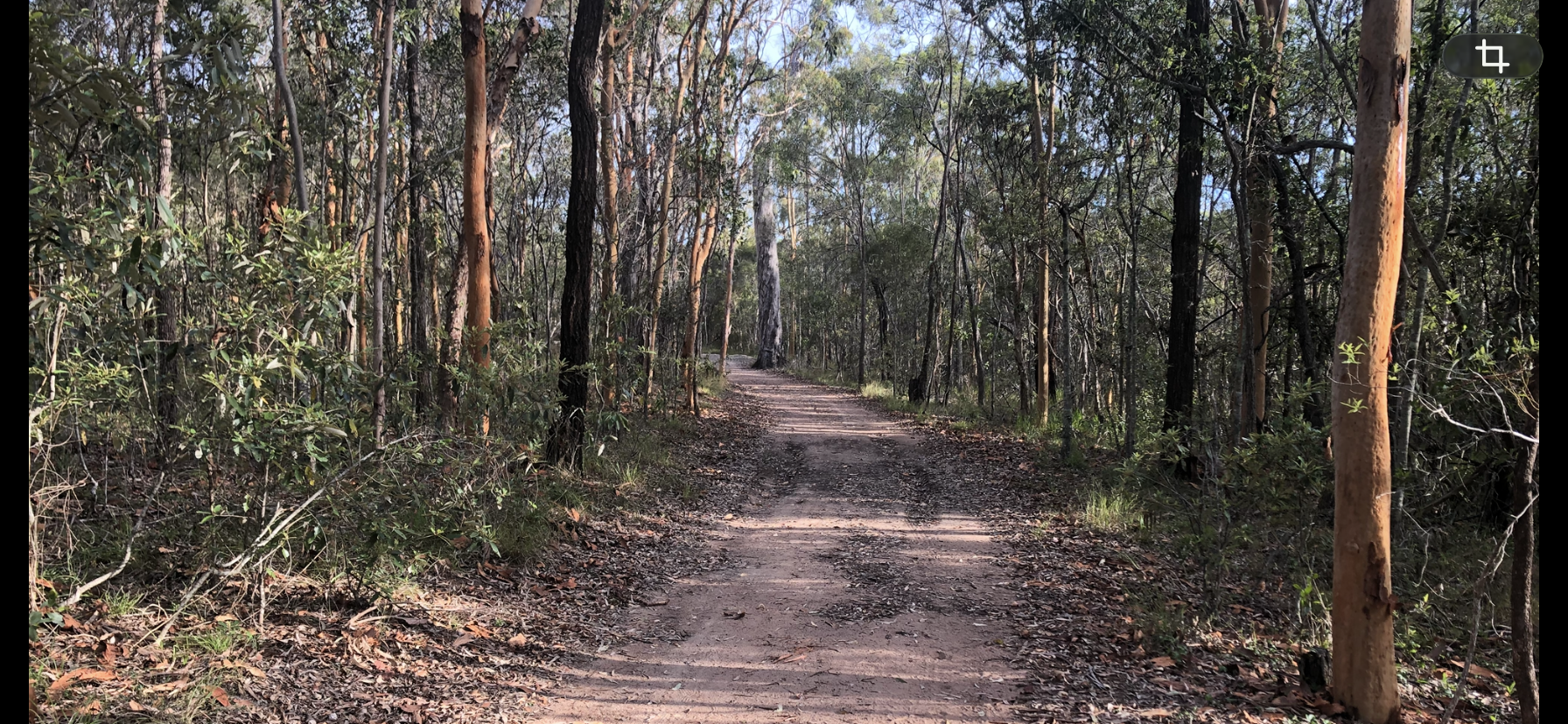
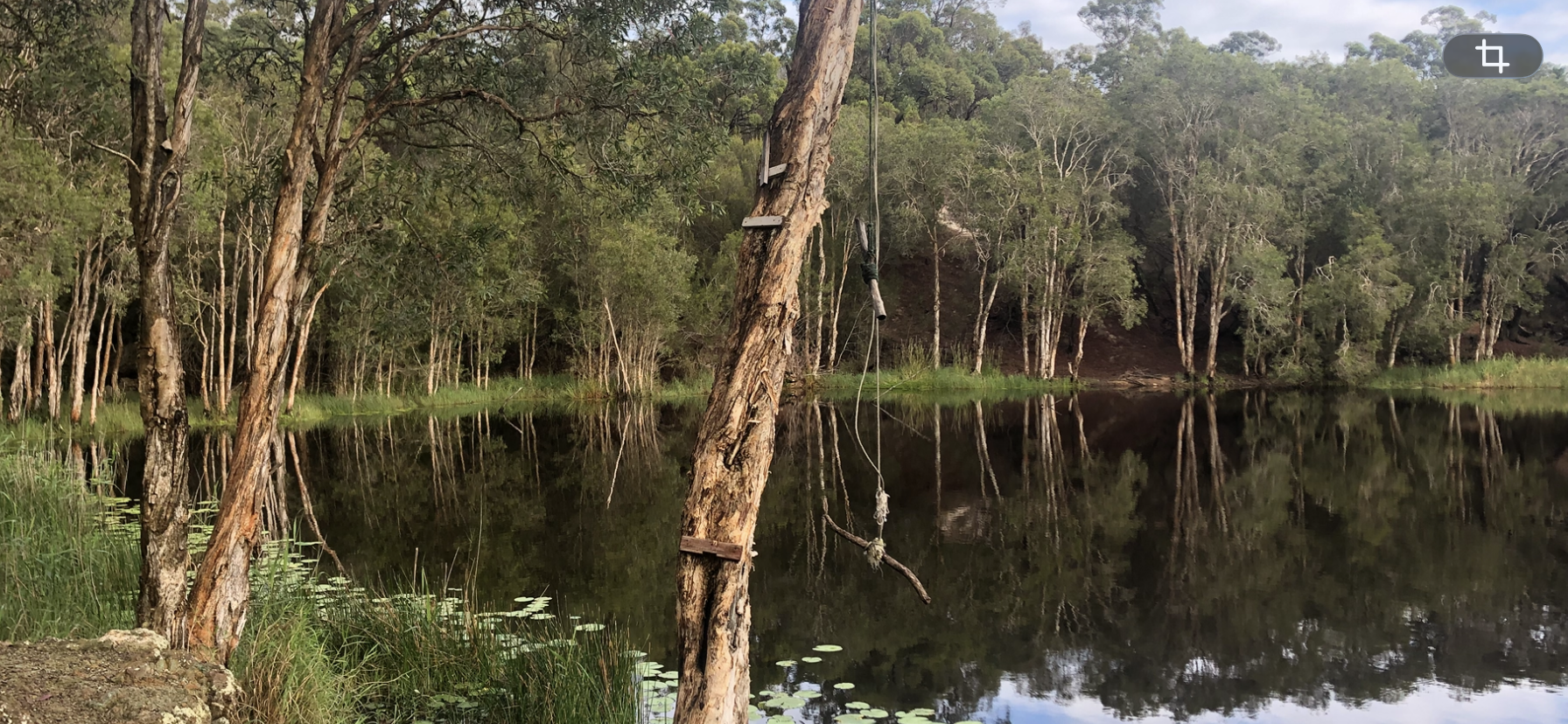
  10. G’day NOPE .....Not One Puff Ever. Bush track
  11. G’day NOPE .....Not One Puff Ever.
  12. G’day NOPE .....Not One Puff Ever.
  13. G’day NOPE .....Not One Puff Ever. Double yolk start
  14. G’day NOPE .....Not One Puff Ever.
  15. G’day NOPE .....Not One Puff Ever.
  16. Nope! Maligne Lake; Jasper National Park, Alberta, Canada
  17. I am not going to smoke today. NOPE.
  18. NOPE!! Tonight or tomorrow.
  19. I am not going to smoke today. NOPE.
  20. Nope!! Not tonight or tomorrow.
  21. G’day NOPE .....Not One Puff Ever. Steel sunrise
  22. NOPE… These smell amazing
  23. G’day NOPE .....Not One Puff Ever.
  24. G’day NOPE .....Not One Puff Ever. The mornings special
This leaderboard is set to New York/GMT-04:00

Account

Navigation

Search

Search

Configure browser push notifications

Chrome (Android)
  1. Tap the lock icon next to the address bar.
  2. Tap Permissions → Notifications.
  3. Adjust your preference.
Chrome (Desktop)
  1. Click the padlock icon in the address bar.
  2. Select Site settings.
  3. Find Notifications and adjust your preference.