




MarylandQuitter
Administrators
-
Joined
-
Last visited
Everything posted by MarylandQuitter
-
Glad to be back up!
-
Bump. A must read for everyone. I read it this morning. The truth that everyone needs to understand and more important, believe.
- 14 replies
-
-

- 1
-
-
- truths
- rationalization
- excuses
- lies
-
Tagged with:
Welcome and great job on your quit!NOPE!Hang in there! A crave isn't a command. It will pass - promise!NOPE!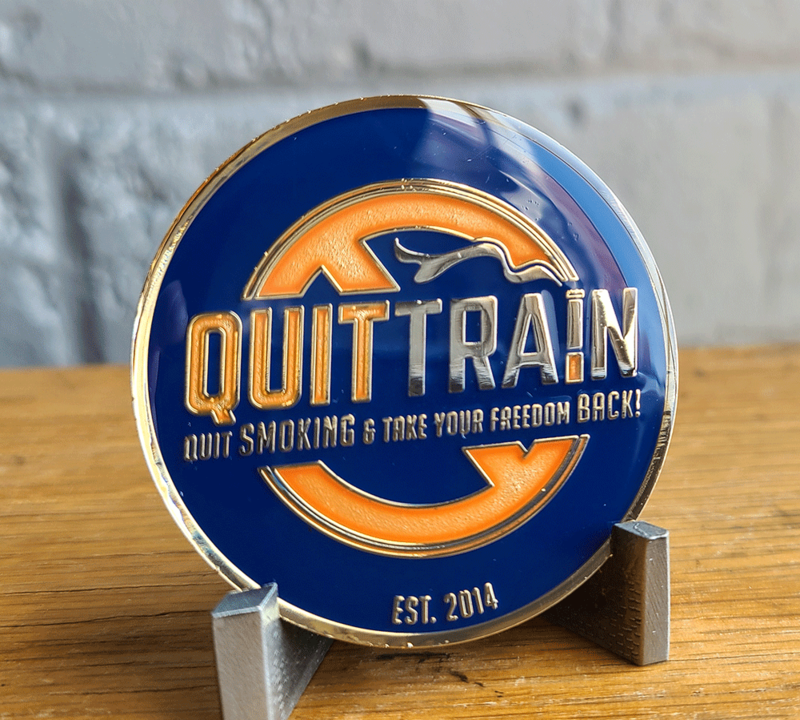
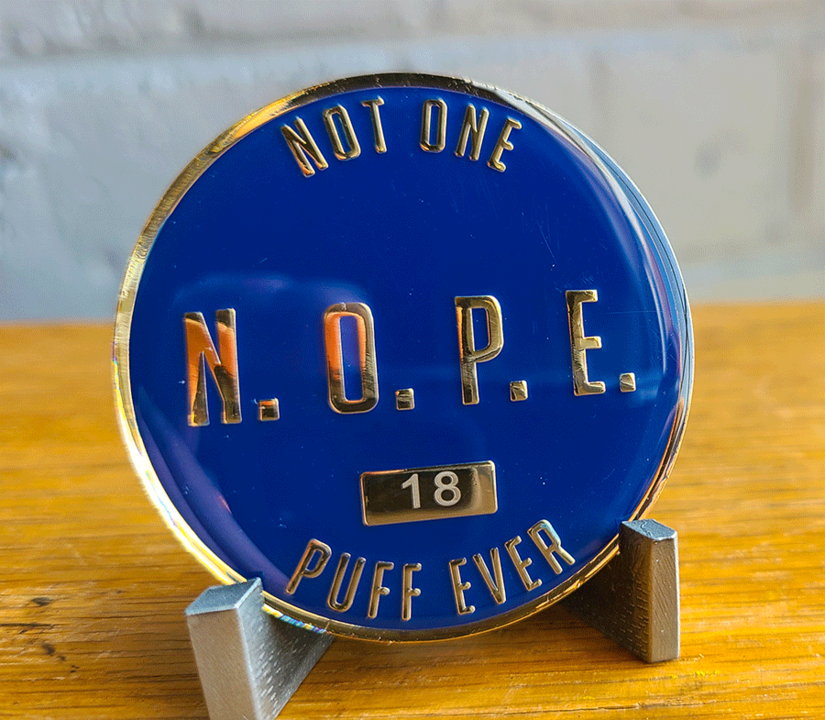 Welcome aboard, Hollyleaf! I smoked for 28 years as well before I quit. The recovery timetable helped me focus and get through any cravings.p0903-athlete-tobacco.pdfp0930-flavored-tobacco.pdfinfographic-ecigs2.pdfinfographic-ecigs.pdfp0425-CDC-ecig-marketing.pdftobacco-use-teens-2019-p.pdfparent-teacher-ecig-508.pdfe-cigarette-poison.pdfIf so, check out the following videos covered in 4 topics. Short video discusses key topic areas that enhance an individuals ability to quit and stay off of smoking.NOPE, Not One Puff Ever!Keep us posted, Doreen.What "you've always done" obviously isn't a recipe for success, is it? No plan. You're not ready yet.Hey Babs! That's good news for the new quitters. I don't even think about smoking but I'm very aware that I'm a former smoker and all it takes is one puff!





Important Information
Account
Navigation
Search
Configure browser push notifications
Chrome (Android)
- Tap the lock icon next to the address bar.
- Tap Permissions → Notifications.
- Adjust your preference.
Chrome (Desktop)
- Click the padlock icon in the address bar.
- Select Site settings.
- Find Notifications and adjust your preference.
Safari (iOS 16.4+)
- Ensure the site is installed via Add to Home Screen.
- Open Settings App → Notifications.
- Find your app name and adjust your preference.
Safari (macOS)
- Go to Safari → Preferences.
- Click the Websites tab.
- Select Notifications in the sidebar.
- Find this website and adjust your preference.
Edge (Android)
- Tap the lock icon next to the address bar.
- Tap Permissions.
- Find Notifications and adjust your preference.
Edge (Desktop)
- Click the padlock icon in the address bar.
- Click Permissions for this site.
- Find Notifications and adjust your preference.
Firefox (Android)
- Go to Settings → Site permissions.
- Tap Notifications.
- Find this site in the list and adjust your preference.
Firefox (Desktop)
- Open Firefox Settings.
- Search for Notifications.
- Find this site in the list and adjust your preference.