
MarylandQuitter
Administrators
-
Joined
-
Last visited
-
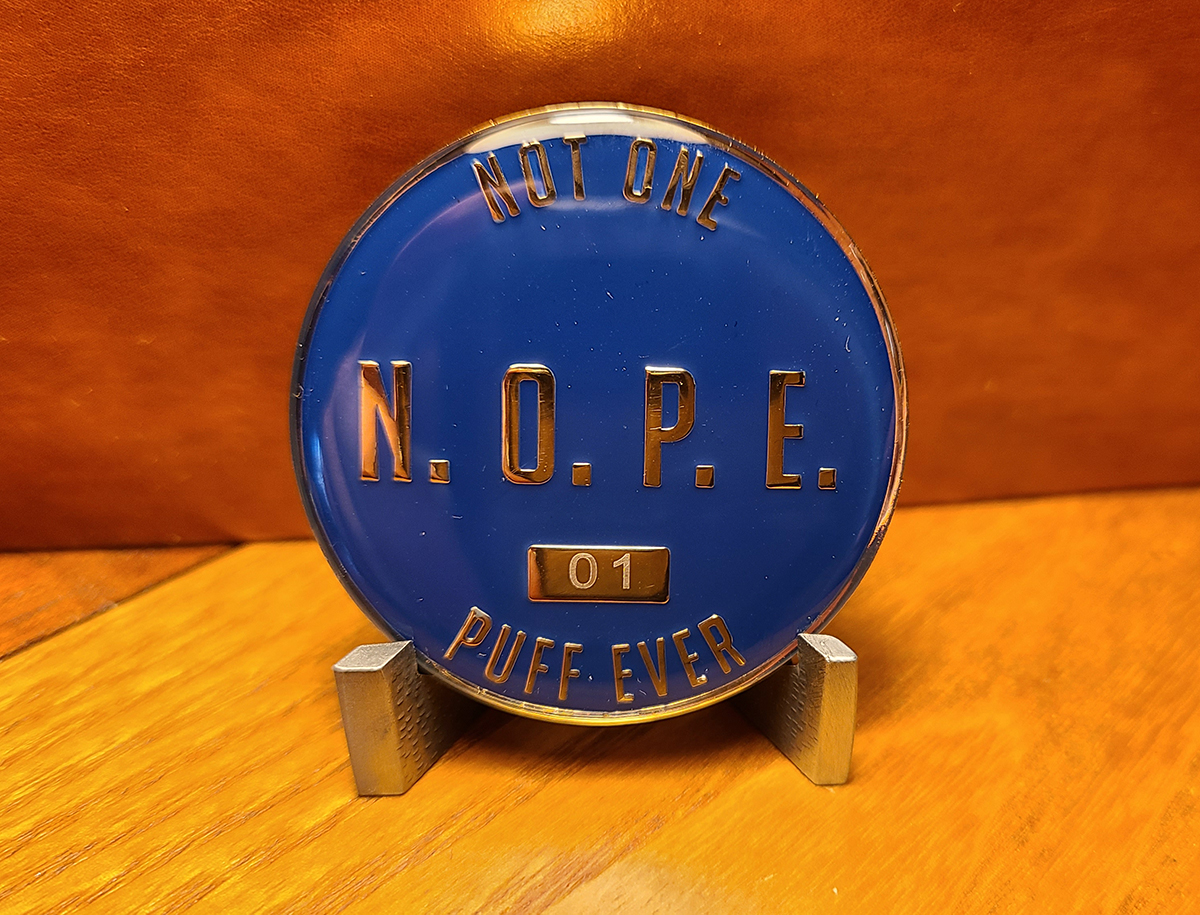
Thank you all very kindly. It's funny. The other day, I found myself thinking about how long it's been since I've had a cigarette, cigar, or even a single puff of anything. For all I know, it could have been on my actual quit anniversary, but I didn't even think to check the date. 😆 If I could go back and tell my newly smoke-free self just one thing, it would be this: One day, all those triggers will simply disappear. The seasonal triggers, the stress triggers, the memories, the sights, the smells, and all those unexpected reminders that used to make me want to smoke will eventually lose their power. They'll just fade away until they no longer exist. That was one of my biggest struggles early on. I'd be going about my day, perfectly content, when some random memory or sensory trigger would come out of nowhere and suddenly make me want a cigarette. What I couldn't have imagined back then was reaching a point where none of those things would affect me anymore. Not because I've learned to fight them or become better at resisting them, but because there's simply nothing left to resist. And that's exactly where I am today. The triggers are gone. The desire is gone. Smoking is no longer something I have to think about, avoid, or overcome. That's a kind of freedom I wish my early smoke-free self could have known was waiting for me.
-
MarylandQuitter changed their profile photo
-
@Doreensfree the IPS software automatically locks HUGE topics like this one and creates a part 2 version. The old software did the same thing, but I don't think any other single topic has had over 5,000 pages.
-
Check, now. Should be fixed.
-
I'll take a look now. Thanks for mentioning it.
-
The desktop and mobiles versions are mostly completed. The tablet/iPad version will be next.
-
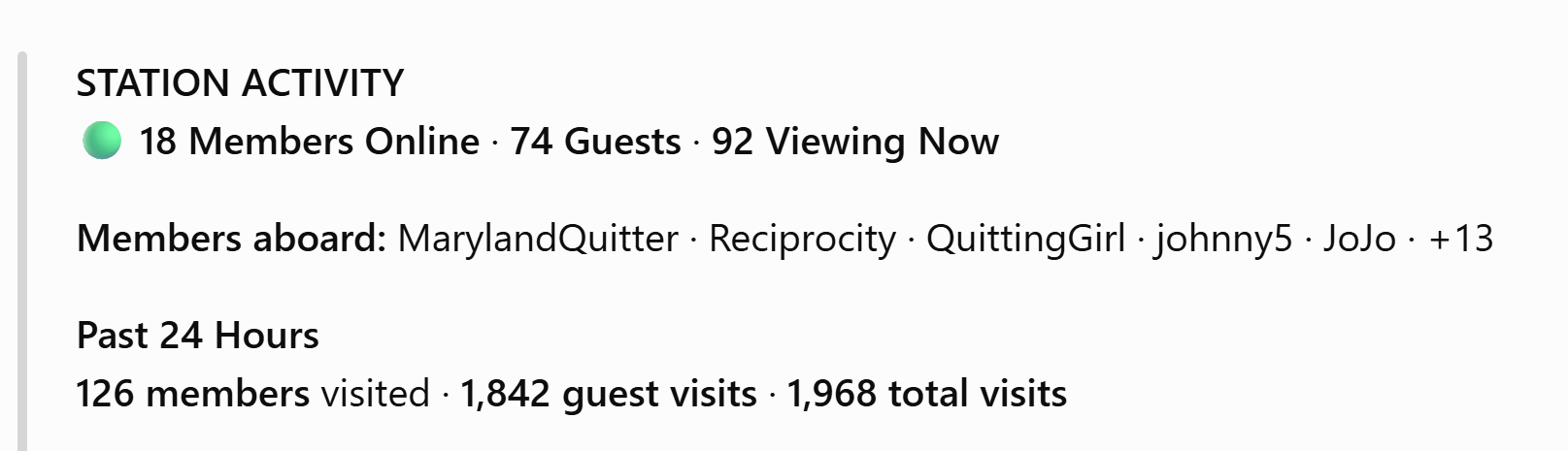
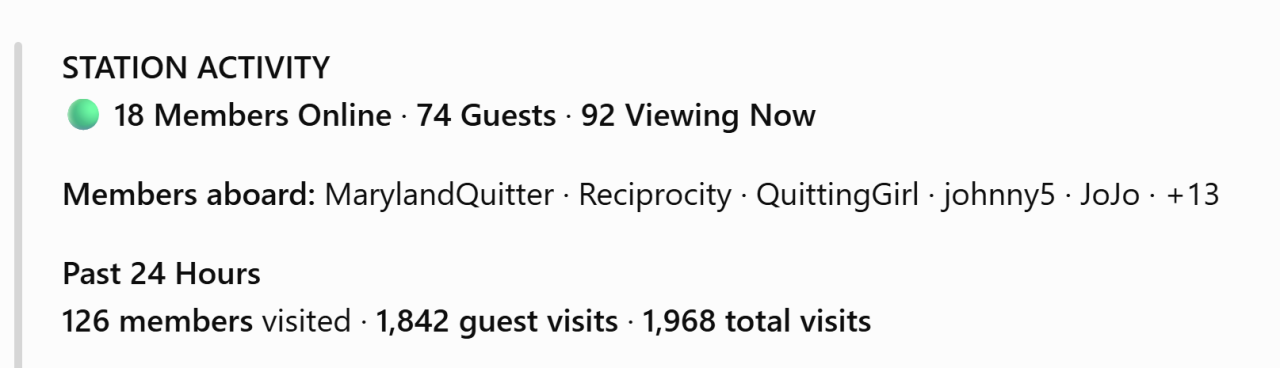
@QuittingGirl Yes, we'll be making an improvement so that so shows visitors etc. too. It will look and function similar to this.
-
The color scheme etc. is way off. Gonna take me a bit to figure out the new editor..
-
Congratulations, Doreen!!! I can't thank you enough for all that you do for us. You're the best of us. 💙
-
@FinalAttempt how’s it going?
-
Congrats!!! 10-years is a huge milestone!Thank you!!!!!!The urges will pass. Stay the course.Ten nuns singing