


.jpg.9fa8fa4c0312506b2d2ed55eb93d50c2.jpg)

Genecanuck
Members
-
Joined
-
Last visited
Everything posted by Genecanuck
-
NOPE

-
No Dickless Burgers Here .......................
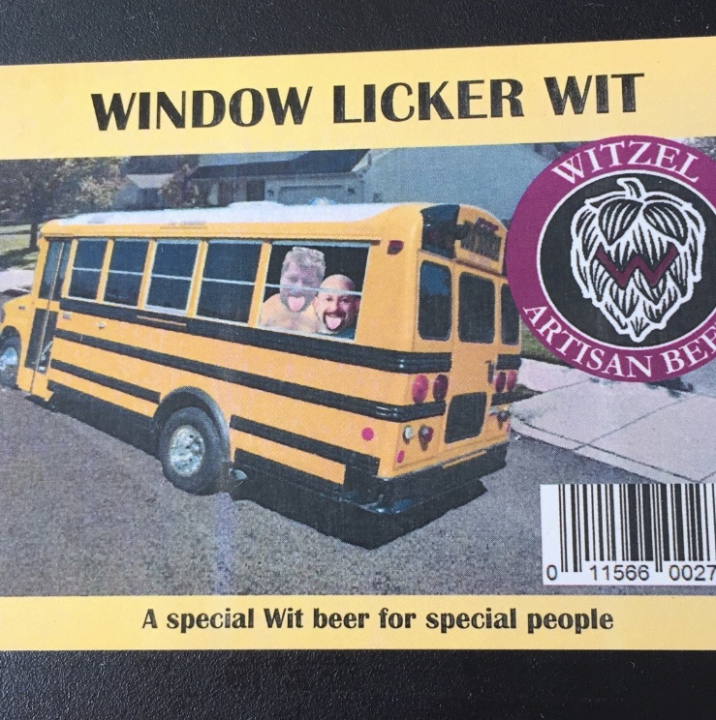
 HI @Kingelocin ... please check in and let us know how you are doing.My kind of Beer....
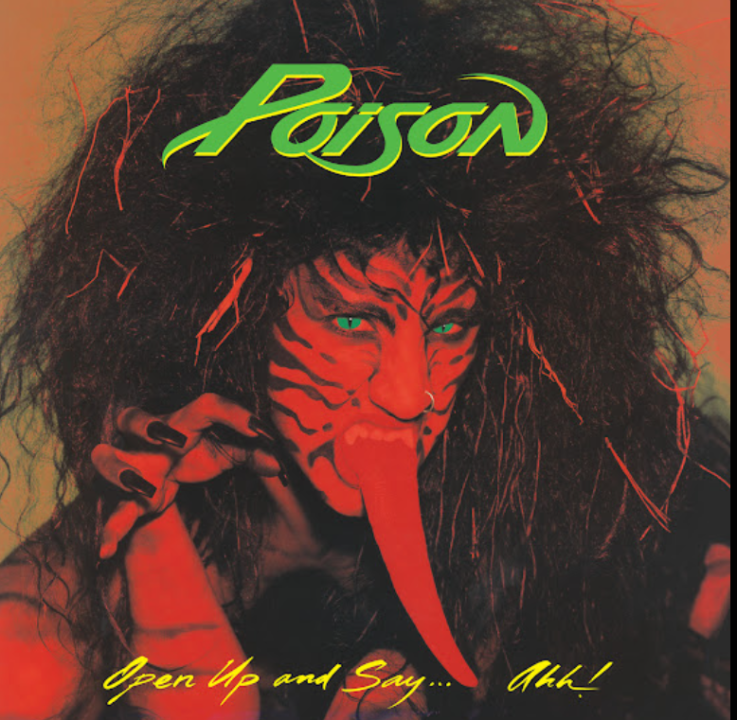
 Nice moves!!!Schitts Creek No GIF.mp4Every Rose Has Its Thorn: Poison
 @Eli... nice to have you come back. I was a member of the old Quitnet back in 2003 to about 2014 ish.... I had started a thread here called The Quitnet Lounge where i was sharing some of the wisdom posts I had kept i my personal library. https://www.quittrain.com/topic/26599-the-quitnet-lounge/#comment-526771 Nice to meet you and thanks for coming back to QuittrainHappy Friday... It seems that our Friday Window Lickers Club is becoming a Quitnet Friday Dance Party celebration. Who is ready to shake your booty to celebrate another smoke free week? Pipe in and show us what you've got!! Shake that Friday Booty!
 @johnny5 @Doreensfree @QuittingGirl @Reciprocity @jillar @Reciprocity @catlover @DenaliBlues... thank you so much for all of your kind words of support! Quittrain is simply the best!! Group hugs!
 NOPE... Happy Friday!
 @Pilgrim.... your on track to make this your forever quit. Well done!!
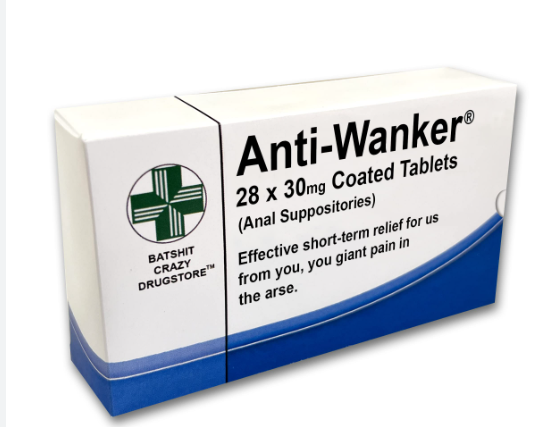
 I always loved SNL's Church Lady!!Any sexy sightings??
 Good morning. Just re-affirming that I am all in to committing to be here one year and beyond!
 Happy Special Friday... its time for all of us special window lickers to pat ourselves on the back for another smoke free week. I know that us window lickers' love to dance!! Who is ready to join in on a special Friday special Window Licker Dance Party?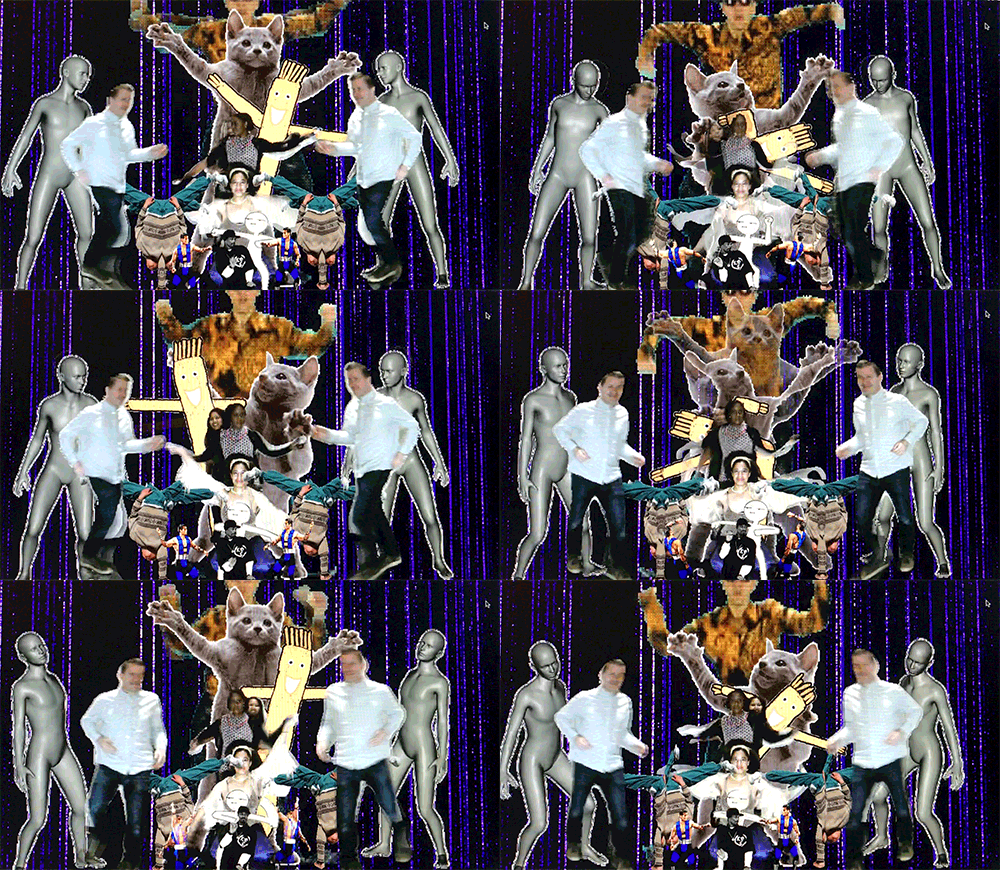
Important Information













Account
Navigation
Search
Configure browser push notifications
Chrome (Android)
- Tap the lock icon next to the address bar.
- Tap Permissions → Notifications.
- Adjust your preference.
Chrome (Desktop)
- Click the padlock icon in the address bar.
- Select Site settings.
- Find Notifications and adjust your preference.
Safari (iOS 16.4+)
- Ensure the site is installed via Add to Home Screen.
- Open Settings App → Notifications.
- Find your app name and adjust your preference.
Safari (macOS)
- Go to Safari → Preferences.
- Click the Websites tab.
- Select Notifications in the sidebar.
- Find this website and adjust your preference.
Edge (Android)
- Tap the lock icon next to the address bar.
- Tap Permissions.
- Find Notifications and adjust your preference.
Edge (Desktop)
- Click the padlock icon in the address bar.
- Click Permissions for this site.
- Find Notifications and adjust your preference.
Firefox (Android)
- Go to Settings → Site permissions.
- Tap Notifications.
- Find this site in the list and adjust your preference.
Firefox (Desktop)
- Open Firefox Settings.
- Search for Notifications.
- Find this site in the list and adjust your preference.