Skip to content
View in the app

A better way to browse. Learn more.

Quit Train, A Quit Smoking Support Community

A full-screen app on your home screen with push notifications, badges and more.

To install this app on iOS and iPadOS
  1. Tap the Share icon in Safari
  2. Scroll the menu and tap Add to Home Screen.
  3. Tap Add in the top-right corner.
To install this app on Android
  1. Tap the 3-dot menu (⋮) in the top-right corner of the browser.
  2. Tap Add to Home screen or Install app.
  3. Confirm by tapping Install.

WeegieWoman

Members
  • Joined

  • Last visited

Everything posted by WeegieWoman

  1. Don't shit on your doorstep
  2. You don't have a clue
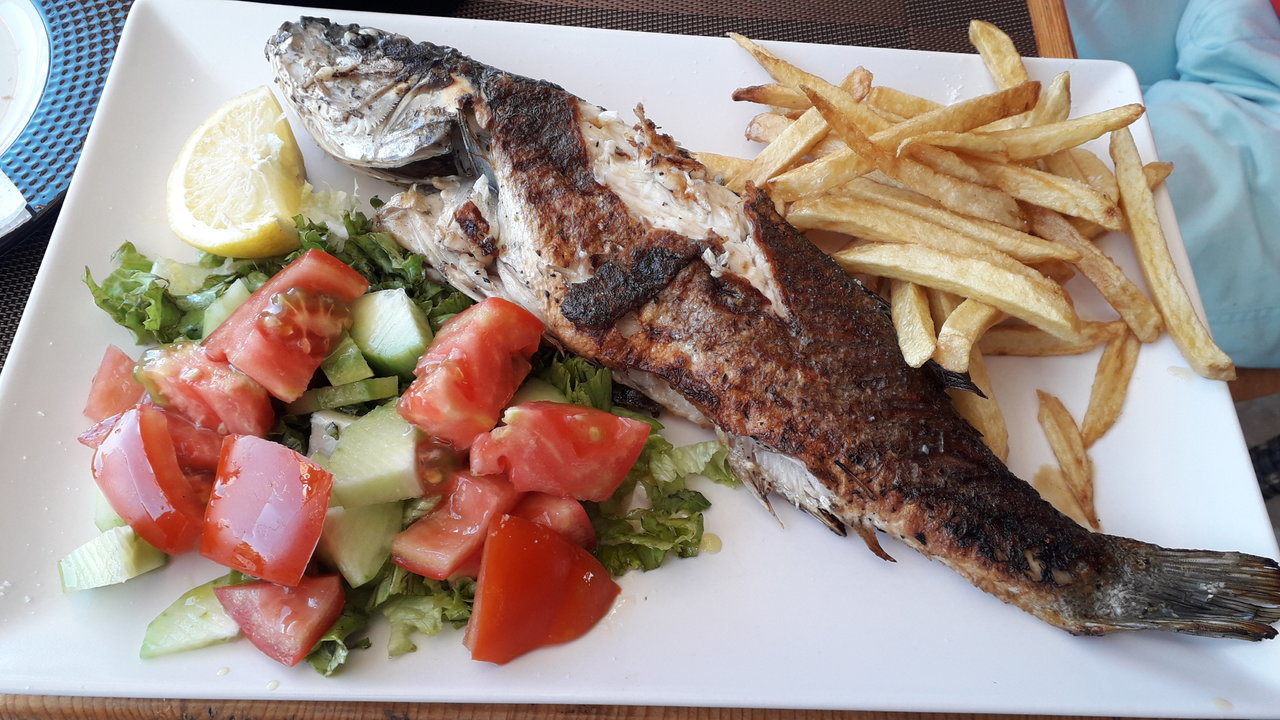
  3. My grilled sea bass lunch in crete. First time eating sea bass! It was delicious
  4. Congrats jillar!!! Youre just brilliant! Thanks for all you do and for being my pal.
  5. I've got my fingers in a few pies
  6. If you've got it, flaunt it
  7. I've got the worst spot ever
  8. I need extension
  9. Real sausage treat
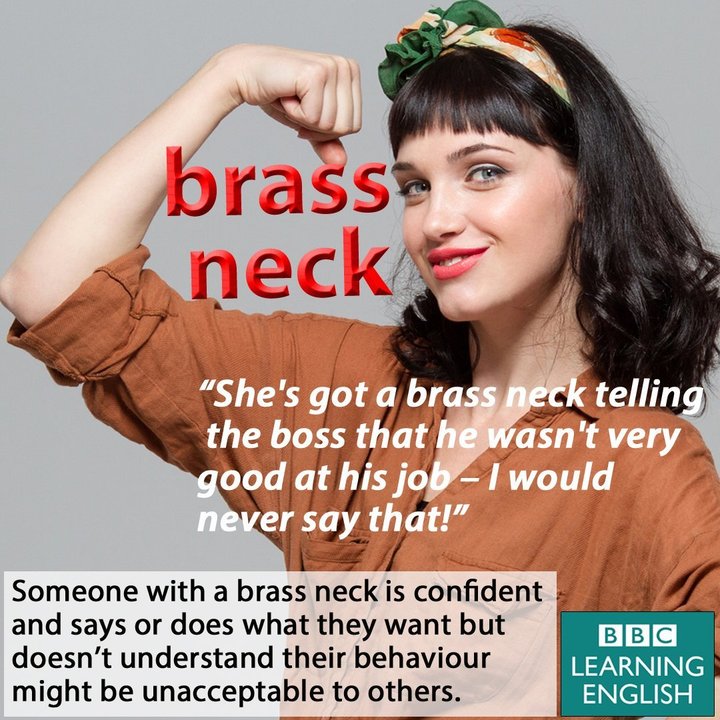
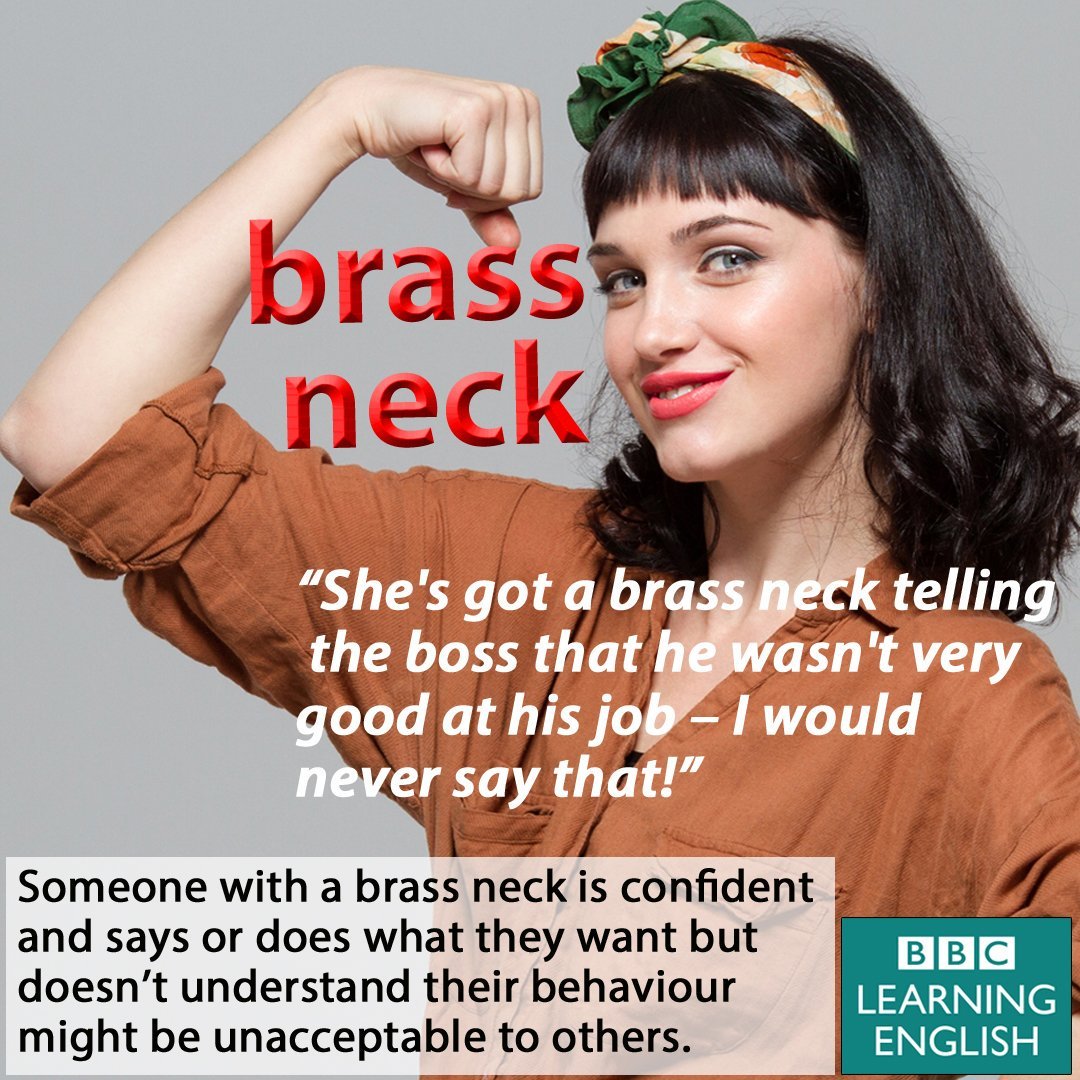
  10. Shes got a brass neck
  11. You've got more front than Blackpool
  12. WeegieWoman replied to bakon's topic in Games
    18
  13. You've got an answer for everything
  14. Mixing olive oil
  15. I've got issues
  16. WeegieWoman replied to bakon's topic in Games
    18 😜
  17. WeegieWoman replied to Colleen's topic in Games
    Face book
  18. WeegieWoman replied to bakon's topic in Games
    18
  19. I got the short end of the stick
  20. WeegieWoman replied to Colleen's topic in Games
    Legs eleven
  21. I got myself in a pickle
  22. Cx works coming up 🏋️‍♀️
  23. We 're on the right path
  24. You're such a loner

Account

Navigation

Search

Search

Configure browser push notifications

Chrome (Android)
  1. Tap the lock icon next to the address bar.
  2. Tap Permissions → Notifications.
  3. Adjust your preference.
Chrome (Desktop)
  1. Click the padlock icon in the address bar.
  2. Select Site settings.
  3. Find Notifications and adjust your preference.