




Reciprocity
Members
-
Joined
-
Last visited
Everything posted by Reciprocity
-
-
-
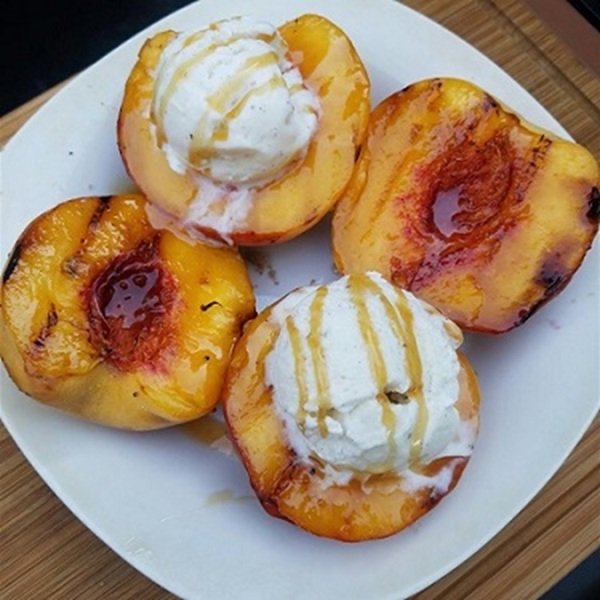
Nope! Eat BBQ'ed Peaches W/Ice Cream & Maple Syrup Instead!
-
-
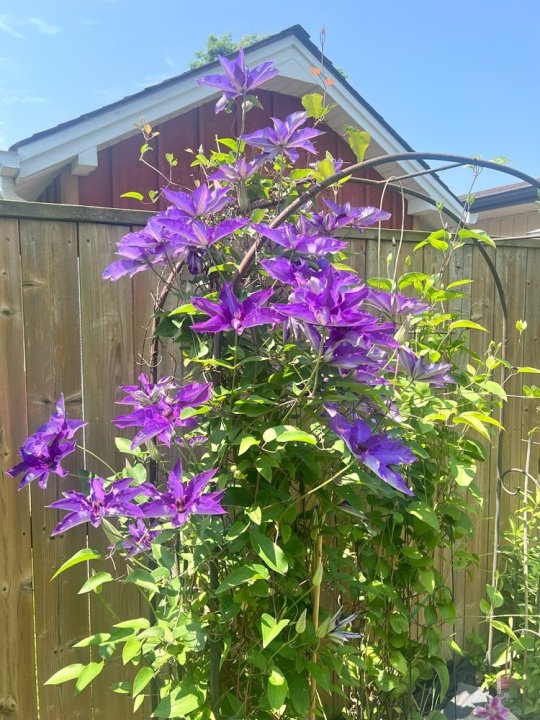
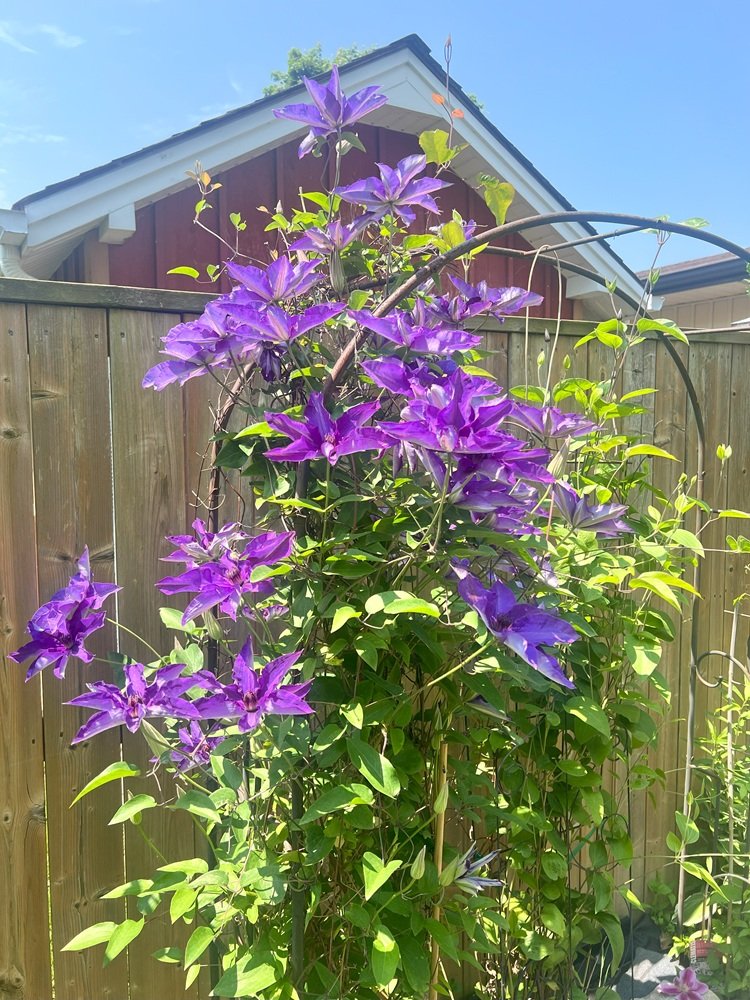
That's a Mimosa tree, isn't it?
-
Nope!
-
Nope!
 Nope!Nope!Nope!I was gonna say ... have a big one but; apparently there's no need to suggest the size 😂Nope!
 WOWZERS! 12 years ... that's a pretty fair stretch of your life. Congratulation @Doreensfree. And; we have all benefitted from your long quit with the knowledge & support you've given freely to all Train Passengers - Thank You🤗
Important Information














Account
Navigation
Search
Configure browser push notifications
Chrome (Android)
- Tap the lock icon next to the address bar.
- Tap Permissions → Notifications.
- Adjust your preference.
Chrome (Desktop)
- Click the padlock icon in the address bar.
- Select Site settings.
- Find Notifications and adjust your preference.
Safari (iOS 16.4+)
- Ensure the site is installed via Add to Home Screen.
- Open Settings App → Notifications.
- Find your app name and adjust your preference.
Safari (macOS)
- Go to Safari → Preferences.
- Click the Websites tab.
- Select Notifications in the sidebar.
- Find this website and adjust your preference.
Edge (Android)
- Tap the lock icon next to the address bar.
- Tap Permissions.
- Find Notifications and adjust your preference.
Edge (Desktop)
- Click the padlock icon in the address bar.
- Click Permissions for this site.
- Find Notifications and adjust your preference.
Firefox (Android)
- Go to Settings → Site permissions.
- Tap Notifications.
- Find this site in the list and adjust your preference.
Firefox (Desktop)
- Open Firefox Settings.
- Search for Notifications.
- Find this site in the list and adjust your preference.