


Leaderboard
-

Reciprocity
Members11Points21918Posts -

QuittingGirl
Moderators9Points8444Posts -
Cbdave
Members6Points7576Posts -

catlover
Members6Points11277Posts



Popular Content
Showing content with the highest reputation on 06/12/25 in all areas
-
5 pointsG’day NOPE .....Not One Puff Ever.... (replace Ever with Min,Hour, Day as required.)
 5 points
 -
4 points68 days today. Seems to have been hard going since a came off the patches 2 weeks ago, not exactly cravings but keep thinking it would be nice to have a smoke. Boiled sweets are my friend at moment. Have a sweet instead of a cancer stick. Went away for the weekend last week, made a nice change not to have to stand outside of hotel smoking. Sat outside of the pub in the sun and the amount of smokers and people vaping I could really smell it. Loads of different smells from the vapes4 points
-
4 points
-
4 points
-
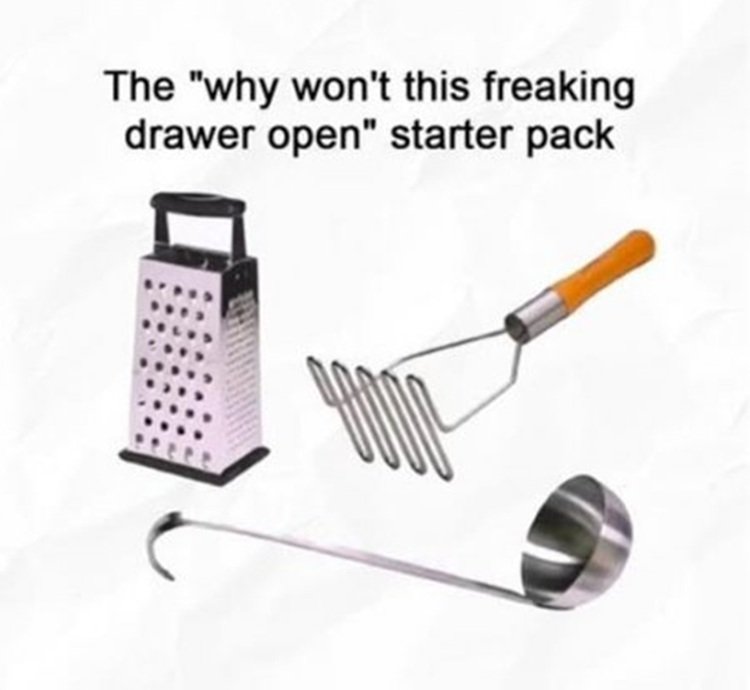
4 points4 points4 points4 points4 points3 points3 points3 points3 points3 pointsOMG!!! So true! I bought a new frying pan and lid the other day and I had to really rearrange my pot drawers to fit them both in, including the stuff in the picture...LOL!!! 😄3 points3 points2 points2 points2 points2 points1 pointG’day NOPE .....Not One Puff Ever.... (replace Ever with Min,Hour, Day as required.)
 1 point1 point1 pointCongratulations Jane … Great Quit Well done winning that battle , sitting with smokers and staying positive , this shows your strength and looking after your quit Keep Going your doing great 🐸1 point1 point1 point1 point1 pointThis leaderboard is set to New York/GMT-04:00





.thumb.jpg.7b1999cedf8cea3fb23ae42d3ba44980.jpg)





