


Leaderboard
-

DenaliBlues
Members18Points7422Posts -
Cbdave
Members13Points7737Posts -
johnny5
Members12Points9176Posts -

QuittingGirl
Moderators8Points8568Posts




Popular Content
Showing content with the highest reputation on 12/26/24 in all areas
-
6 points
-
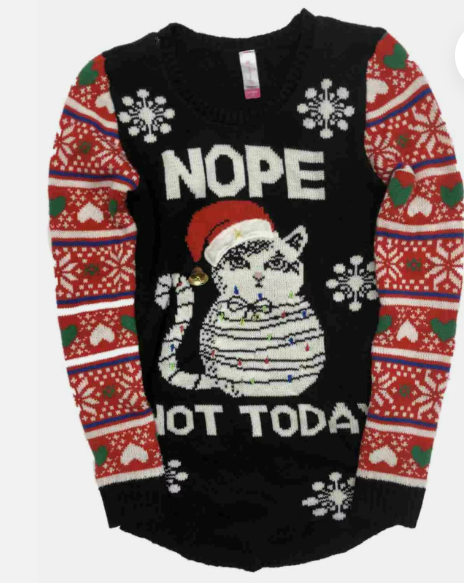
5 pointsG’day NOPE .....Not One Puff Ever.... (replace Ever with Min,Hour, Day as required.)
 5 points
 -
5 points
-
5 pointsDolly Parton hasnt spoken to her bra fitter since the two fell out!5 points
-
5 pointsMerry Christmas and Happy Holidays to everyone here at QuitTrain.5 points
-
4 points4 points4 points4 points4 points4 pointsWishing all my Quittrain friends a Merry Christmas from Canada's National Capital.... and all the very best in 2025.
 4 points4 pointsHope everyone can tap into some hope, comfort and joy this Christmas. Happy winter!!
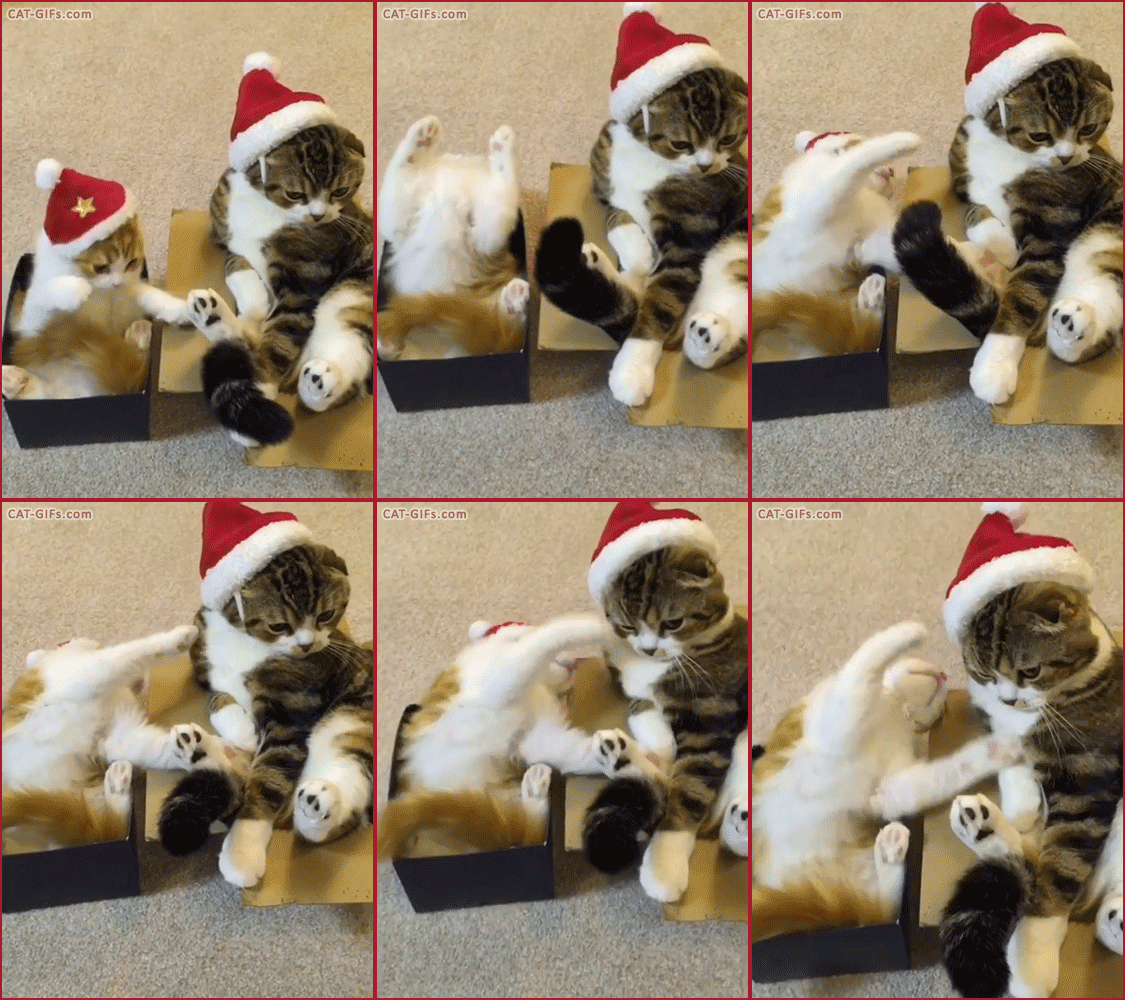 4 points3 points3 points3 points3 points3 points2 pointsTo All the Quitters Past And Present . All the best for a Happy Smokefree Xmas. Remember Newbies , there is always someone here … keeping your precious quit is top of your Xmas list All The Best From Liverpool ❤️🐸
 2 points2 pointsI had more presents to pass out but have hit a little snag…
 2 points2 pointsJoining Doreen in wishing all my friends here on the train all the warmth and joy that the holidays bring. A very Merry Christmas, Happy Hanukkah & Best wishes to all for the New Year 🥳
 2 points1 pointG’day NOPE .....Not One Puff Ever.... (replace Ever with Min,Hour, Day as required.)
 1 point1 point1 point1 point1 point1 pointMerry Christmas and Happy Hannukkah to all my friends. I hope you have a wonderful holiday filled with love, happiness and peace! 😍

 1 point1 point1 point1 point1 point1 point1 pointThis leaderboard is set to New York/GMT-04:00













Important Information
Account
Navigation
Search
Configure browser push notifications
Chrome (Android)
- Tap the lock icon next to the address bar.
- Tap Permissions → Notifications.
- Adjust your preference.
Chrome (Desktop)
- Click the padlock icon in the address bar.
- Select Site settings.
- Find Notifications and adjust your preference.
Safari (iOS 16.4+)
- Ensure the site is installed via Add to Home Screen.
- Open Settings App → Notifications.
- Find your app name and adjust your preference.
Safari (macOS)
- Go to Safari → Preferences.
- Click the Websites tab.
- Select Notifications in the sidebar.
- Find this website and adjust your preference.
Edge (Android)
- Tap the lock icon next to the address bar.
- Tap Permissions.
- Find Notifications and adjust your preference.
Edge (Desktop)
- Click the padlock icon in the address bar.
- Click Permissions for this site.
- Find Notifications and adjust your preference.
Firefox (Android)
- Go to Settings → Site permissions.
- Tap Notifications.
- Find this site in the list and adjust your preference.
Firefox (Desktop)
- Open Firefox Settings.
- Search for Notifications.
- Find this site in the list and adjust your preference.