Skip to content
View in the app

A better way to browse. Learn more.

Quit Train, A Quit Smoking Support Community

A full-screen app on your home screen with push notifications, badges and more.

To install this app on iOS and iPadOS
  1. Tap the Share icon in Safari
  2. Scroll the menu and tap Add to Home Screen.
  3. Tap Add in the top-right corner.
To install this app on Android
  1. Tap the 3-dot menu (⋮) in the top-right corner of the browser.
  2. Tap Add to Home screen or Install app.
  3. Confirm by tapping Install.

SD2026

Members
  • Joined

  • Last visited

Everything posted by SD2026

  1. SD2026 replied to beazel's topic in Games
    Winona Ryder
  2. SD2026 replied to bakon's topic in Games
    2
  3. NOPE! 💫
  4. SD2026 replied to bakon's topic in Games
    3 one for the road 😁
  5. SD2026 replied to Sslip's topic in Games
  6. SD2026 replied to Tink's topic in Socializing
    Love tortoiseshell cats markings 🥰 Oh she was ready to be done with it! 😁
  7. Rare earth stocks
  8. Try entering right
  9. Zigzagging
  10. SD2026 replied to bakon's topic in Games
    5
  11. SD2026 replied to Tink's topic in Games
    Strawberry
  12. SD2026 replied to beazel's topic in Games
    Tattoo Artist
  13. SD2026 replied to Katgirl's topic in Games
    William
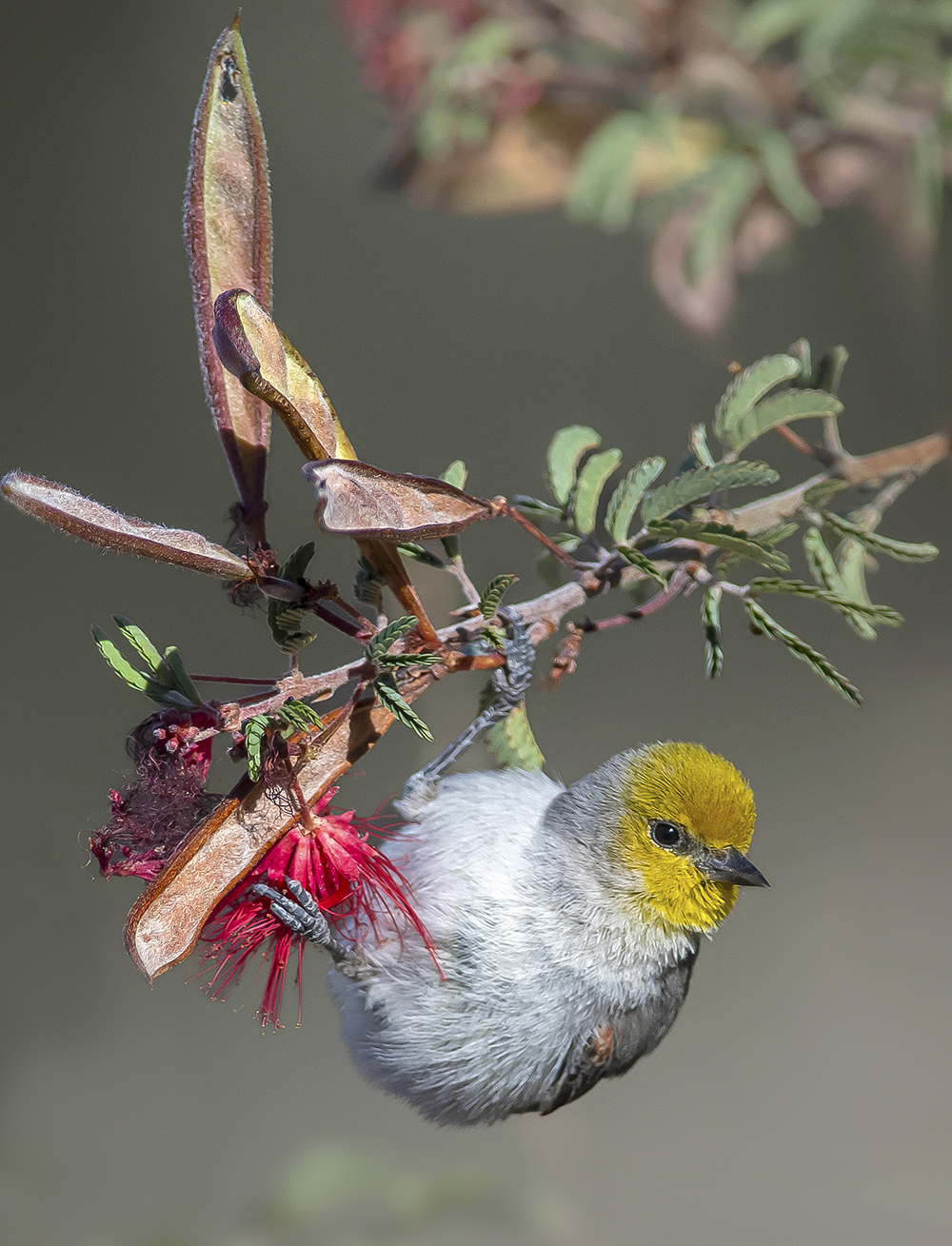
  14. Verdin
  15. SD2026 replied to Colleen's topic in Games
    Glass
  16. SD2026 replied to beazel's topic in Games
    Clear the way
  17. SD2026 replied to Colleen's topic in Games
    Work experience
  18. SD2026 replied to beazel's topic in Games
    Bands
  19. Uncle
  20. SD2026 replied to Colleen's topic in Games
    Ring size
  21. SD2026 replied to bakon's topic in Games
    7
  22. SD2026 replied to Tink's topic in Socializing
    They're so cute!! 🥰 Mama June must be proud! 💞 Do some of them have orange markings? I bet you did have plenty of triggers so well done to you for looking after her! 😊
  23. Well, what do you know? Miracles really do happen! You guys smashed it but don't get too comfortable..🙃
  24. SD2026 replied to bakon's topic in Games
    5

Account

Navigation

Search

Search

Configure browser push notifications

Chrome (Android)
  1. Tap the lock icon next to the address bar.
  2. Tap Permissions → Notifications.
  3. Adjust your preference.
Chrome (Desktop)
  1. Click the padlock icon in the address bar.
  2. Select Site settings.
  3. Find Notifications and adjust your preference.