Eight-Toe Joe
Members
-
Joined
-
Last visited
-
Ignore them. Smile.Come here. And continue to kick-ass !
-
Nope
-
Great motivator !
-
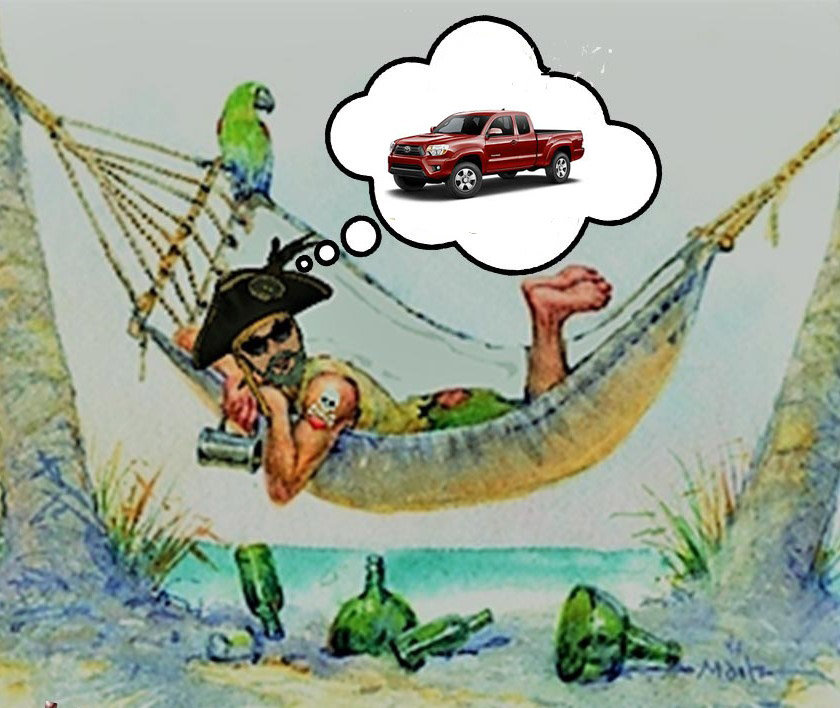
I think that if I'm going to sail into battle, I would want a crew of seasoned , crazy lunatics with a sense of humor standing onboard with me ! FOUND 'EM !! I appreciate all of your help THIS MUCH !!

-
Don't bother me now Jordan, I'm sleeping....I think.
-
You are awesome, Diane !!!
-
Are you in my nightmare Jordan, or am I in yours? We can sleep some other day.
-
WOW....The great ones make it look so easy. Nice one ,Jo !
-
That would be fantastic, Jo ! I would pay money to see that ! But....why has no one replied to this awesome idea of a thread? Geez. Mine ~ Title- "Front Door" Sequel to- " Rear Window" Why- Because I love the way Hitchcock filmed it and I could watch Grace Kelly for hours.
-
OUTSTANDING !!!
-
"Underpants are pretty awesome!".......screamed Acht-Tenen Joe ! MLMR is also pretty awesome !
-
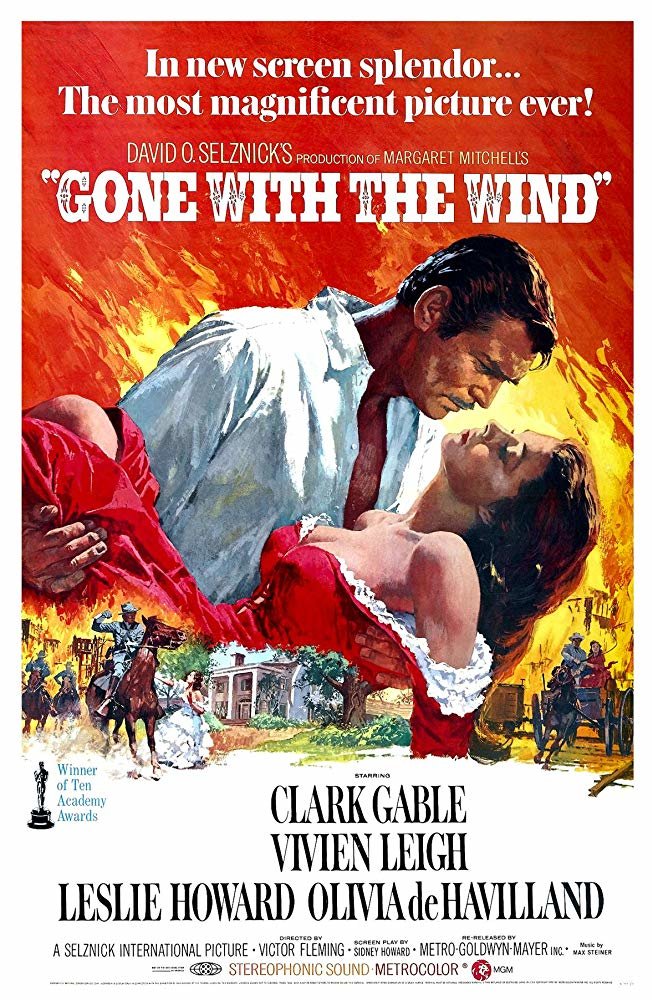
I've never seen "Gone with the Wind" I've seen so many clips over the years that it feels like I've seen it.

-
Nope
-
😞
-
DIANE !!! Oh yes......It sure is real ! and I'm so glad you're still onboard ! I'm like a vampire now. Ya....a vampire pirate. I only sleep when the sun is up it seems. Take care ,Buddy. Watch your health,my friend.