Skip to content
View in the app

A better way to browse. Learn more.

Quit Train, A Quit Smoking Support Community

A full-screen app on your home screen with push notifications, badges and more.

To install this app on iOS and iPadOS
  1. Tap the Share icon in Safari
  2. Scroll the menu and tap Add to Home Screen.
  3. Tap Add in the top-right corner.
To install this app on Android
  1. Tap the 3-dot menu (⋮) in the top-right corner of the browser.
  2. Tap Add to Home screen or Install app.
  3. Confirm by tapping Install.

WeegieWoman

Members
  • Joined

  • Last visited

Everything posted by WeegieWoman

  1. Overly pooping yesterday
  2. Omg well done saz! And thanks so much for sticking around and for all the help and guidance you give. CHEERS

  3. All work and no play
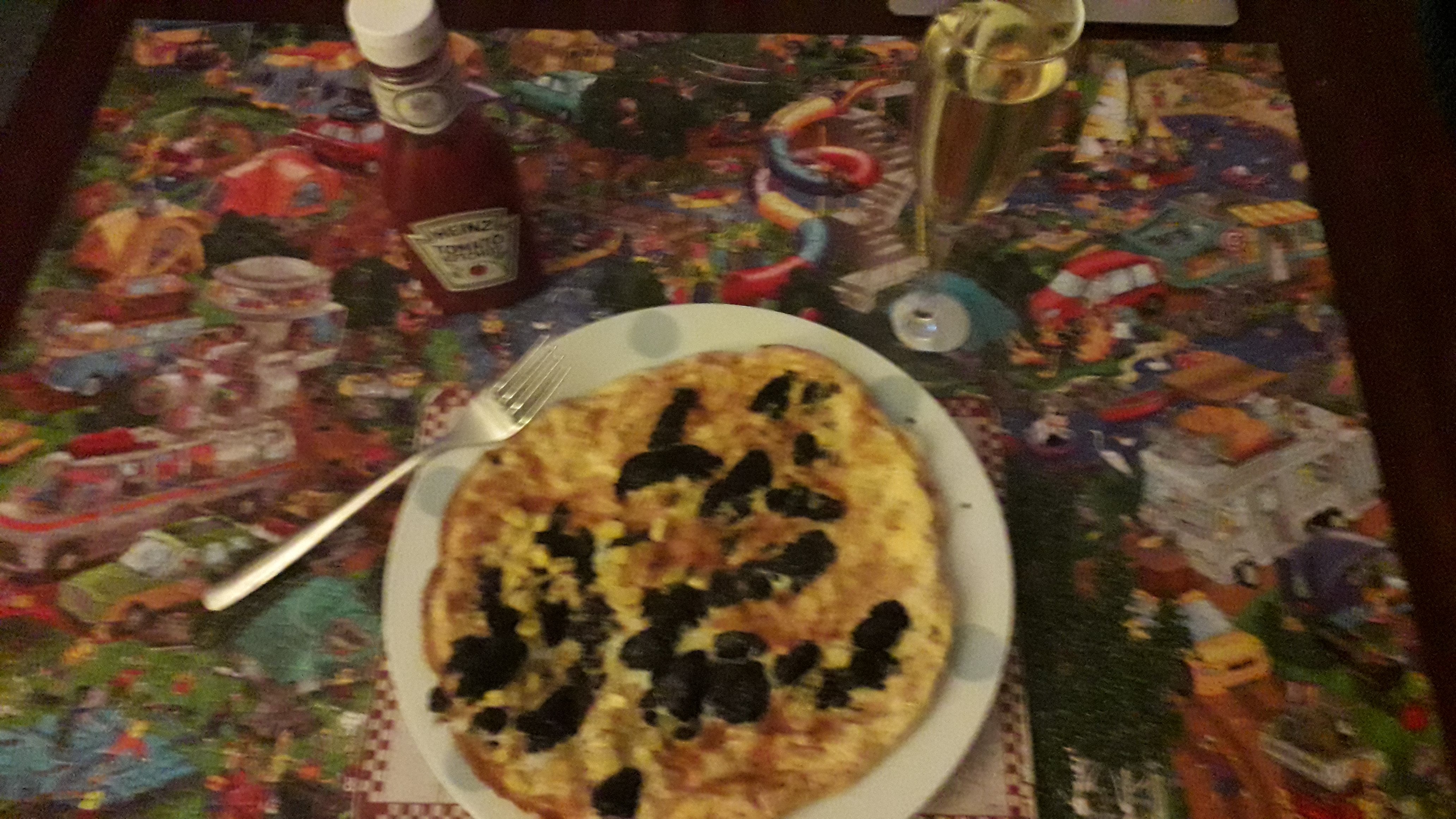
  4. Stornoway black pudding and sweetcorn omelette, top class 🤗
  5. Got hairy toes
  6. A cheap thrill
  7. Ate three viagra
  8. What's a pinwheel?
  9. Tears eventually landed
  10. He was hanging around like a bad smell
  11. Have the shits
  12. Fantastic if crazy
  13. You've got some nerve
  14. Junkie - heroin addict
  15. WeegieWoman replied to jillar's topic in Games
    I bet a photo of you would be better! ❤
  16. Garden gnomes
  17. WeegieWoman replied to Colleen's topic in Games
    Show girl
  18. I'm not sure how to spell this but honners would be your pals that would back you up in a scrap!
  19. WeegieWoman replied to Jimmyss's topic in Games
    FALSE - is that not an old wives tale? Tnp has eaten snails?
  20. WeegieWoman replied to jillar's topic in Games
    The weather has been glorious here in menorca and I hope it doesn't change anytime soon
  21. He's a bit touchy feely
  22. Italians like spaghetti
  23. No pudding if you dont finish your dinner
  24. Generates hungover theme
  25. Ye kept that quiet jillar!!! Good on you! And I know you'll do an amazing job. Well done 👍

Account

Navigation

Search

Search

Configure browser push notifications

Chrome (Android)
  1. Tap the lock icon next to the address bar.
  2. Tap Permissions → Notifications.
  3. Adjust your preference.
Chrome (Desktop)
  1. Click the padlock icon in the address bar.
  2. Select Site settings.
  3. Find Notifications and adjust your preference.