
Whispers
Members
-
Joined
-
Last visited
Everything posted by Whispers
-
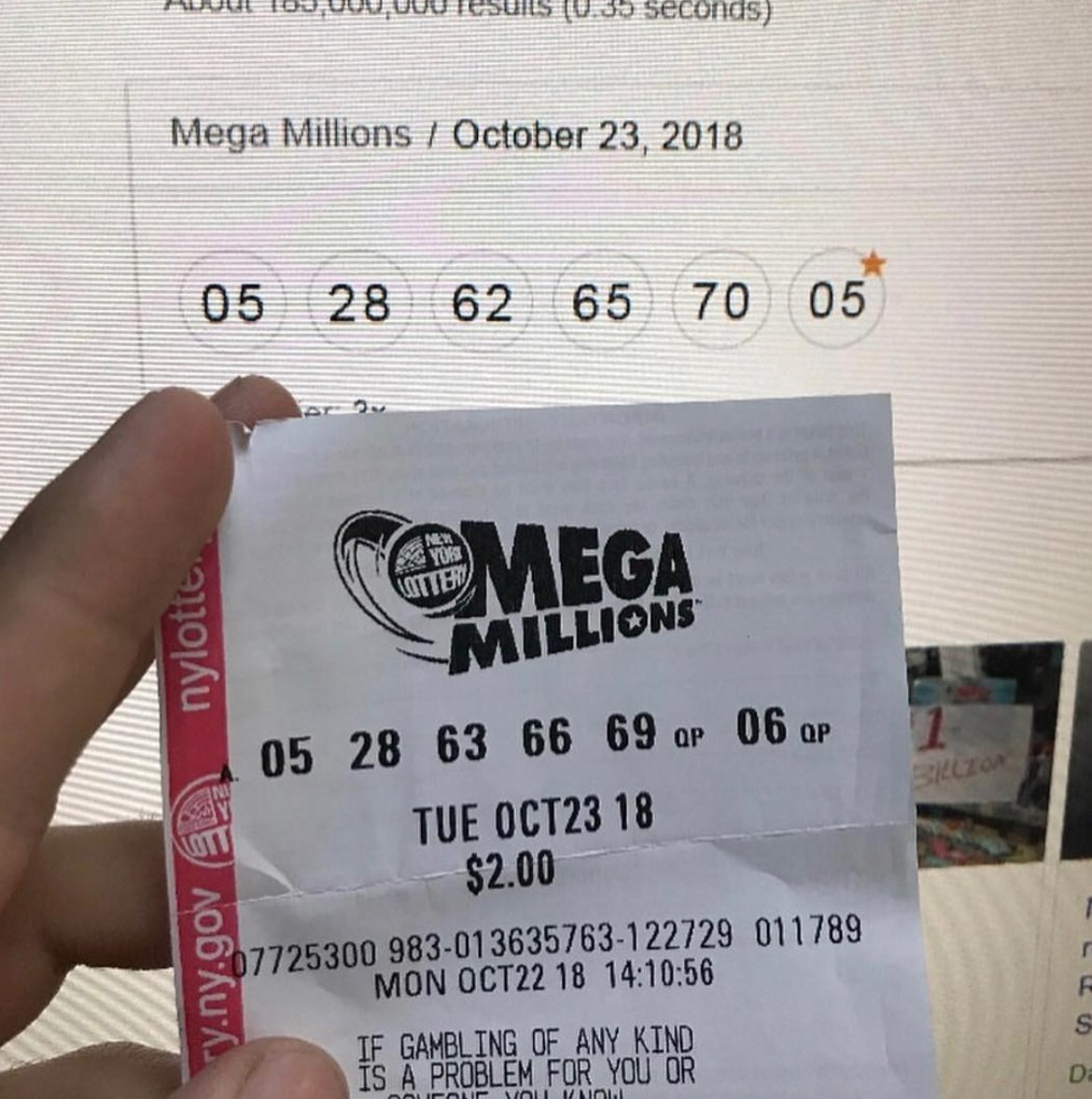
Winner was in south Carolina, they can remain ANON there and good idea that they do... Me won =0A-hem#NOPE
 Hell week and Heck week are behind you! Now just put the babe thread behind you and lemme pay you women back for hijacking boo's thread .... Good jobNope the threads like..... "its all connected" ?#NOPE
 I think this may just be the Sox year but as a mets fan i got to go with the original team , Brooklyn Dodgers. Its chilly on the east cost high 40's right now in NY and Bost ... Play Ball#NOPE Ciggs are very very bad
 I didnt want to do it, im gonna have to write an algo to respond on this thread now ?
Important Information
Account
Navigation
Search
Configure browser push notifications
Chrome (Android)
- Tap the lock icon next to the address bar.
- Tap Permissions → Notifications.
- Adjust your preference.
Chrome (Desktop)
- Click the padlock icon in the address bar.
- Select Site settings.
- Find Notifications and adjust your preference.
Safari (iOS 16.4+)
- Ensure the site is installed via Add to Home Screen.
- Open Settings App → Notifications.
- Find your app name and adjust your preference.
Safari (macOS)
- Go to Safari → Preferences.
- Click the Websites tab.
- Select Notifications in the sidebar.
- Find this website and adjust your preference.
Edge (Android)
- Tap the lock icon next to the address bar.
- Tap Permissions.
- Find Notifications and adjust your preference.
Edge (Desktop)
- Click the padlock icon in the address bar.
- Click Permissions for this site.
- Find Notifications and adjust your preference.
Firefox (Android)
- Go to Settings → Site permissions.
- Tap Notifications.
- Find this site in the list and adjust your preference.
Firefox (Desktop)
- Open Firefox Settings.
- Search for Notifications.
- Find this site in the list and adjust your preference.