- chicks or sticks - Part 2
-
Getting Off At The Next Station
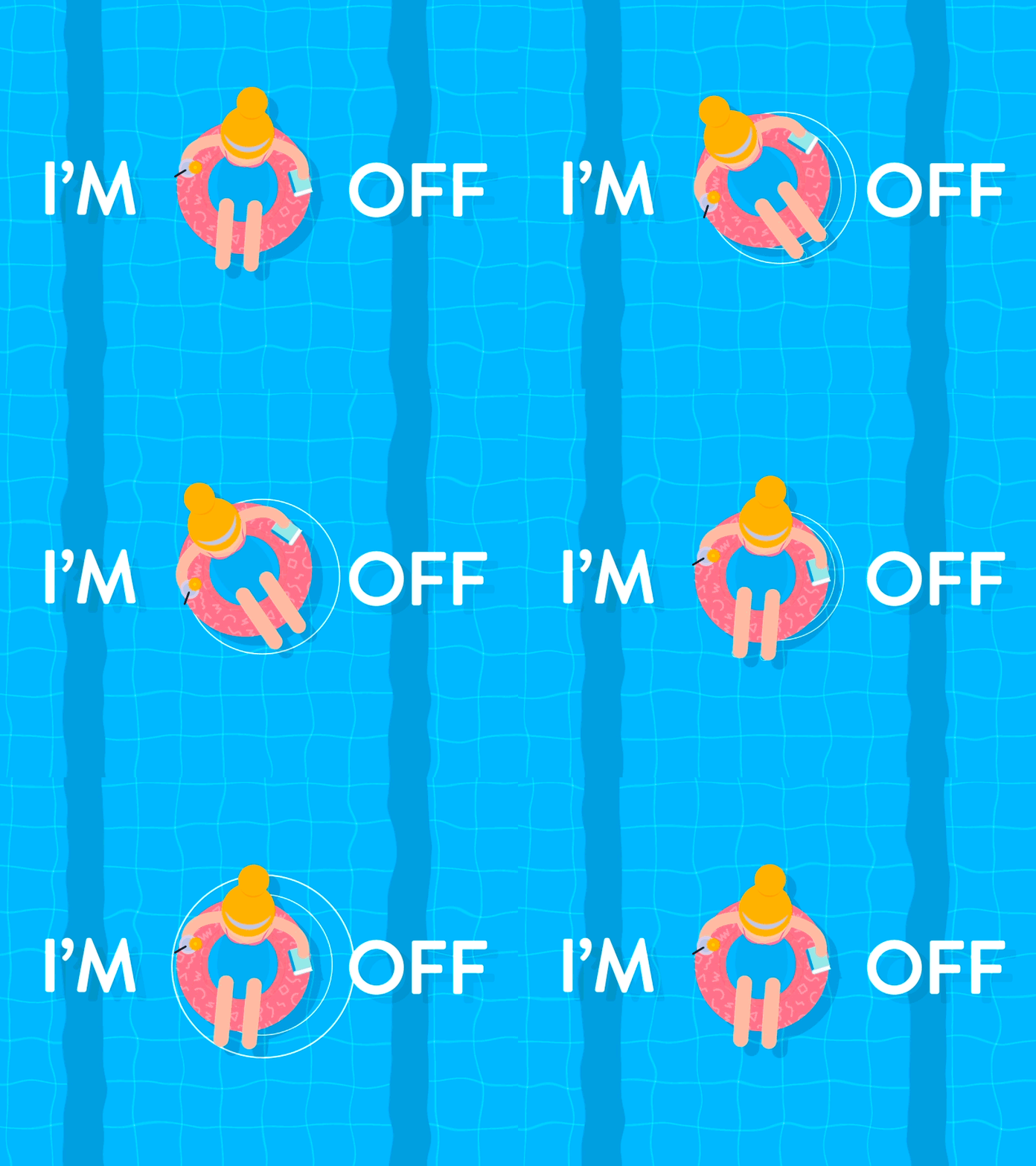
Hi Peeps I’m jumping off the Train for a week. Going on another Jolly Holiday Visiting Malta for some Sun, Sea and Wine Sticks …. No Cheating while I’m gone 🐸
- chicks or sticks - Part 2
- Back on the Crazy Train. Again. : (
- chicks or sticks - Part 2
-
GarryMHudson is 10 years smoke free!
-
chicks or sticks - Part 2
Where did Rip Van DN come from Sneaky devil 0
-
NEVER FORGET 9/11
The day the world changed My heart breaks when I try and watch the events of that day Sending love and prayers ❤️
- chicks or sticks - Part 2
- Know any funny jokes or quotes ..
Important Information
Account
Navigation
Search
Configure browser push notifications
Chrome (Android)
- Tap the lock icon next to the address bar.
- Tap Permissions → Notifications.
- Adjust your preference.
Chrome (Desktop)
- Click the padlock icon in the address bar.
- Select Site settings.
- Find Notifications and adjust your preference.
Safari (iOS 16.4+)
- Ensure the site is installed via Add to Home Screen.
- Open Settings App → Notifications.
- Find your app name and adjust your preference.
Safari (macOS)
- Go to Safari → Preferences.
- Click the Websites tab.
- Select Notifications in the sidebar.
- Find this website and adjust your preference.
Edge (Android)
- Tap the lock icon next to the address bar.
- Tap Permissions.
- Find Notifications and adjust your preference.
Edge (Desktop)
- Click the padlock icon in the address bar.
- Click Permissions for this site.
- Find Notifications and adjust your preference.
Firefox (Android)
- Go to Settings → Site permissions.
- Tap Notifications.
- Find this site in the list and adjust your preference.
Firefox (Desktop)
- Open Firefox Settings.
- Search for Notifications.
- Find this site in the list and adjust your preference.