



.jpg.a9e46c6cb2f18787e7dfc6d406814f59.jpg)
Rozuki
Members
-
Joined
-
Last visited
Everything posted by Rozuki
-
NOPE
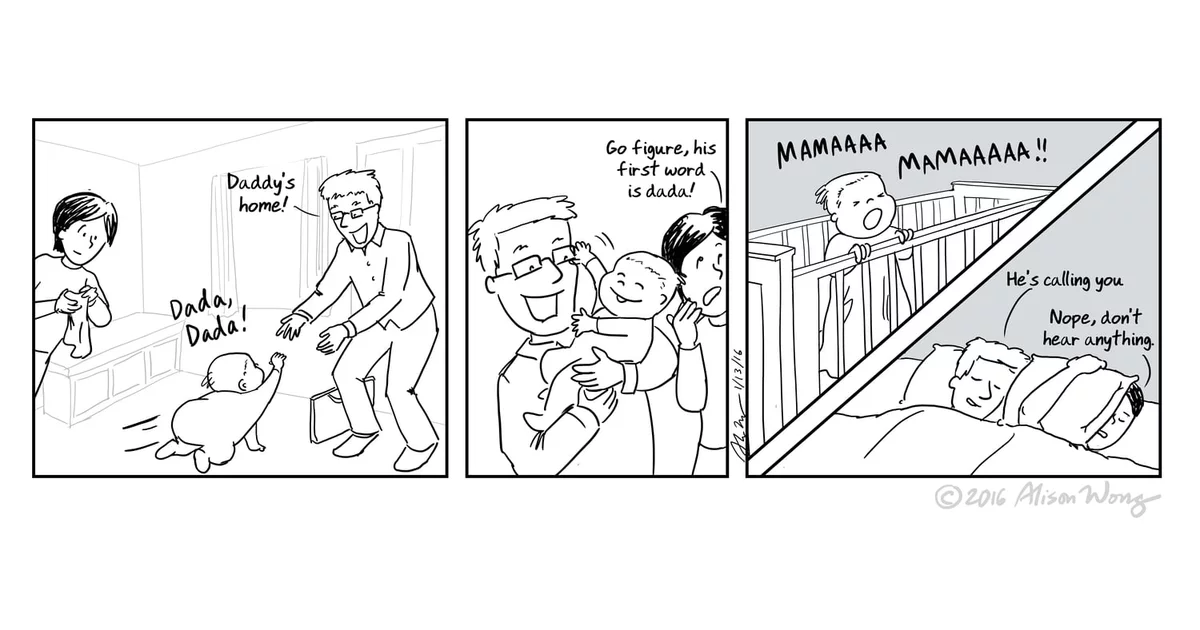 Congrats, Kazza1! Two years already! Good for you...celebrate big-time! KTQ!?NOPE
 NOPE
NOPE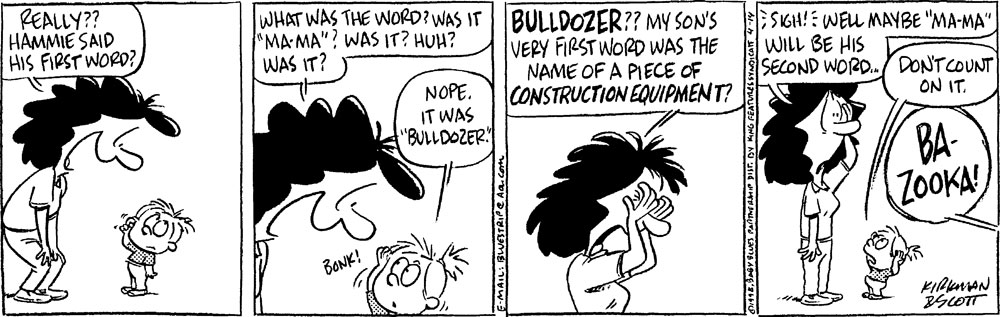 Congrats @ChRiSpY! Celebrate your 6 year milestone and KTQ! ?Congrats on 3 years quit, Wana! Celebrate the milestone and KTQ! ?NOPE
 NOPEomg....she is adorable, JimHannoonen! ?@Joe7- great minds think alike, right?
 Getting my "work clothes" ready! Going back to work bright and early tomorrow morning at 7:30 am....I have been out on sick leave since 4/18/18. My 3 months of cardiac rehab ended 12/28/18. Won't be there long, however...I put in my retirement paperwork last Friday....Jan 30th will be my last day at work!!! It has been quite a journey since the day I quit smoking almost 2 years ago! Wish me luck! ?NOPE^^ Yes, yes, yes....that was me also! Although I would sit on my front patio! ? It was difficult for me that first spring and summer of my 2017 Quit but I worked through it gradually and before I knew it the trigger was gone!!!^^I almost posted that image too, Joe7! Changed my mind at last minute and now have to go find one for 2559!
.thumb.jpg.e5a96502c15b934599b4a498e2701635.jpg)










Important Information
Account
Navigation
Search
Configure browser push notifications
Chrome (Android)
- Tap the lock icon next to the address bar.
- Tap Permissions → Notifications.
- Adjust your preference.
Chrome (Desktop)
- Click the padlock icon in the address bar.
- Select Site settings.
- Find Notifications and adjust your preference.
Safari (iOS 16.4+)
- Ensure the site is installed via Add to Home Screen.
- Open Settings App → Notifications.
- Find your app name and adjust your preference.
Safari (macOS)
- Go to Safari → Preferences.
- Click the Websites tab.
- Select Notifications in the sidebar.
- Find this website and adjust your preference.
Edge (Android)
- Tap the lock icon next to the address bar.
- Tap Permissions.
- Find Notifications and adjust your preference.
Edge (Desktop)
- Click the padlock icon in the address bar.
- Click Permissions for this site.
- Find Notifications and adjust your preference.
Firefox (Android)
- Go to Settings → Site permissions.
- Tap Notifications.
- Find this site in the list and adjust your preference.
Firefox (Desktop)
- Open Firefox Settings.
- Search for Notifications.
- Find this site in the list and adjust your preference.