



.jpg.a9e46c6cb2f18787e7dfc6d406814f59.jpg)
Rozuki
Members
-
Joined
-
Last visited
Everything posted by Rozuki
-
NOPE
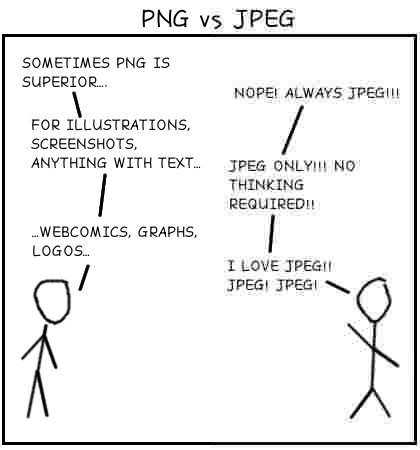 NOPE...NOPEeverything or nothingNOPE
 ? Oh, boy, Saz, it's cold enough! Only 6 degrees this morning.....glad I didn't have to leave my house!NOPE
 Reci, congrats on achieving the 2 yr milestone! I am following in your little piggy footsteps...!I am now officially a "Retiree"! After all the health-related issues I have experienced in the last 2 years.....I got to go out on my terms....and as an ex-smoker! Whew...now what to do with all the boxes I dragged home from work and piled in my garage. ?Reci, congrats on achieving the 2 yr milestone! I am following in your little piggy footsteps...!Fabulous insights, MLMR.....this especially resonated with me "Amidst all this, I have a little glint about keeping my quit. Because really, nobody is taking this away from me. I will fight for it, no matter what." You are a warrior woman, that is for sure.....so proud of you!NOPE not on my last day of employment! Proud owner of this mug!
 NOPE....not on my Retirement Cake Day!
Important Information
.thumb.jpg.e5a96502c15b934599b4a498e2701635.jpg)














Account
Navigation
Search
Configure browser push notifications
Chrome (Android)
- Tap the lock icon next to the address bar.
- Tap Permissions → Notifications.
- Adjust your preference.
Chrome (Desktop)
- Click the padlock icon in the address bar.
- Select Site settings.
- Find Notifications and adjust your preference.
Safari (iOS 16.4+)
- Ensure the site is installed via Add to Home Screen.
- Open Settings App → Notifications.
- Find your app name and adjust your preference.
Safari (macOS)
- Go to Safari → Preferences.
- Click the Websites tab.
- Select Notifications in the sidebar.
- Find this website and adjust your preference.
Edge (Android)
- Tap the lock icon next to the address bar.
- Tap Permissions.
- Find Notifications and adjust your preference.
Edge (Desktop)
- Click the padlock icon in the address bar.
- Click Permissions for this site.
- Find Notifications and adjust your preference.
Firefox (Android)
- Go to Settings → Site permissions.
- Tap Notifications.
- Find this site in the list and adjust your preference.
Firefox (Desktop)
- Open Firefox Settings.
- Search for Notifications.
- Find this site in the list and adjust your preference.