



.jpg.a9e46c6cb2f18787e7dfc6d406814f59.jpg)
Rozuki
Members
-
Joined
-
Last visited
Everything posted by Rozuki
-
NOPE
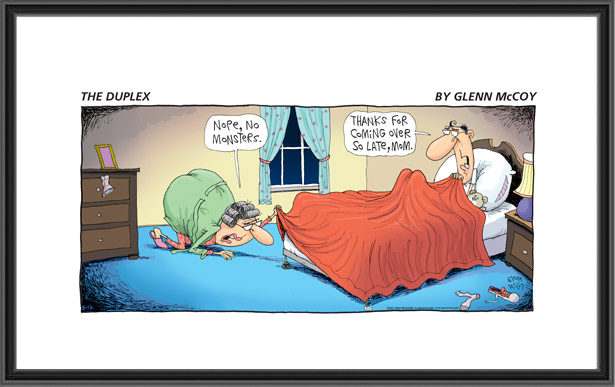 NOPELOL...Guilty, Jane! Actually I have had some people/kids here a few times.....some coming tomorrow, in fact, as we are still in midst of awful heat wave here....so was just out there cleaning up again! Mind you, I cannot even go in pool this summer as I am still recovering from CABGx3 surgery..and I probably shouldn't even be exerting myself over this damn pool....but I take it slow and hope for the best! If I haven't sold this house by next summer....major pool party for all! ?NOPE
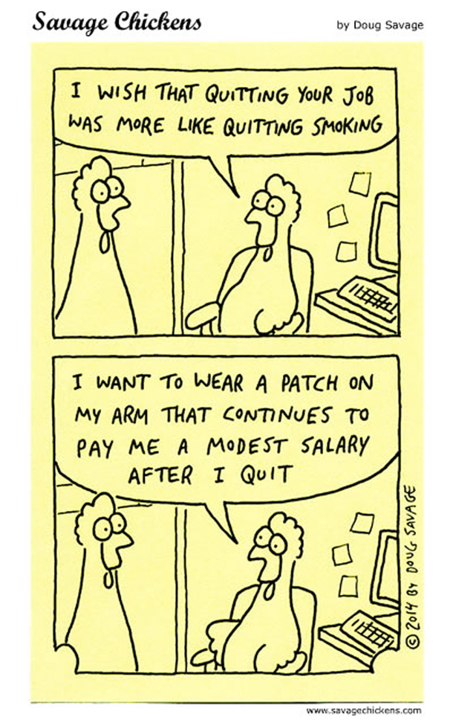 Congrats, JoJo! Nine months is super!! Seems like only yesterday...right??? ? Celebrate your accomplishment and KTQ!11:45pm - Just finished doing pool maintenance as it has been too damn hot here the last two days to do anything during the day! The "RealFeel" according to AccuWeather was 105 degrees today!!!! One more day of this heat wave here and temp supposed to drop 15 degrees...??NOPE
 A Jimmy Buffet Morkie!
 I am headed to a seafood / music festival down by the shore for a few hours and then off to the last beach mass of the summer being held in Long Beach, NY! ??️?Then it's off to a local diner, of course! ?NOPE
Important Information
.thumb.jpg.e5a96502c15b934599b4a498e2701635.jpg)














Account
Navigation
Search
Configure browser push notifications
Chrome (Android)
- Tap the lock icon next to the address bar.
- Tap Permissions → Notifications.
- Adjust your preference.
Chrome (Desktop)
- Click the padlock icon in the address bar.
- Select Site settings.
- Find Notifications and adjust your preference.
Safari (iOS 16.4+)
- Ensure the site is installed via Add to Home Screen.
- Open Settings App → Notifications.
- Find your app name and adjust your preference.
Safari (macOS)
- Go to Safari → Preferences.
- Click the Websites tab.
- Select Notifications in the sidebar.
- Find this website and adjust your preference.
Edge (Android)
- Tap the lock icon next to the address bar.
- Tap Permissions.
- Find Notifications and adjust your preference.
Edge (Desktop)
- Click the padlock icon in the address bar.
- Click Permissions for this site.
- Find Notifications and adjust your preference.
Firefox (Android)
- Go to Settings → Site permissions.
- Tap Notifications.
- Find this site in the list and adjust your preference.
Firefox (Desktop)
- Open Firefox Settings.
- Search for Notifications.
- Find this site in the list and adjust your preference.