




Reciprocity
Members
-
Joined
-
Last visited
Everything posted by Reciprocity
-
-
Nope!
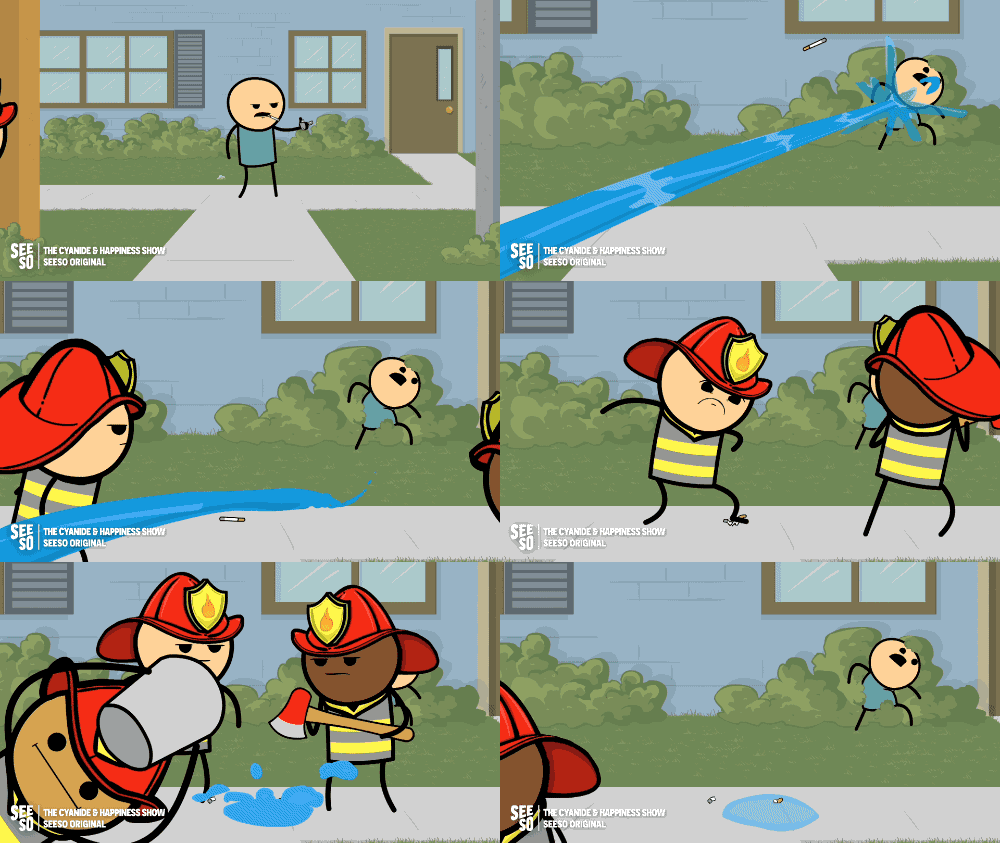
-
-
Nope!
 Nope!We only got a couple of centimeters (barey an inch if that) here in southern Canada but we are getting hit with plunging temps tonight; -22C overnight so yeah, I'm done with winter as well! Only another month or so to go and there'll likely be some above freezing days in there too so spring is within reach 🙏 Overall, this winter's been a bad one for sure. More snow & more excessively cold days & nights than we normally get. There was a stretch between Jan. - Feb. where the daily high temps were in the minus double digits for almost 30 day in a row. Been hibernating mostly this winter 🥶Nope!
 Nope! Enough already!!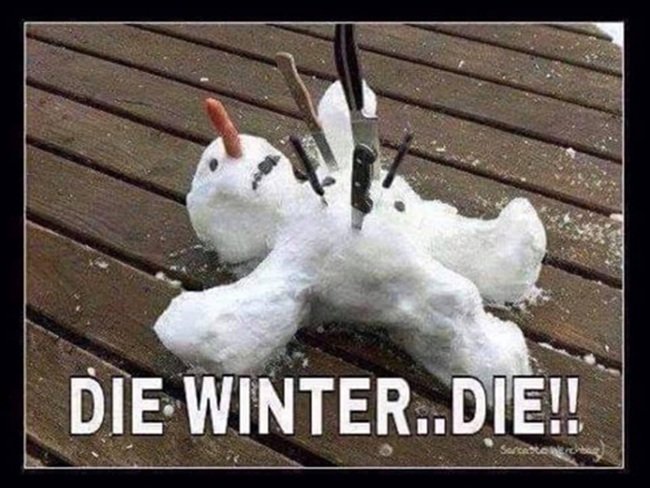












Important Information
Account
Navigation
Search
Configure browser push notifications
Chrome (Android)
- Tap the lock icon next to the address bar.
- Tap Permissions → Notifications.
- Adjust your preference.
Chrome (Desktop)
- Click the padlock icon in the address bar.
- Select Site settings.
- Find Notifications and adjust your preference.
Safari (iOS 16.4+)
- Ensure the site is installed via Add to Home Screen.
- Open Settings App → Notifications.
- Find your app name and adjust your preference.
Safari (macOS)
- Go to Safari → Preferences.
- Click the Websites tab.
- Select Notifications in the sidebar.
- Find this website and adjust your preference.
Edge (Android)
- Tap the lock icon next to the address bar.
- Tap Permissions.
- Find Notifications and adjust your preference.
Edge (Desktop)
- Click the padlock icon in the address bar.
- Click Permissions for this site.
- Find Notifications and adjust your preference.
Firefox (Android)
- Go to Settings → Site permissions.
- Tap Notifications.
- Find this site in the list and adjust your preference.
Firefox (Desktop)
- Open Firefox Settings.
- Search for Notifications.
- Find this site in the list and adjust your preference.