Leaderboard
-

Reciprocity
Members12Points21890Posts -
johnny5
Members8Points9124Posts -
Cbdave
Members8Points7539Posts -

catlover
Members7Points11271Posts




Popular Content
Showing content with the highest reputation on 06/15/26 in all areas
-
6 points
-
6 points
-
5 points
-
5 points5 points5 points5 points5 pointsNope! New London Lighthouse: French River Bay, Prince Edward Island; Canada
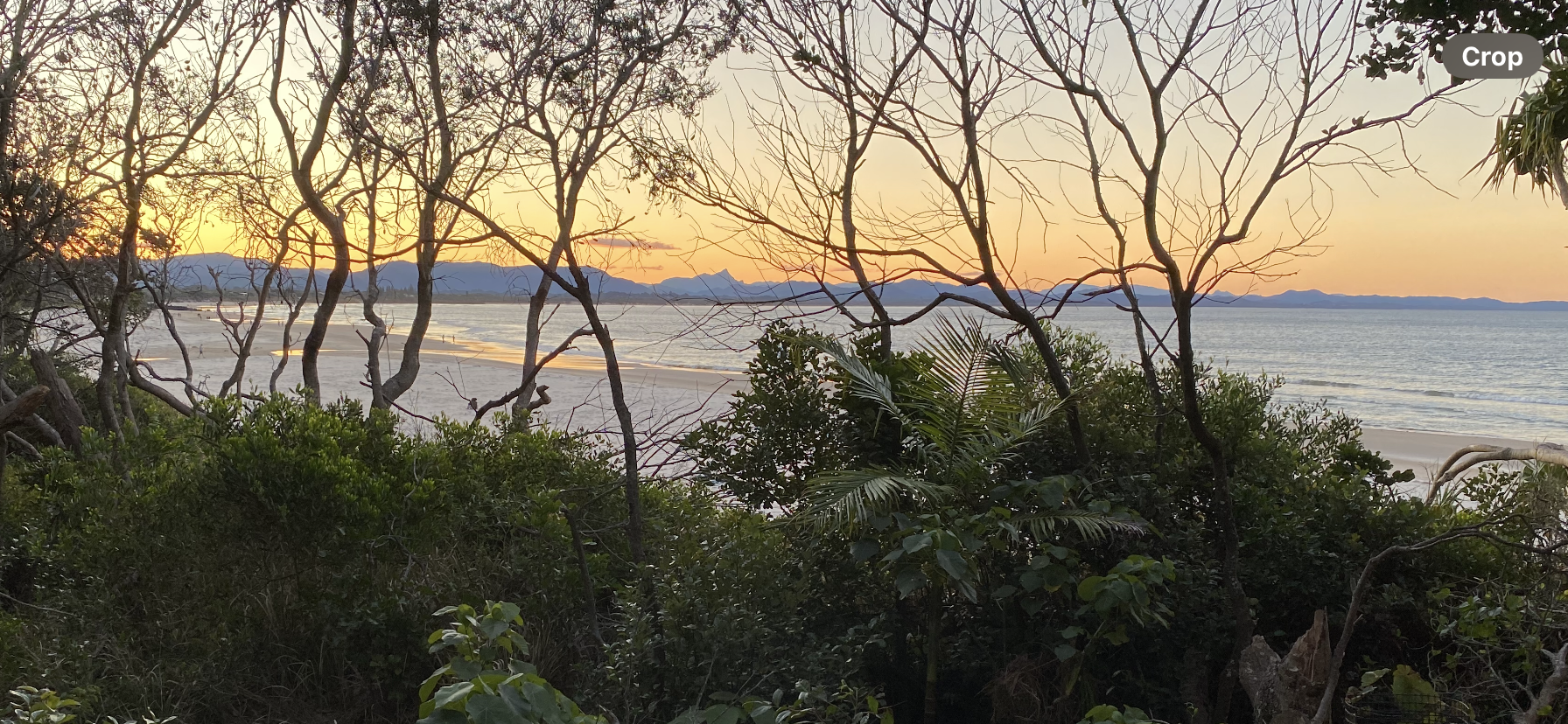
 5 points4 points4 points4 points3 points3 points3 points3 points3 points3 pointsOne of my favourite places when we visited Oz, lots of good eateries too, would love a place there. Also loved Wilson’s Prom.3 points3 points3 points3 points2 points2 pointsNopin from the mountains until Tuesday night. The cravings have been fairly light since I've been here. Got rid of all remnants of smoking. The fireplace in the gazebo had lots of buts so burned a monster fire 1st night. Then cleaned the ash pile and dumped it.2 points2 points2 points2 points1 point1 point1 point@Stewbum and @Pilgrim You will get through it because the longer you don't smoke, the more the withdrawal will go away.👍 If I can quit, anyone can! The only thing that will take it away is not smoking and time. I remember how impatient I was because I wanted the cravings to go away on Day 1, but unfortunately it doesn't work that way. Just keep doing what you are doing and you both will succeed. 💪1 pointThis leaderboard is set to New York/GMT-04:00



.thumb.jpg.7b1999cedf8cea3fb23ae42d3ba44980.jpg)