Leaderboard
-

Reciprocity
Members18Points21882Posts -
SD2026
Members16Points2067Posts -
Cbdave
Members13Points7531Posts -
Doreensfree
Moderators12Points35839Posts




Popular Content
Showing content with the highest reputation on 03/28/26 in Posts
-
6 points
-
6 points
-
6 points
-
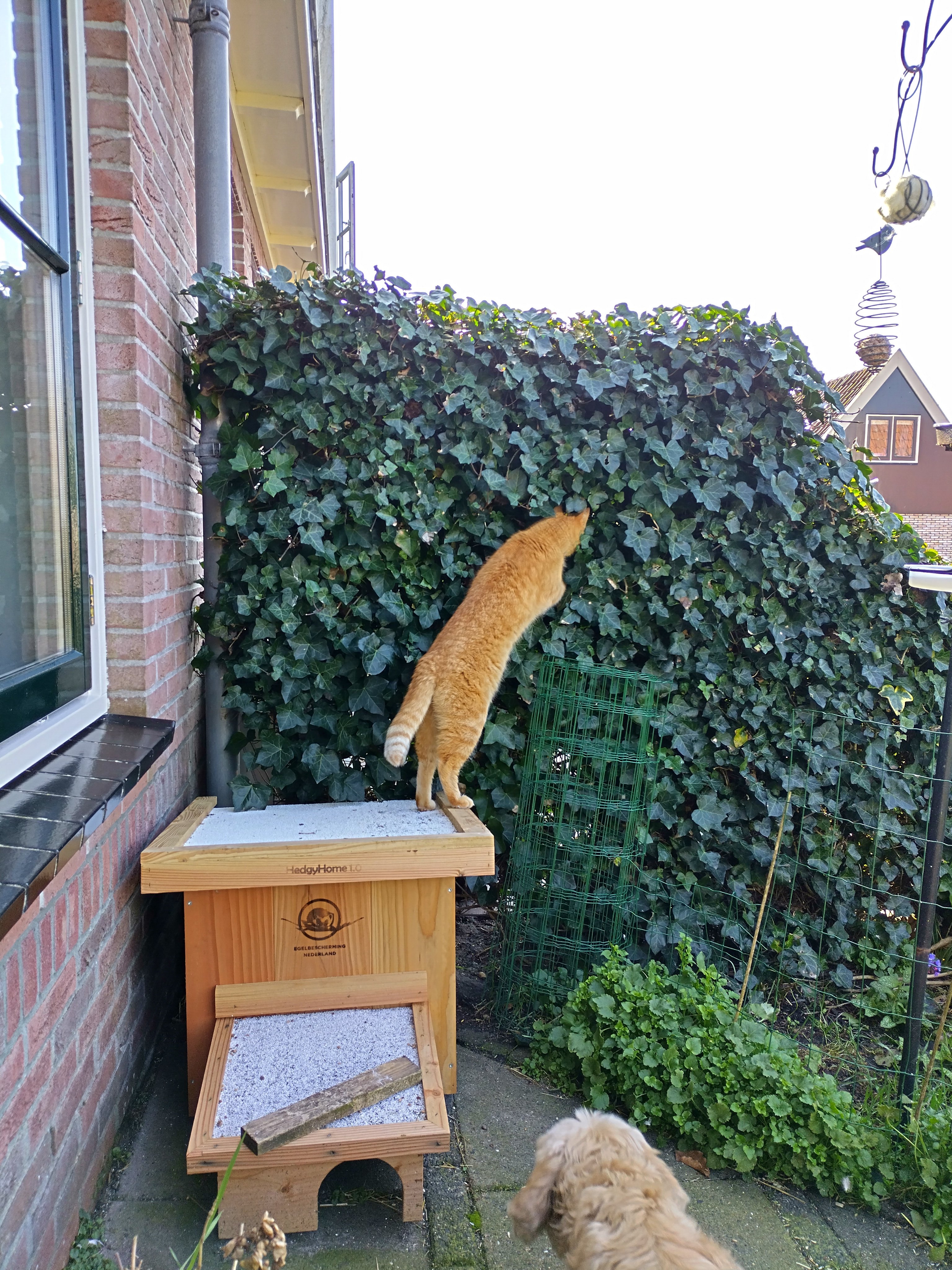
6 points6 points6 points6 points5 points5 points5 points5 points5 points5 points5 points4 points4 points4 points4 points4 points4 points3 points3 points3 points3 points3 points3 points3 points3 points3 points3 points3 points2 points2 points2 points2 points2 points2 points2 points2 points2 points2 points1 point1 pointMy dog is supposed to chase cats out of the garden, but I choose the wrong dog. He is good with/bit afraid of cats. 🤭.1 point1 pointThey're so nosy! 😆 My cat likes to sit on the wall antagonising neighbour's little dog, it's so annoying as it means their dog yaps until she gets bored lol Yeah they really don't like it! I do it on purpose as punishment if woken too early 😇1 point1 point1 point1 point1 point1 point1 point1 point1 point1 point1 point1 point1 point1 point1 pointThanks you all for the encouragement you provide to new and old quitters it's much appreciated. If I can do it then anyone who really wants to quit can too.1 pointThis leaderboard is set to New York/GMT-04:00
Important Information
Account
Navigation
Search
Configure browser push notifications
Chrome (Android)
- Tap the lock icon next to the address bar.
- Tap Permissions → Notifications.
- Adjust your preference.
Chrome (Desktop)
- Click the padlock icon in the address bar.
- Select Site settings.
- Find Notifications and adjust your preference.
Safari (iOS 16.4+)
- Ensure the site is installed via Add to Home Screen.
- Open Settings App → Notifications.
- Find your app name and adjust your preference.
Safari (macOS)
- Go to Safari → Preferences.
- Click the Websites tab.
- Select Notifications in the sidebar.
- Find this website and adjust your preference.
Edge (Android)
- Tap the lock icon next to the address bar.
- Tap Permissions.
- Find Notifications and adjust your preference.
Edge (Desktop)
- Click the padlock icon in the address bar.
- Click Permissions for this site.
- Find Notifications and adjust your preference.
Firefox (Android)
- Go to Settings → Site permissions.
- Tap Notifications.
- Find this site in the list and adjust your preference.
Firefox (Desktop)
- Open Firefox Settings.
- Search for Notifications.
- Find this site in the list and adjust your preference.


.thumb.jpg.7b1999cedf8cea3fb23ae42d3ba44980.jpg)