


Leaderboard
-
.jpg.9fa8fa4c0312506b2d2ed55eb93d50c2.jpg)
Genecanuck
Members15Points724Posts -
Hope2Nope
Members10Points3567Posts -

QuittingGirl
Moderators8Points8551Posts -
johnny5
Members8Points9171Posts




Popular Content
Showing content with the highest reputation on 12/06/24 in all areas
-
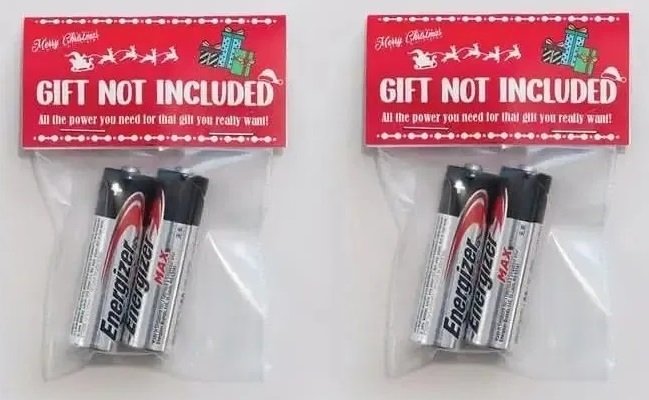
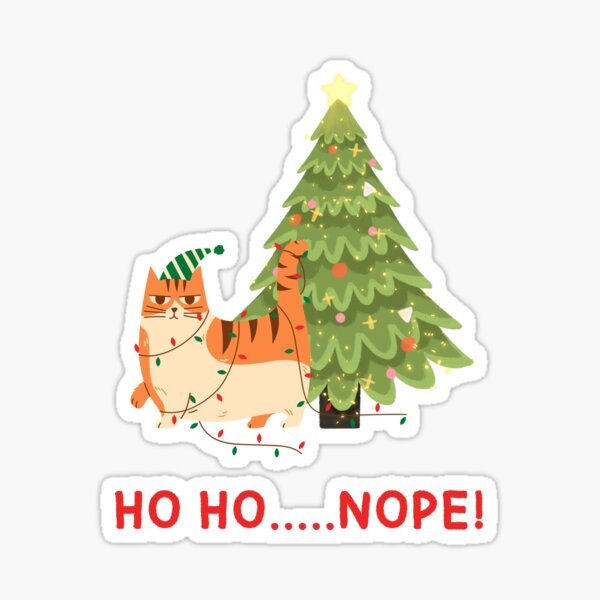
7 points7 points6 points6 points6 points6 points5 points5 points5 points5 points5 points4 points4 points4 points4 points4 points3 points3 pointsTired of trying to figure out what sh*t to buy people for Christmas every year? Here's the answer!
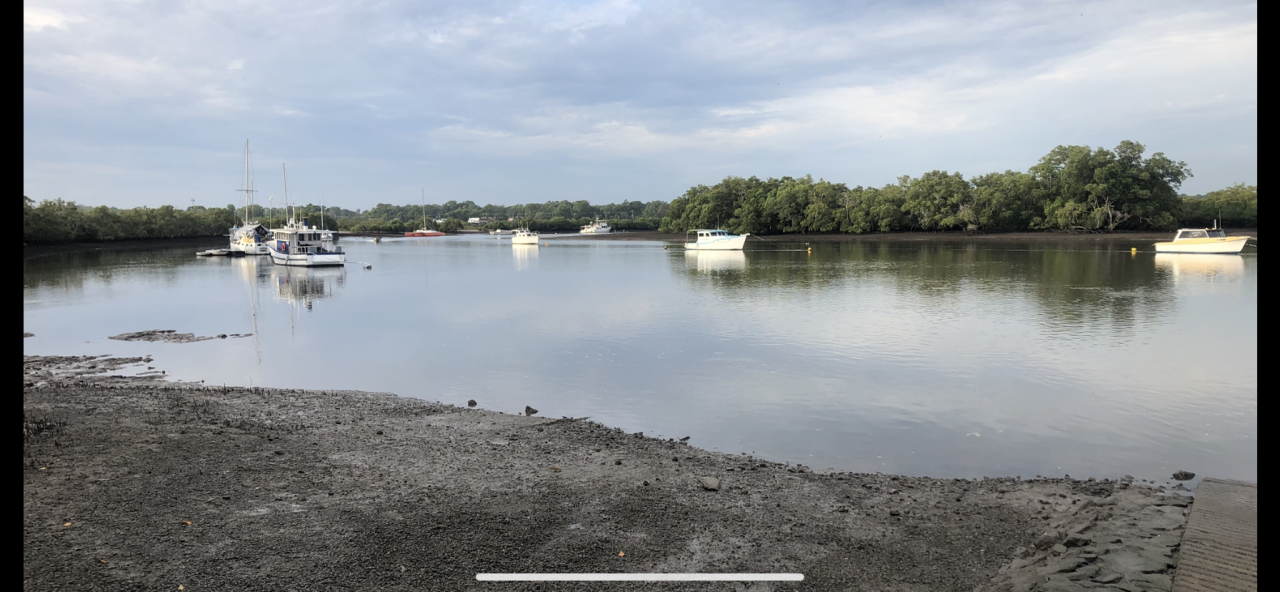
 3 points3 pointsG’day NOPE .....Not One Puff Ever.... (replace Ever with Min,Hour, Day as required.)
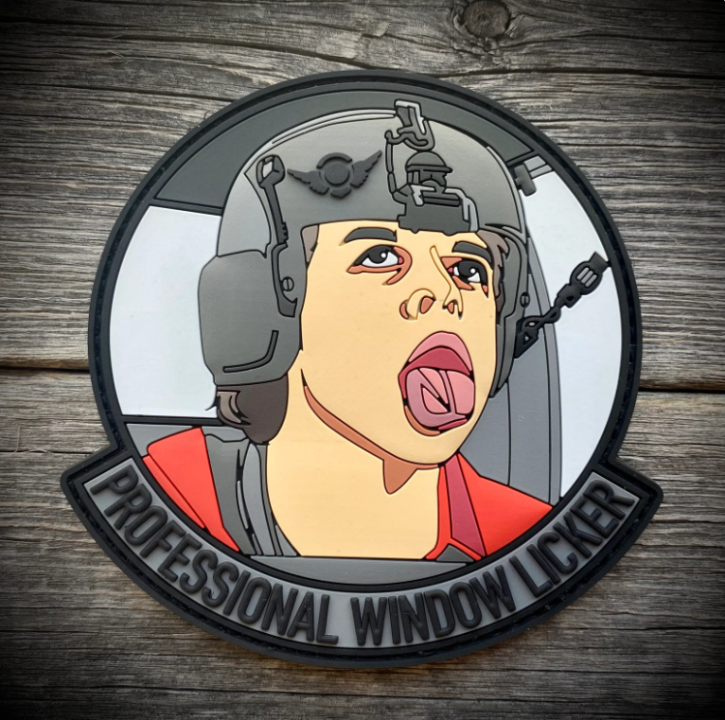
 3 points2 pointsHey, its another Friday and that time again for all of you special window lickers to pat yourself on the back for another smoke free week. So who is a certified professional window licker this week?
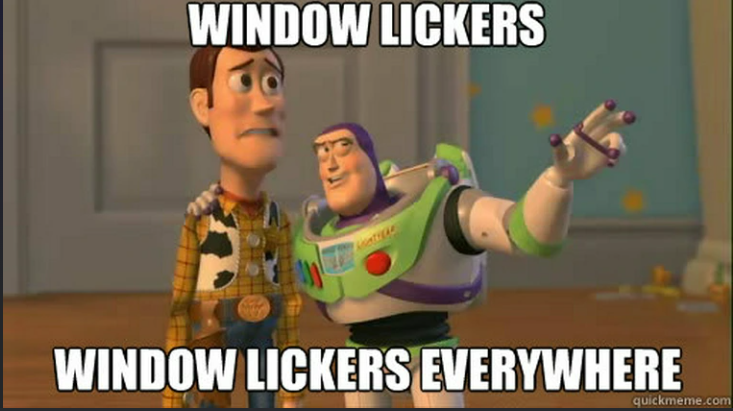 2 points2 points2 pointsWell done G another smoke free week done and dusted I’m still with you 🐸
 1 pointGood morning, Went swimming yesterday and going to an appointment with a personal trainer today.
 1 point1 point1 point1 point1 point1 pointHey, its another Friday and that time again for all of you special window lickers to pat yourself on the back for another smoke free week. So who is a certified professional window licker this week?
 1 pointGood morning. I have decided to start working out again. I was going to the gym pre-covid and I stopped going. I hired a personal trainer and had my first session with him on Tuesday. Not making any grandiose plans, but my modest goal is to show up for weekly personal training sessions, start to swim at least once a week and start to eat healthy snacks in the evening. One more step along the road I go!:) Gene1 pointThis leaderboard is set to New York/GMT-04:00

















Important Information
Account
Navigation
Search
Configure browser push notifications
Chrome (Android)
- Tap the lock icon next to the address bar.
- Tap Permissions → Notifications.
- Adjust your preference.
Chrome (Desktop)
- Click the padlock icon in the address bar.
- Select Site settings.
- Find Notifications and adjust your preference.
Safari (iOS 16.4+)
- Ensure the site is installed via Add to Home Screen.
- Open Settings App → Notifications.
- Find your app name and adjust your preference.
Safari (macOS)
- Go to Safari → Preferences.
- Click the Websites tab.
- Select Notifications in the sidebar.
- Find this website and adjust your preference.
Edge (Android)
- Tap the lock icon next to the address bar.
- Tap Permissions.
- Find Notifications and adjust your preference.
Edge (Desktop)
- Click the padlock icon in the address bar.
- Click Permissions for this site.
- Find Notifications and adjust your preference.
Firefox (Android)
- Go to Settings → Site permissions.
- Tap Notifications.
- Find this site in the list and adjust your preference.
Firefox (Desktop)
- Open Firefox Settings.
- Search for Notifications.
- Find this site in the list and adjust your preference.