Leanna
Members
-
Joined
-
Last visited
-
-
-
-
Congrats on your two month quit @overcome! That's huge! 👏
-
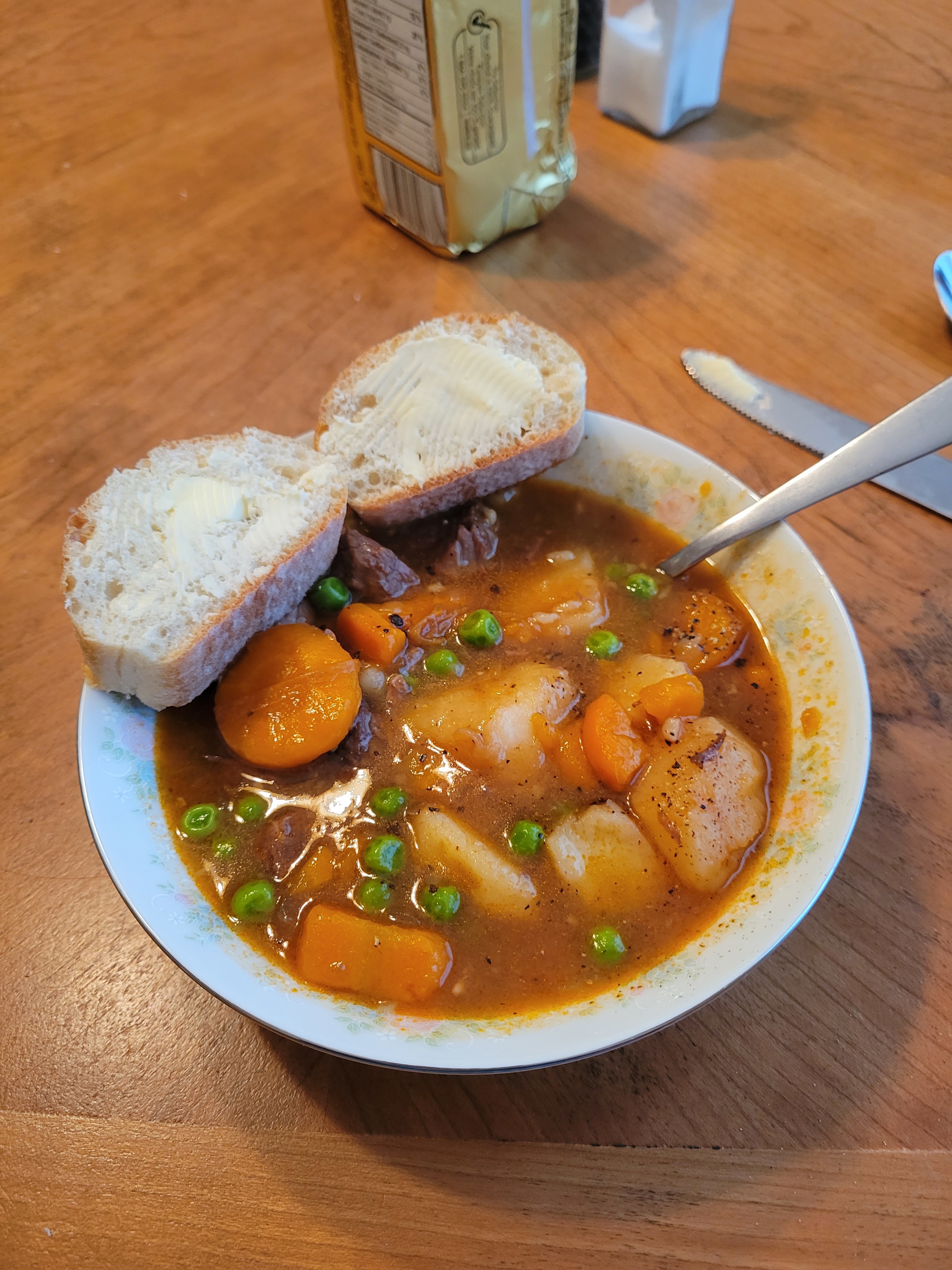
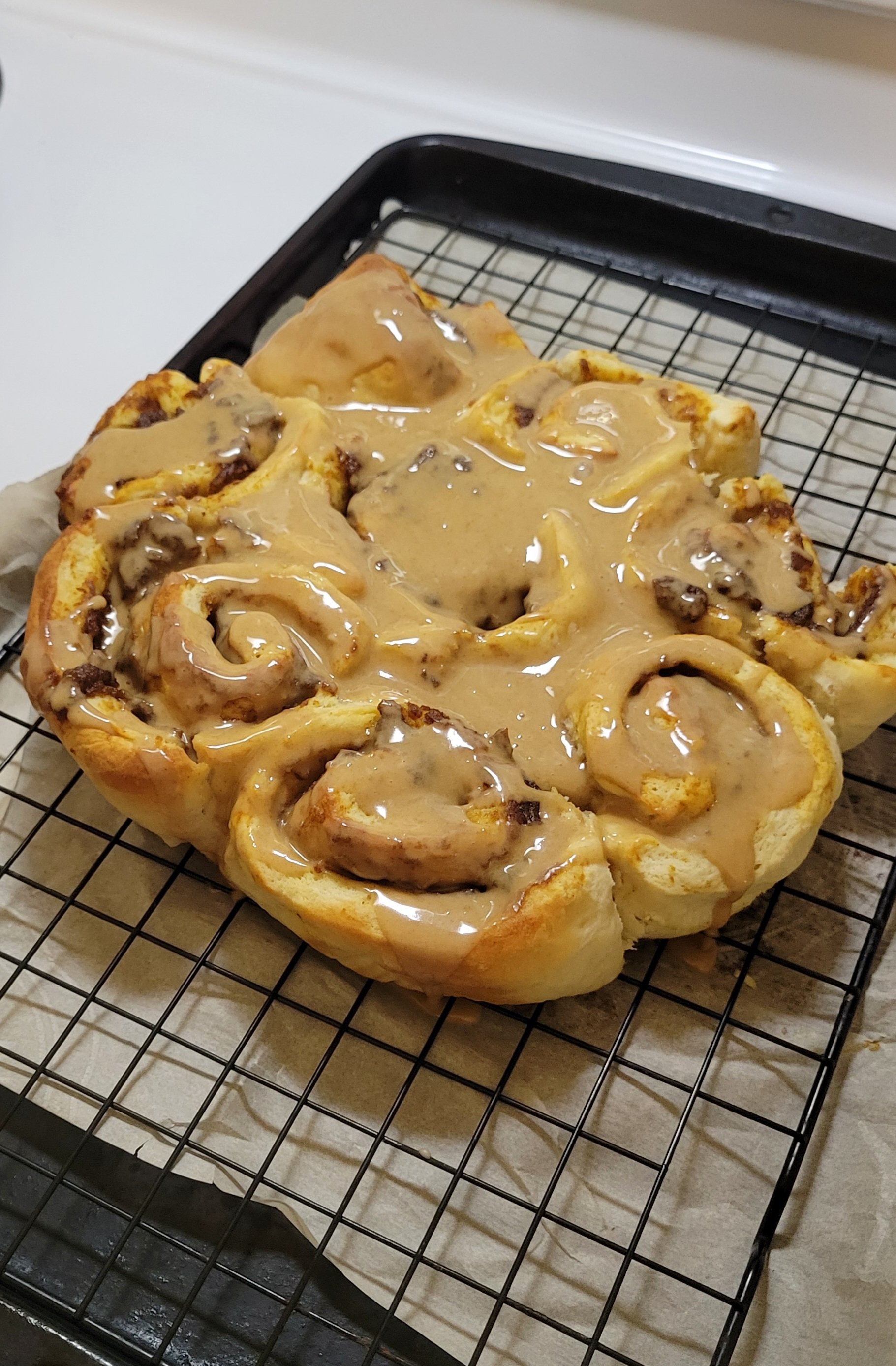
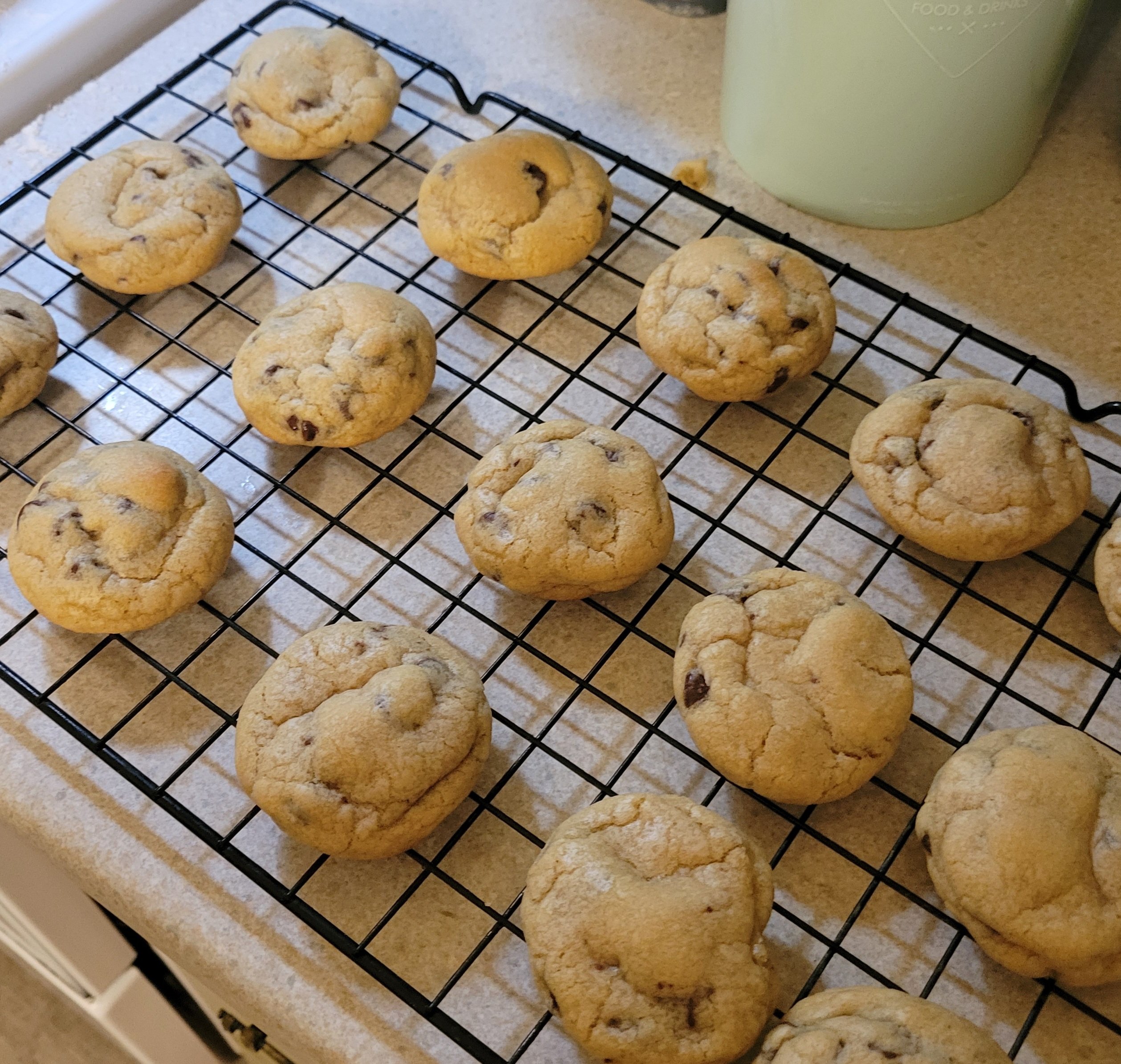
Food/baking over the last few days. Beef stew Pumpkin Spice Latte Cinnamon Rolls (I'm basic) Cookies
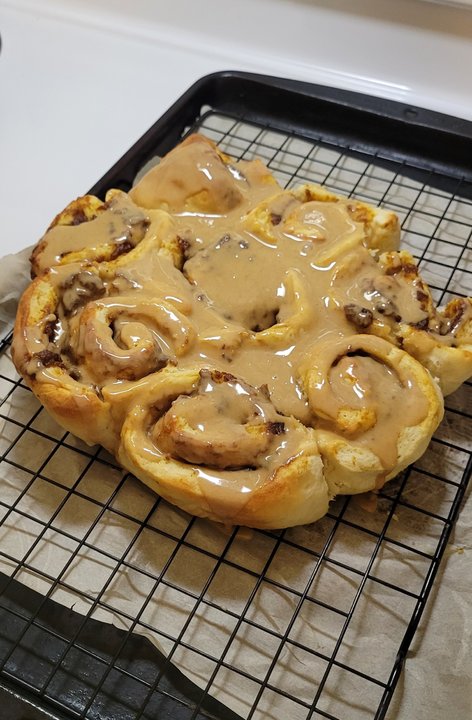
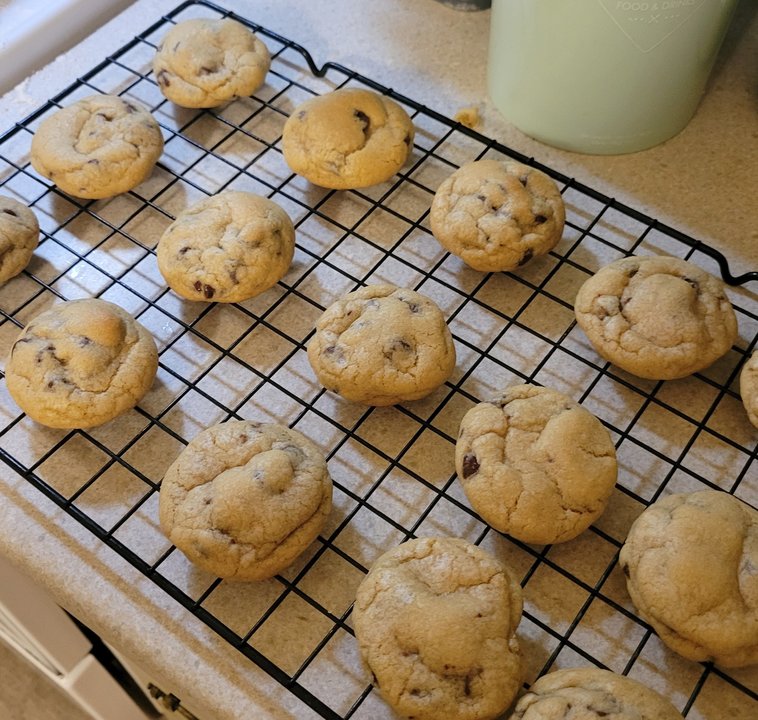
-
I just finished baking cookies and packing my kid's lunch for school tomorrow. Now I'm trying to stay awake long enough to finish a book. Whoever said adulting was fun must have been on something, lol. 😴
-
Oh. My brain was trying to make it more complicated than that 😅Can someone remind me how to post actual YouTube videos? It's been a while, lolTeenage Dirtbag This has been stuck in my head.I'm currently reading Anxious People by Frederik Backman. I recently borrowed Turtles All The Way Down by John Green. I purchased Animal Farm, 1984, and The Day of the Triffids because I'm trying to read more dystopia fiction. I've already read Animal Farm, but it has been years. I started reading Catherine House, but probably going to abandon that one.Happy belated 9th anniversary Doreen! I hope you had a wonderful day and celebration!! 🍷🥳Thank you everyone! I forgot 😅Good luck with everything Boo, and thank you for letting us know. I look forward to reading your birth announcement - congrats on your baby girl! Stay safe and see you soon