Skip to content
View in the app

A better way to browse. Learn more.

Quit Train, A Quit Smoking Support Community

A full-screen app on your home screen with push notifications, badges and more.

To install this app on iOS and iPadOS
  1. Tap the Share icon in Safari
  2. Scroll the menu and tap Add to Home Screen.
  3. Tap Add in the top-right corner.
To install this app on Android
  1. Tap the 3-dot menu (⋮) in the top-right corner of the browser.
  2. Tap Add to Home screen or Install app.
  3. Confirm by tapping Install.

WeegieWoman

Members
  • Joined

  • Last visited

Everything posted by WeegieWoman

  1. WeegieWoman replied to Jimmyss's topic in Games
    True :-) TNP has done Saturday Night by Whigfield

  2. WeegieWoman replied to Jimmyss's topic in Games
    False, sorry jo. TNP has danced the Gay Gordons
  3. Omit daft yanks
  4. Would double sided tape be a bit gentler?
  5. He's not very handy
  6. Handbags at dawn
  7. I'm living hand to mouth
  8. Put your hands up
  9. Do you want me to give you a hand
  10. She has man hands
  11. Monday metafit followed by yoga coming up
  12. Are you a man or a mouse
  13. You are a poor excuse of a man
  14. That is a piss poor excuse
  15. WeegieWoman replied to Colleen's topic in Games
    Japanese sake
  16. Excuse me
  17. Excuse the hat hair
  18. If you manage to do it I'll eat my hat
  19. WeegieWoman replied to Colleen's topic in Games
    Oh i love it with chips, but no one else I know does! Please try it lol it's amazing! Hmmm with either thin or flat noodles. Beach holiday or city break
  20. Why not sangria? Lots of fruit and wine to boot Let's have a party ?

  21. It needs glade
  22. WeegieWoman replied to Colleen's topic in Games
    With onions! Chilli con carne with Rice or chips (fries)
  23. WeegieWoman replied to Tink's topic in Games
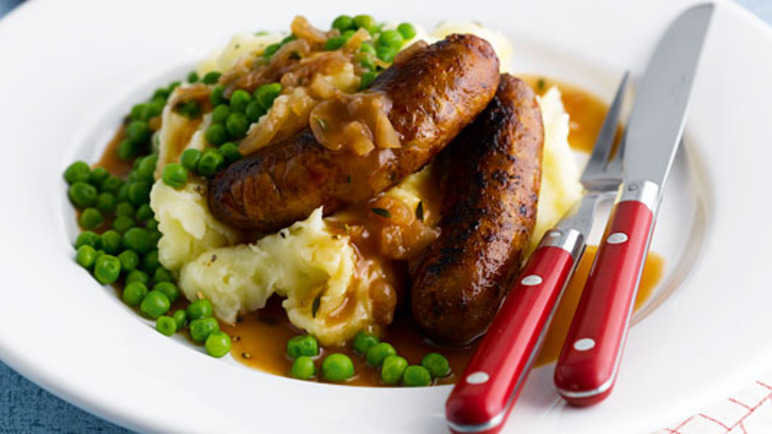
    Sausage and mash
  24. Shiver me timbers

Account

Navigation

Search

Search

Configure browser push notifications

Chrome (Android)
  1. Tap the lock icon next to the address bar.
  2. Tap Permissions → Notifications.
  3. Adjust your preference.
Chrome (Desktop)
  1. Click the padlock icon in the address bar.
  2. Select Site settings.
  3. Find Notifications and adjust your preference.