



.jpg.a9e46c6cb2f18787e7dfc6d406814f59.jpg)
Rozuki
Members
-
Joined
-
Last visited
Everything posted by Rozuki
-
-
-
Welcome aboard, Solo! Congrats on quitting the poison sticks! As a member of the 40+ year smoker club, I can vouch for what you are experiencing right now! You will find so much information here to help understand what you are going through and get you through these early days! Read, read, read and participate...as Saz stated above, knowledge is SO powerful against addiction. One day at a time! 😎
-
Congrats, Marti! Celebrate that 5 year milestone...it's fabulous! Cheers and KTQ! 😎
-
NOPE
-
It was fun, Linda! I find Applebee's to be hit or miss when it comes to the food....but that night it was pretty good! I have one glass of cabernet sauvignon or pinot noir as I am not much of a drinker anymore, either! 😎NOPE
 Off to a local Applebee's to meet up with some work friends (we are all recently retired!)…😎NOPE
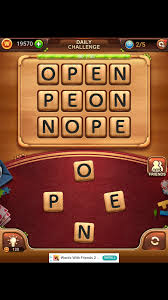 Congrats!NOPE
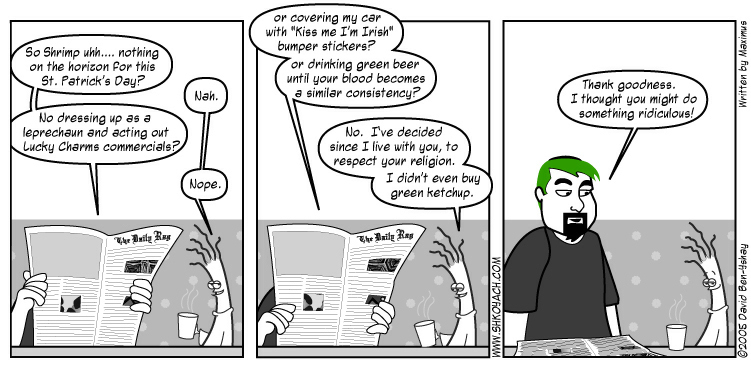 NOPECongrats, Abby! Bazinga!
.thumb.jpg.e5a96502c15b934599b4a498e2701635.jpg)














Important Information
Account
Navigation
Search
Configure browser push notifications
Chrome (Android)
- Tap the lock icon next to the address bar.
- Tap Permissions → Notifications.
- Adjust your preference.
Chrome (Desktop)
- Click the padlock icon in the address bar.
- Select Site settings.
- Find Notifications and adjust your preference.
Safari (iOS 16.4+)
- Ensure the site is installed via Add to Home Screen.
- Open Settings App → Notifications.
- Find your app name and adjust your preference.
Safari (macOS)
- Go to Safari → Preferences.
- Click the Websites tab.
- Select Notifications in the sidebar.
- Find this website and adjust your preference.
Edge (Android)
- Tap the lock icon next to the address bar.
- Tap Permissions.
- Find Notifications and adjust your preference.
Edge (Desktop)
- Click the padlock icon in the address bar.
- Click Permissions for this site.
- Find Notifications and adjust your preference.
Firefox (Android)
- Go to Settings → Site permissions.
- Tap Notifications.
- Find this site in the list and adjust your preference.
Firefox (Desktop)
- Open Firefox Settings.
- Search for Notifications.
- Find this site in the list and adjust your preference.