




Leaderboard





Popular Content
Showing content with the highest reputation on 06/16/26 in all areas
-
7 points
-
7 points
-
6 points
-
6 points
-
6 points
-
6 points
-
6 points
-
6 points
-
5 points
-
5 points
-
5 points
-
5 points
-
5 points
-
4 points
-
4 points
-
4 points
-
4 points
-
4 points
-
3 points
-
3 points
-
2 pointsGday I used to say…. I have a bushman’s breakfast. A pee a smoke then a quik look about. Or …. I always exercise before have my first smoke. I Run to the loo then have a smoke. A way of protecting my frail ego and justify my habit. So the narrative in your head has to change. Like Paul said face it with Attitude!2 points
-
2 points
-
2 points
-
2 points2 points1 pointNopin from the mountains until Tuesday night. The cravings have been fairly light since I've been here. Got rid of all remnants of smoking. The fireplace in the gazebo had lots of buts so burned a monster fire 1st night. Then cleaned the ash pile and dumped it.1 point1 point1 point1 point1 point1 point1 pointNope! New London Lighthouse: French River Bay, Prince Edward Island; Canada
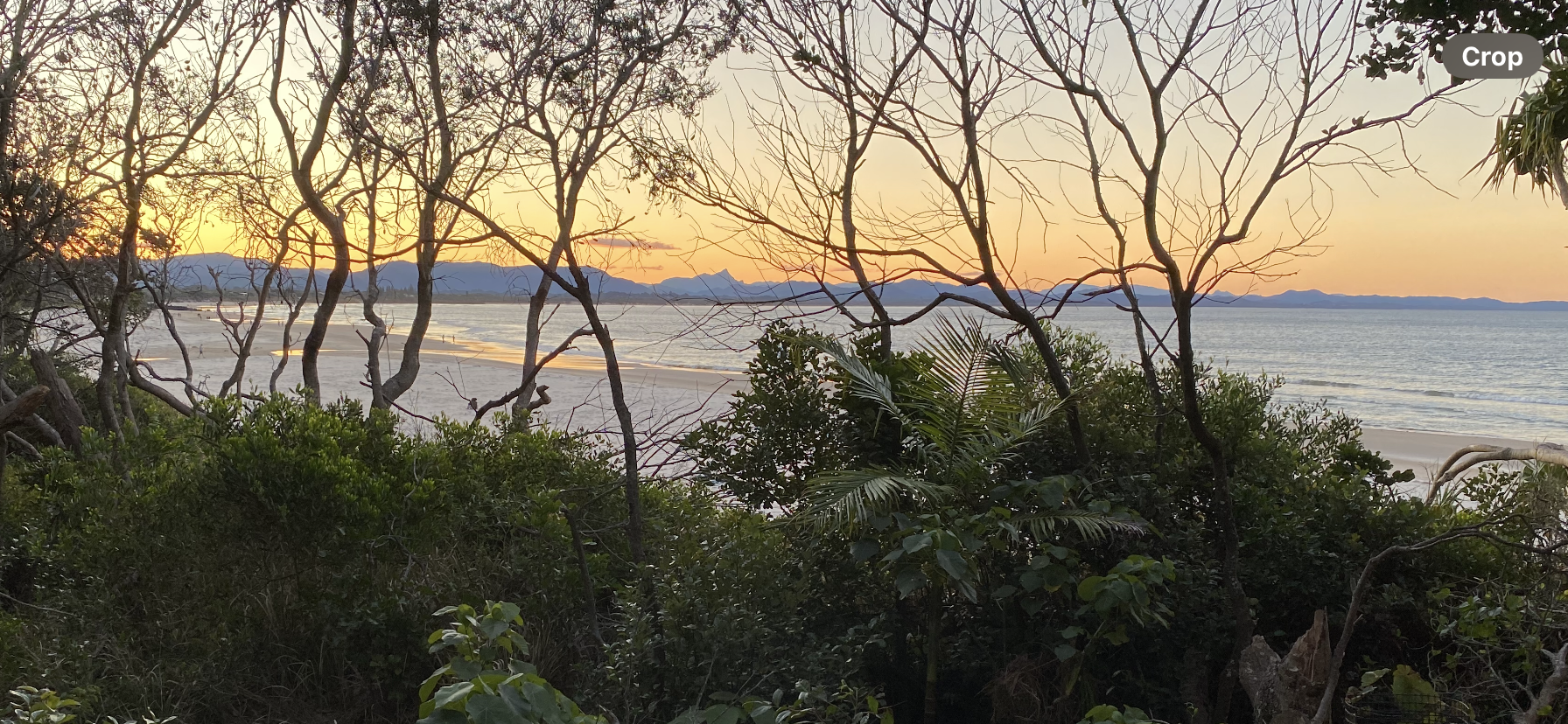
 1 point1 point1 pointOne of my favourite places when we visited Oz, lots of good eateries too, would love a place there. Also loved Wilson’s Prom.1 point1 point1 point1 pointOne month! Awesome! Remember NOPE and you'll never have to redo the first month ever again. Keep it up!
.png.40b0f440a14549cc5b9ba2d9962e9dc8.png) 1 pointThis leaderboard is set to New York/GMT-04:00
1 pointThis leaderboard is set to New York/GMT-04:00


.thumb.jpg.7b1999cedf8cea3fb23ae42d3ba44980.jpg)







.thumb.png.4f1abc0aba54c42cdd39748f4d1e90c2.png)
