Skip to content
View in the app

A better way to browse. Learn more.

Quit Train, A Quit Smoking Support Community

A full-screen app on your home screen with push notifications, badges and more.

To install this app on iOS and iPadOS
  1. Tap the Share icon in Safari
  2. Scroll the menu and tap Add to Home Screen.
  3. Tap Add in the top-right corner.
To install this app on Android
  1. Tap the 3-dot menu (⋮) in the top-right corner of the browser.
  2. Tap Add to Home screen or Install app.
  3. Confirm by tapping Install.

All Activity

This stream auto-updates

  1. Past hour

  2. I'll take a look now. Thanks for mentioning it.
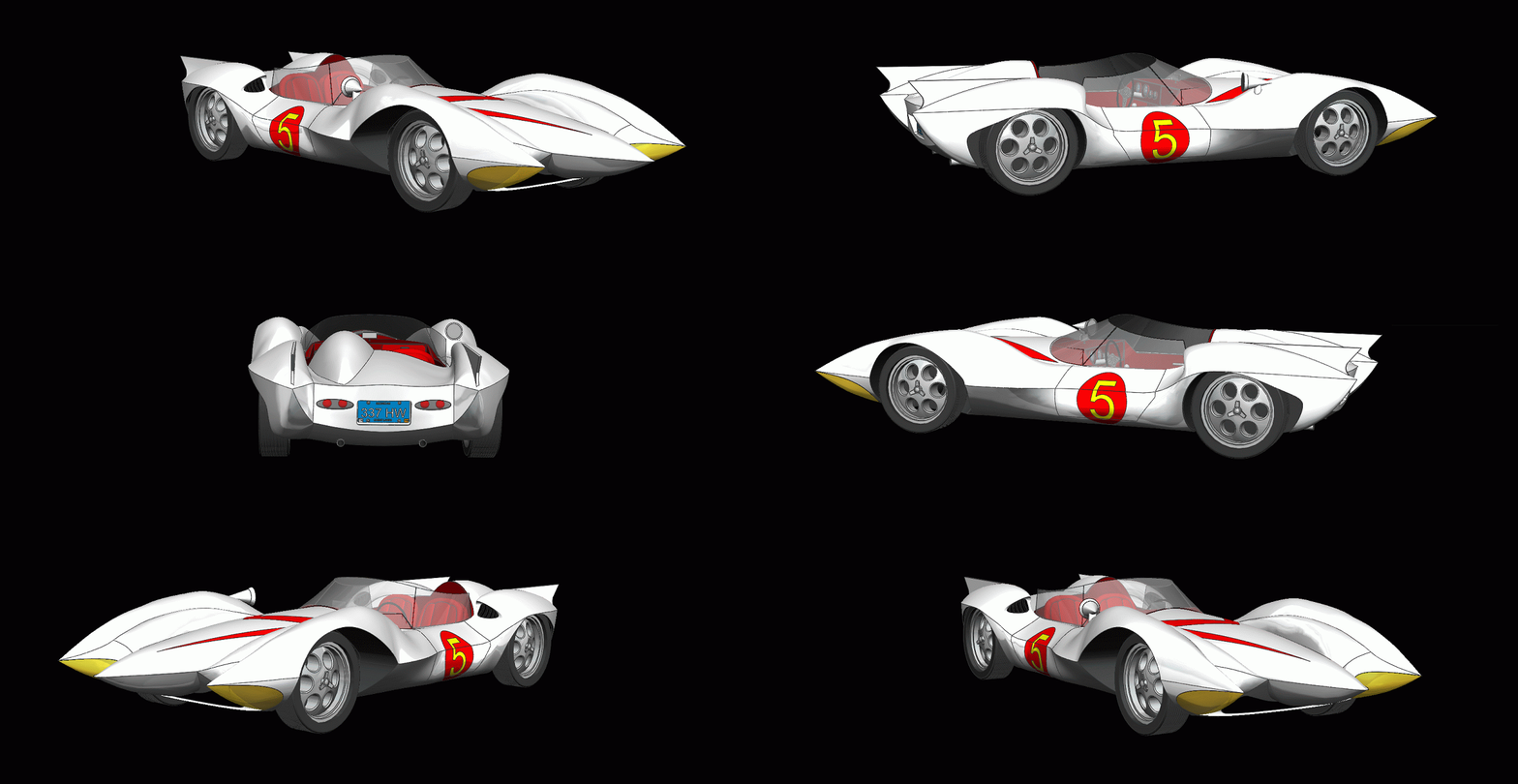
  3. My favorite cartoon as a kid Speed Racer and the Mach 5
  4. Today

  5. N.O.P.E. 🙏
  6. There are a few glitches, the Logon/Logoff buttons aren't there, neither are the messaging and many other things, but eventually everything will be fixed. Unfortunately, computer stuff takes a lot of time! 🙄
  7. Gday Literally in the last week. They are just tidying up the last odds and ends. Same mismatch mob still catching a ride.
  8. Cbdave started following New Format
  9. NOPE! Not One Puff Ever SNOTT! Smoking's Not On The Table
  10. Tomorrow will be 3 months and 6 days of NOPE!! Also sucks at .0052% as a non smoker. +- ?
  11. Stewbum replied to Tink's topic in Games
    Etouffée
  12. NOPE for today!
  13. Wow that is beautiful @Reciprocity My mom was up by Banff many years ago and she told me just how beauituful it is. NOPE!!
  14. Nope! Moraine Lake; Banff National Park, Alberta; Canada
  15. G’day NOPE .....Not One Puff Ever.
  16. jan-van-gent
  17. Stewbum replied to beazel's topic in Games
    Birth
  18. offal
  19. Walking on Sunshine (Katrina and the Waves) What's the worst feeling?
  20. Good morning NOPE!!
  21. DenaliBlues replied to Colleen's topic in Games
    here now

Account

Navigation

Search

Search

Configure browser push notifications

Chrome (Android)
  1. Tap the lock icon next to the address bar.
  2. Tap Permissions → Notifications.
  3. Adjust your preference.
Chrome (Desktop)
  1. Click the padlock icon in the address bar.
  2. Select Site settings.
  3. Find Notifications and adjust your preference.