




DenaliBlues
Members
-
Joined
-
Last visited
Everything posted by DenaliBlues
-
Yeah, sometimes the old siren song rises up. NOPE, indeed. You know how to swat that junk away… you know it’s a false narrative. Take tender care of yourself.
-
NOPE
-
-
-
-
Great post, Kenzie! The more you question your addictive patterns, the better equipped you are to break free of them. The thing with heavy smoking is that it was an organizing principle of our life. It punctuated everything… waking up, going to bed, working, eating, coping (or not) with feelings. Without smoking it feels weird to live without a powerful stimulant in those interstitial life moments. That empty feeling passes. But till it does, fill those moments with something else punchy… an ice cold drink, a huge body stretch, whatever. The addiction tells us this fake story that smoking was gratifying. But that’s stinkin thinkin, romancing the smoke. The bare truth is that it’s NOT gratifying! The “ahhh” never lasts. The ONLY thing smoking ever did was make our junked up nicotine receptors want another hit. And another. Then another. Our addiction had us chasing gratification that we never could hold onto. Enough of that! Smack that craving with a big ol NOPE snd reclaim your life! You can do this, Kenzie.
-
N O P E
-
Hang in there, Stew. Sorry you’re having a rough ride. But well done on your 10 months!! The lido deck beckons!

-
nopeI feel you - been there. Hang tough. It feels wretched for a while, but this worst part DOES pass… and then you never have to go through withdrawal again! If you hang on till you make it to the other side, you’ll be glad you did. This early phase is a combo of physical and emotional withdrawal. Your addiction is putting up a fuss. Be kind to yourself, cry as needed, mourn the loss… that’s all part of letting your new free self emerge. Stay busy and keep the quit!Welcome to the Lido Deck @QuittingGirl!! You are a great model of how perseverance and engagement here on the Train can help folks find freedom. Hats off to you, my friend!!
 I’ll plug in the disco lights…
 Welcome back!! So wonderful to read your post and to learn you are back on the path to freedom. The sleep thing sux for a while, then gets better. Radically reducing my caffeine intake helped (turns out nicotine accelerated how my body processes the stuff… it hangs around forever now that I’ve quit), as did good sleep hygiene (no screens in/before bed) and listening to audiobooks at night. Sleeping pills in a pinch, monitored by my Dr. It gets better after a while. Hang in there!NOPENOPEnopenopeAnd good thinking, @Brioski, to be fixing the plumbing…
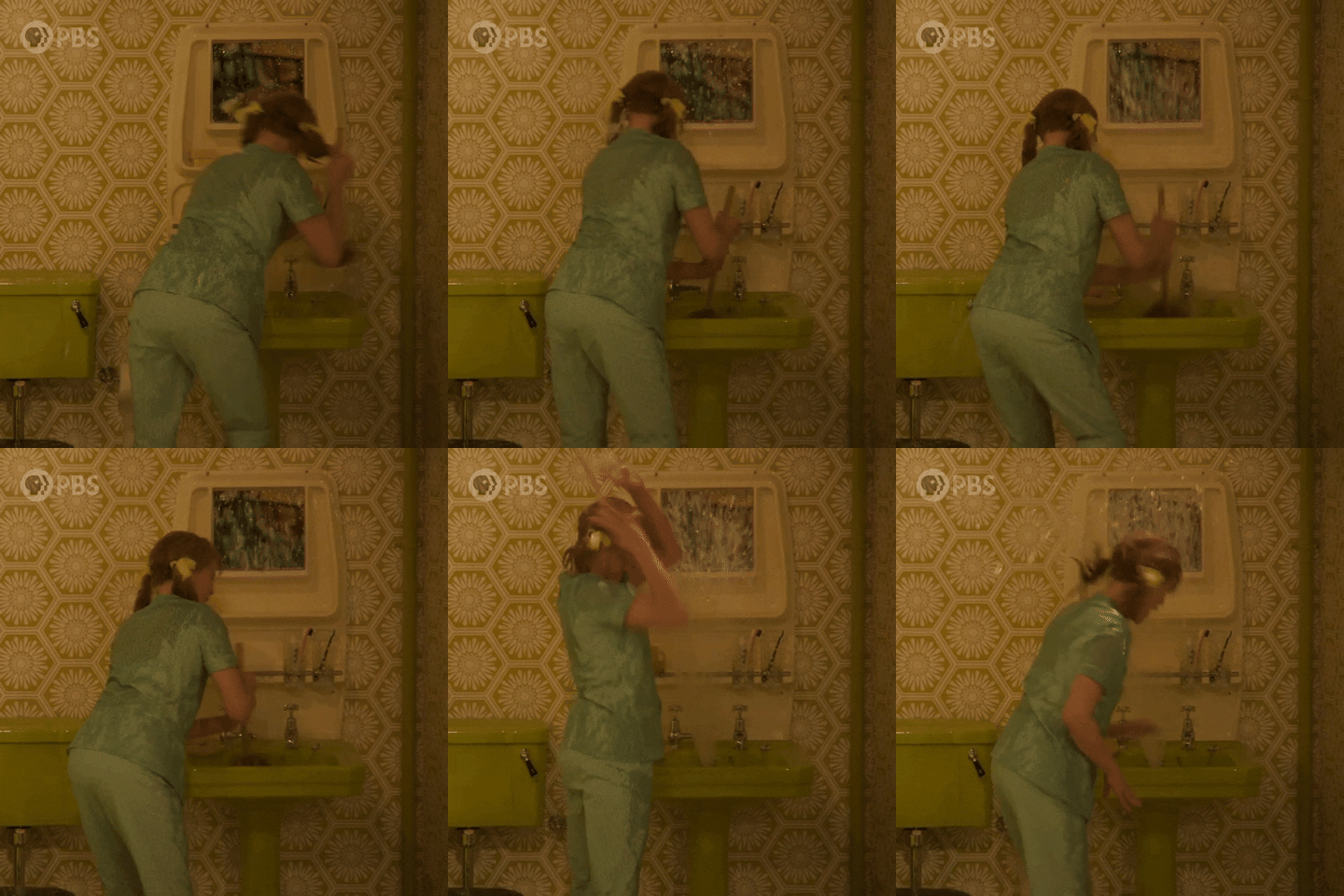 Looks like @Stewbum is really grooving on the drywall repair!







Important Information
Account
Navigation
Search
Configure browser push notifications
Chrome (Android)
- Tap the lock icon next to the address bar.
- Tap Permissions → Notifications.
- Adjust your preference.
Chrome (Desktop)
- Click the padlock icon in the address bar.
- Select Site settings.
- Find Notifications and adjust your preference.
Safari (iOS 16.4+)
- Ensure the site is installed via Add to Home Screen.
- Open Settings App → Notifications.
- Find your app name and adjust your preference.
Safari (macOS)
- Go to Safari → Preferences.
- Click the Websites tab.
- Select Notifications in the sidebar.
- Find this website and adjust your preference.
Edge (Android)
- Tap the lock icon next to the address bar.
- Tap Permissions.
- Find Notifications and adjust your preference.
Edge (Desktop)
- Click the padlock icon in the address bar.
- Click Permissions for this site.
- Find Notifications and adjust your preference.
Firefox (Android)
- Go to Settings → Site permissions.
- Tap Notifications.
- Find this site in the list and adjust your preference.
Firefox (Desktop)
- Open Firefox Settings.
- Search for Notifications.
- Find this site in the list and adjust your preference.