



Mac#23
Members
-
Joined
-
Last visited
Everything posted by Mac#23
-
-
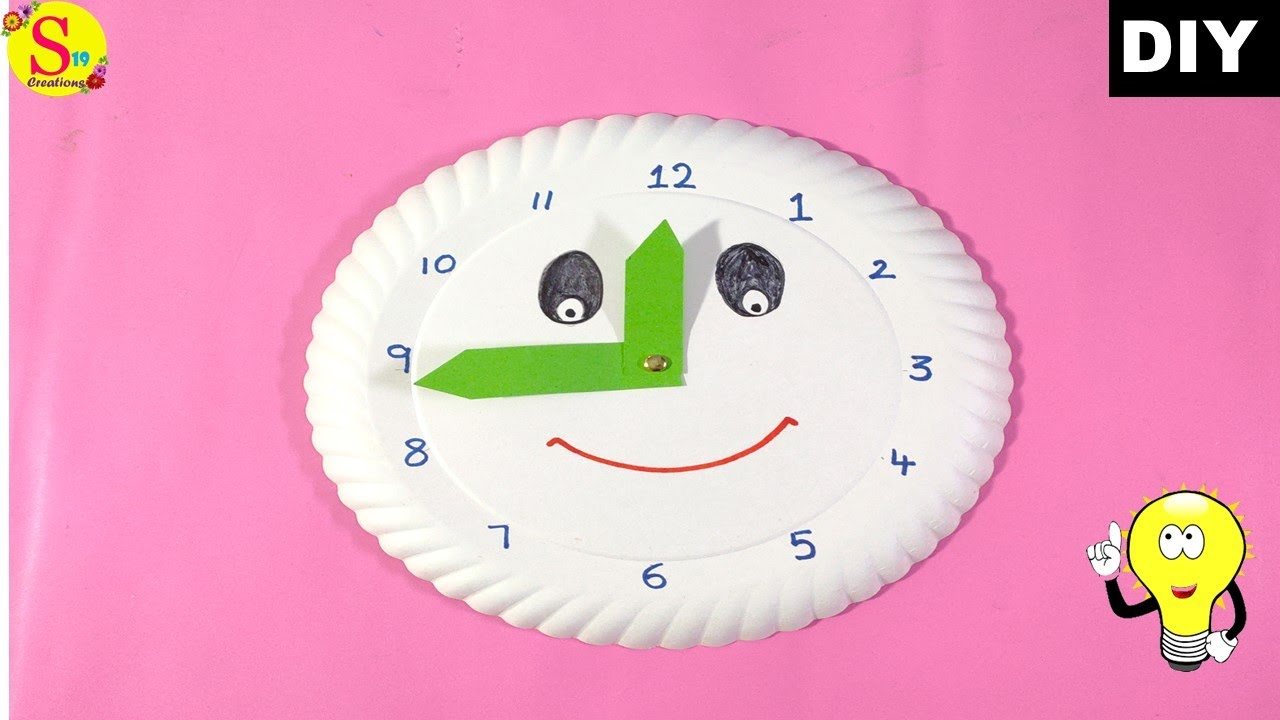
Nope!!!!Welcome aboard Molly2310, grab a seat and congratulations on your decision to kick the habit. You have come to the right place for support and knowledge. The more you participate and interact with the forums the easier your quit will be. We have all been where you are. We will support you every step of the way. Just believe in yourself because you can have your forever quit.Congratulations and welcome to the Lido deck. You are doing so great keep it up and don't forget to reward yourself.Nope!!!Congratulations on two years quit. You are doing great . Celebrate with a sweet reward.Nope!!!5. Make a learning clock for kids









Important Information
Account
Navigation
Search
Configure browser push notifications
Chrome (Android)
- Tap the lock icon next to the address bar.
- Tap Permissions → Notifications.
- Adjust your preference.
Chrome (Desktop)
- Click the padlock icon in the address bar.
- Select Site settings.
- Find Notifications and adjust your preference.
Safari (iOS 16.4+)
- Ensure the site is installed via Add to Home Screen.
- Open Settings App → Notifications.
- Find your app name and adjust your preference.
Safari (macOS)
- Go to Safari → Preferences.
- Click the Websites tab.
- Select Notifications in the sidebar.
- Find this website and adjust your preference.
Edge (Android)
- Tap the lock icon next to the address bar.
- Tap Permissions.
- Find Notifications and adjust your preference.
Edge (Desktop)
- Click the padlock icon in the address bar.
- Click Permissions for this site.
- Find Notifications and adjust your preference.
Firefox (Android)
- Go to Settings → Site permissions.
- Tap Notifications.
- Find this site in the list and adjust your preference.
Firefox (Desktop)
- Open Firefox Settings.
- Search for Notifications.
- Find this site in the list and adjust your preference.