Skip to content
View in the app

A better way to browse. Learn more.

Quit Train, A Quit Smoking Support Community

A full-screen app on your home screen with push notifications, badges and more.

To install this app on iOS and iPadOS
  1. Tap the Share icon in Safari
  2. Scroll the menu and tap Add to Home Screen.
  3. Tap Add in the top-right corner.
To install this app on Android
  1. Tap the 3-dot menu (⋮) in the top-right corner of the browser.
  2. Tap Add to Home screen or Install app.
  3. Confirm by tapping Install.

RhinoDragon

Members
  • Joined

  • Last visited

Everything posted by RhinoDragon

  1. Great News Excellent Job Mac Keep it up 🍻🎉🏆🏆🏆 And be proud of yourself!
  2. Kdad, I remember you were doing so well back when I first joined in 2018! You had a little multicoloured wheel as your icon at the time lol. But hey ... I caved in too buddy and fell off board myself. Felt a real disappointment, I'm back now though and on Day 3 again today, You CAN join me. At least you've not lost all hope & want to still quit! Come on let's do it Rhino
  3. Day 3 - the dredded 3's! NOPE
  4. Over time available
  5. Hi everyone, Hope everyones kept well! Back with you all.. Again so ... NOPE
  6. RhinoDragon replied to bakon's topic in Games
    8
  7. RhinoDragon replied to Tink's topic in Games
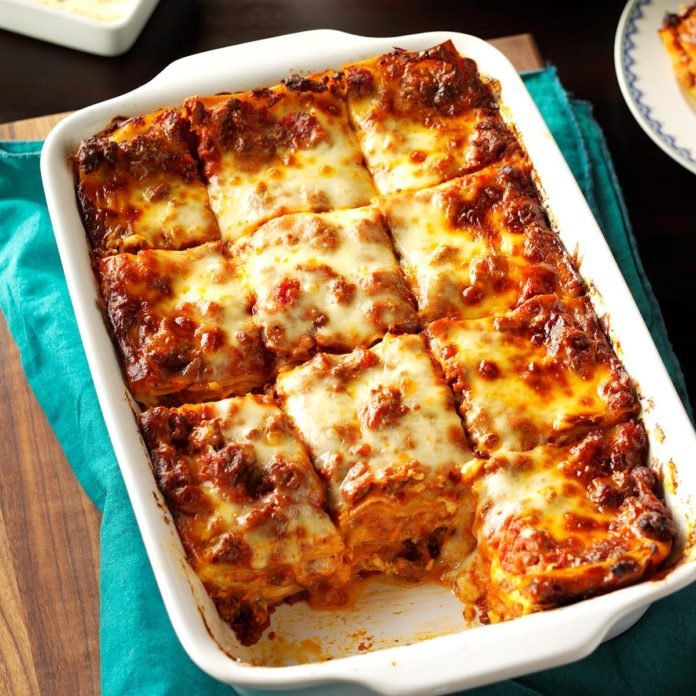
    Lasagne
  8. Top job MLMR youve done absolutely superb!! You should be proud 😊 Big Congratulations!!
  9. RhinoDragon replied to bakon's topic in Games
    15 Thanks Reci 😉 Onwards & Upwards!!
  10. RhinoDragon replied to bakon's topic in Games
    13
  11. Thanks D means a lot Hope you've been keeping okay.. and the others Feels good to be back! Rhino
  12. Here we go again Day 2 Big fat Nope!
  13. RhinoDragon replied to bakon's topic in Games
    11

Account

Navigation

Search

Search

Configure browser push notifications

Chrome (Android)
  1. Tap the lock icon next to the address bar.
  2. Tap Permissions → Notifications.
  3. Adjust your preference.
Chrome (Desktop)
  1. Click the padlock icon in the address bar.
  2. Select Site settings.
  3. Find Notifications and adjust your preference.