Skip to content
View in the app

A better way to browse. Learn more.

Quit Train, A Quit Smoking Support Community

A full-screen app on your home screen with push notifications, badges and more.

To install this app on iOS and iPadOS
  1. Tap the Share icon in Safari
  2. Scroll the menu and tap Add to Home Screen.
  3. Tap Add in the top-right corner.
To install this app on Android
  1. Tap the 3-dot menu (⋮) in the top-right corner of the browser.
  2. Tap Add to Home screen or Install app.
  3. Confirm by tapping Install.

overcome

Members
  • Joined

  • Last visited

Everything posted by overcome

  1. overcome replied to Tink's topic in Games
    Ice Cream
  2. overcome replied to Tink's topic in Games
    Spam
  3. overcome replied to Tink's topic in Games
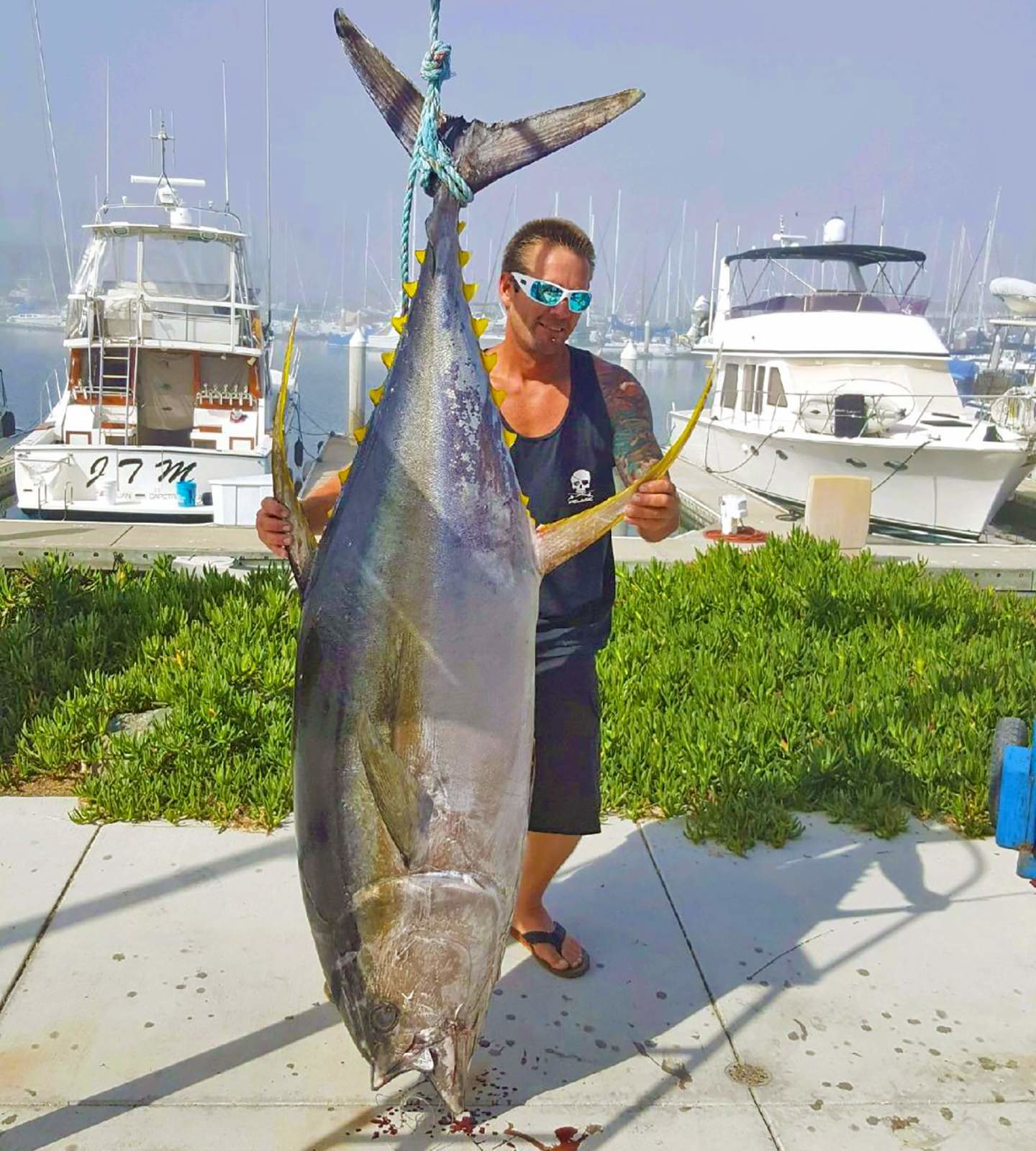
    Ahi ....... I loved fishing for these monsters when I lived in Hawaii, I think @notsmokinjo you have them in Australia also...... Not me in the pic but have caught a few almost or as big as this. ensaimada - had to DuckDuckGo that one too.😆
  4. overcome replied to Tink's topic in Games
    Just to come clean @notsmokinjo I had to DuckDuckGo Saltbush 😄 Halibut
  5. overcome replied to Tink's topic in Games
    Hashbrowns
  6. Woot Woot! Great job Hang in there
  7. overcome replied to Tink's topic in Games
    Scallops
  8. overcome replied to Tink's topic in Games
    Sailfish
  9. Deep breathing during craves.
  10. overcome replied to Tink's topic in Games
    Good morning Linda! Ham
  11. overcome replied to Tink's topic in Games
    Eggnog
  12. overcome replied to Tink's topic in Games
    Idaho Potatoes
  13. I had brain fog very bad as well, for me it lasted till about the 2nd or 3rd day and started tapering off. Your doing great, hang in there.
  14. Last week it was 46 here, what's all the fuss.......😉
  15. So happy for you FM Stick with it, gets better.
  16. overcome replied to Tink's topic in Games
    Fish and Chips
  17. overcome replied to Tink's topic in Games
    Ice Cream
  18. nope..nope..nope..nope..nope
  19. overcome replied to Tink's topic in Games
    Yogurt

Account

Navigation

Search

Search

Configure browser push notifications

Chrome (Android)
  1. Tap the lock icon next to the address bar.
  2. Tap Permissions → Notifications.
  3. Adjust your preference.
Chrome (Desktop)
  1. Click the padlock icon in the address bar.
  2. Select Site settings.
  3. Find Notifications and adjust your preference.