.jpg.a9e46c6cb2f18787e7dfc6d406814f59.jpg)
Rozuki
Members
-
Joined
-
Last visited
Everything posted by Rozuki
-
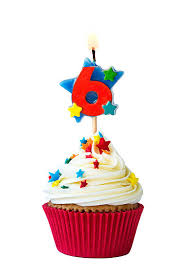
NOPEHi SneakyTurtle! Good for you...quitting is the best gift you will ever give yourself! As for a mantra.....one day at a time and NOPE work for many of us here....?Congrats, Sslip! Six months already!! Brilliant!! Celebrate and KTQ!
 NOPE
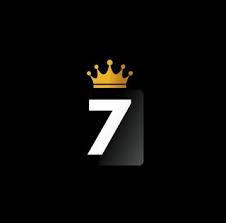
NOPE Congrats, Abby! Seven years is just super!!! Celebrate and KTQ!
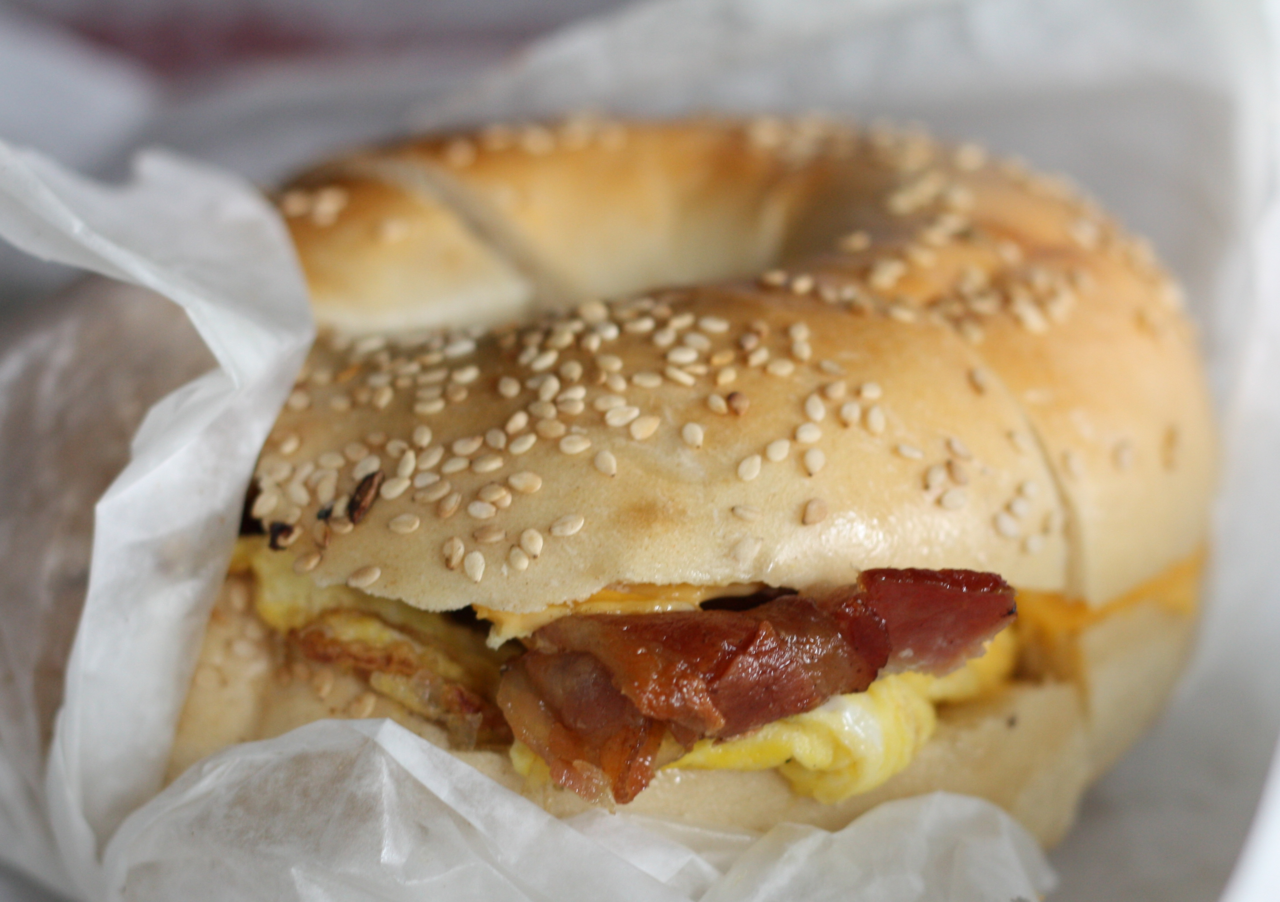
 Off to local bagel place to get an egg sandwich....on this gorgeous Saturday morning! Then I will be backwashing filter and cleaning my pool!
 NOPE
NOPE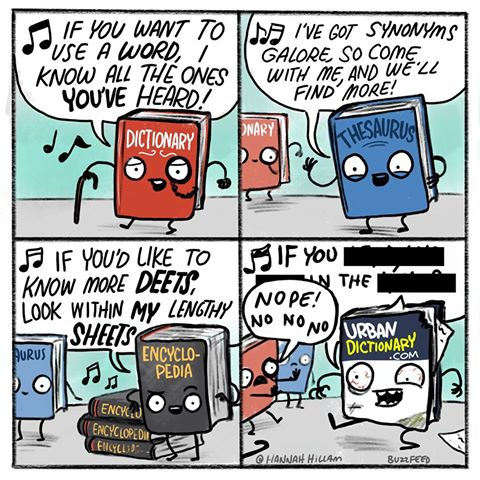 Congrats, Nancy! Five years is so fabulous! I consider myself lucky you were around when I first quit (over at the old QSMB) as you are always .... Celebrate and KTQ!
Important Information
Account
Navigation
Search
Configure browser push notifications
Chrome (Android)
- Tap the lock icon next to the address bar.
- Tap Permissions → Notifications.
- Adjust your preference.
Chrome (Desktop)
- Click the padlock icon in the address bar.
- Select Site settings.
- Find Notifications and adjust your preference.
Safari (iOS 16.4+)
- Ensure the site is installed via Add to Home Screen.
- Open Settings App → Notifications.
- Find your app name and adjust your preference.
Safari (macOS)
- Go to Safari → Preferences.
- Click the Websites tab.
- Select Notifications in the sidebar.
- Find this website and adjust your preference.
Edge (Android)
- Tap the lock icon next to the address bar.
- Tap Permissions.
- Find Notifications and adjust your preference.
Edge (Desktop)
- Click the padlock icon in the address bar.
- Click Permissions for this site.
- Find Notifications and adjust your preference.
Firefox (Android)
- Go to Settings → Site permissions.
- Tap Notifications.
- Find this site in the list and adjust your preference.
Firefox (Desktop)
- Open Firefox Settings.
- Search for Notifications.
- Find this site in the list and adjust your preference.
.thumb.jpg.e5a96502c15b934599b4a498e2701635.jpg)