Skip to content
View in the app

A better way to browse. Learn more.

Quit Train, A Quit Smoking Support Community

A full-screen app on your home screen with push notifications, badges and more.

To install this app on iOS and iPadOS
  1. Tap the Share icon in Safari
  2. Scroll the menu and tap Add to Home Screen.
  3. Tap Add in the top-right corner.
To install this app on Android
  1. Tap the 3-dot menu (⋮) in the top-right corner of the browser.
  2. Tap Add to Home screen or Install app.
  3. Confirm by tapping Install.
The new theme will be ready soon...--MQ

All Activity

This stream auto-updates

  1. Today

  2. Congratulations!🥳
  3. I am not going to smoke today. NOPE.
  4. You got this Stew. Sending so many prayers and good vibes to you, my fellow PNW quit buddy.
  5. JoJo started following The Smoking Heart !!
  6. Yesterday

  7. N.O.P.E. 🙏
  8. Congratulations on 5 years smoke free @intoxicated yoda 👍
  9. NOPE for today!
  10. Thursday NOPE
  11. Yes … hang in there .. Nearly done ..your doing great P Best Wishes ❤️
  12. Well done @intoxicated yoda! Congrats on your anniversary and thanks for all your help in the early days of my quit.
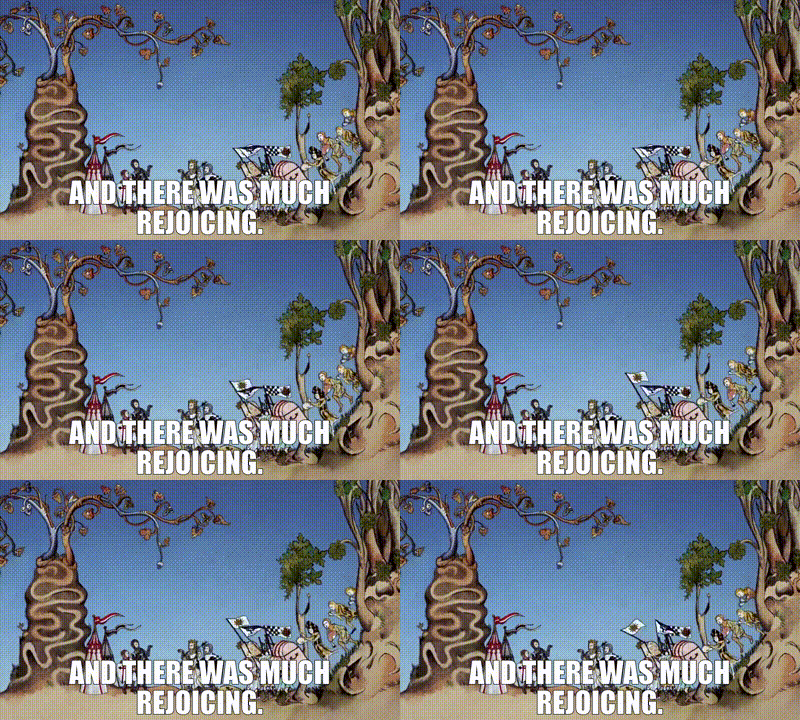
  13. Congratulations on an amazing 5 years smoke free @intoxicated yoda 🥳
  14. G’day NOPE .....Not One Puff Ever.
  15. Congrats on 5 Years! Keep enjoying your Freedom!

Background Picker
Customize Layout

Account

Navigation

Search

Search

Configure browser push notifications

Chrome (Android)
  1. Tap the lock icon next to the address bar.
  2. Tap Permissions → Notifications.
  3. Adjust your preference.
Chrome (Desktop)
  1. Click the padlock icon in the address bar.
  2. Select Site settings.
  3. Find Notifications and adjust your preference.