All Activity
Today
-
nope
-
Congratulations Lust!!! Yikes...that went quick.😉
-
NOPE!!Nope!
Yesterday
N.O.P.E. 🙏NOPE!! for tomorrow.NOPE!! for tonight.NOPENOPEYou got to get tough with it, treat it like a toddler having a tantrum.. Ignore it and Don’t Give in .NOPE…Gday 10 years ……. You deserve this! Well done!NOPE! 💫NOPE!G’day NOPE .....Not One Puff Ever. Sunshine on the mud flats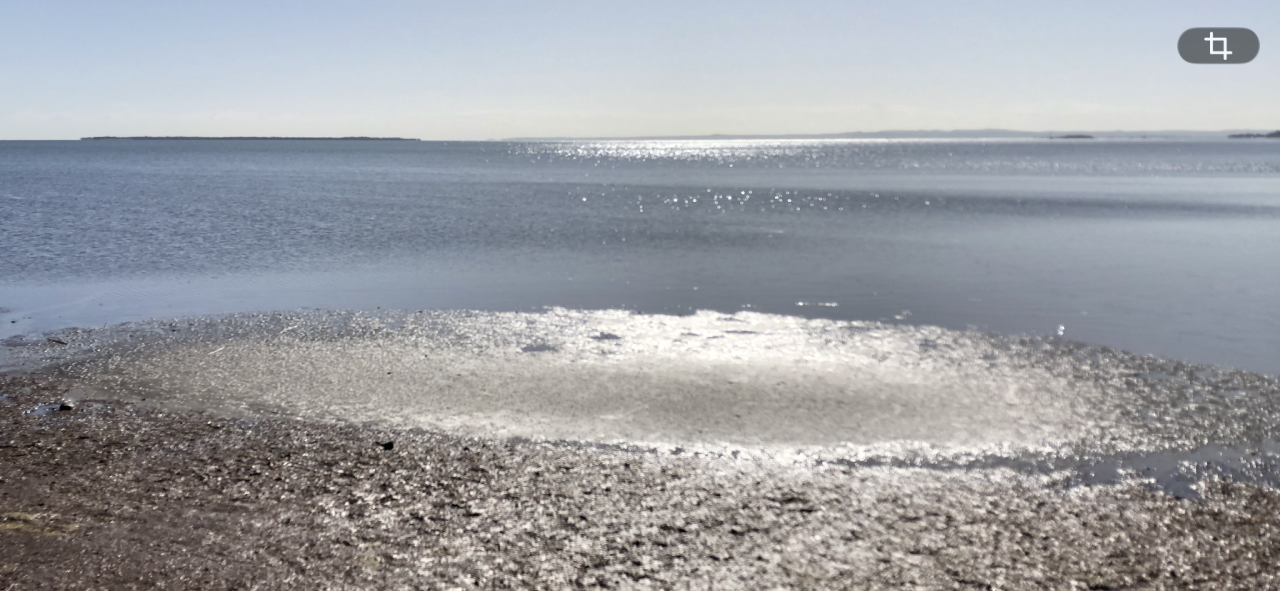 Gday Welbutin raises your dopamine levels. When you were smoking the nicotine controlled your dopamine. Nothing was pleasurable unless you had a cig with it. Now it’s time to be good to yourself. Rediscover the simple pleasures like a brisk walk. A long shower. A long talk with an old friend. A movie and being able to sit right through without a needing a cigarette break. Now you’re in the drivers seat not the nicotine…. Takes a bit of adjustment