Skip to content
View in the app

A better way to browse. Learn more.

Quit Train, A Quit Smoking Support Community

A full-screen app on your home screen with push notifications, badges and more.

To install this app on iOS and iPadOS
  1. Tap the Share icon in Safari
  2. Scroll the menu and tap Add to Home Screen.
  3. Tap Add in the top-right corner.
To install this app on Android
  1. Tap the 3-dot menu (⋮) in the top-right corner of the browser.
  2. Tap Add to Home screen or Install app.
  3. Confirm by tapping Install.

Mac#23

Members
  • Joined

  • Last visited

Everything posted by Mac#23

  1. Congratulations Kdad, you are doing so great. Always remember, you deserve to be happy and smoke free.
  2. Mac#23 replied to bakon's topic in Games
    -10
  3. Mac#23 replied to bakon's topic in Games
    -7
  4. Mac#23 replied to bakon's topic in Games
    -2
  5. Congratulations Mona, you are doing great. Keep up all the great work and go get your forever quit.
  6. Mac#23 replied to bakon's topic in Games
    00
  7. Mac#23 replied to Tink's topic in Games
    New Brunswick stew
  8. Mac#23 replied to bakon's topic in Games
    00
  9. I'm sorry to say that I am not on here nearly as much as I used to be. I promise to try and check in more often. I too miss Jillar. Her and Doreen along with a few others on the train were a huge part of me achieving such a successful quit.
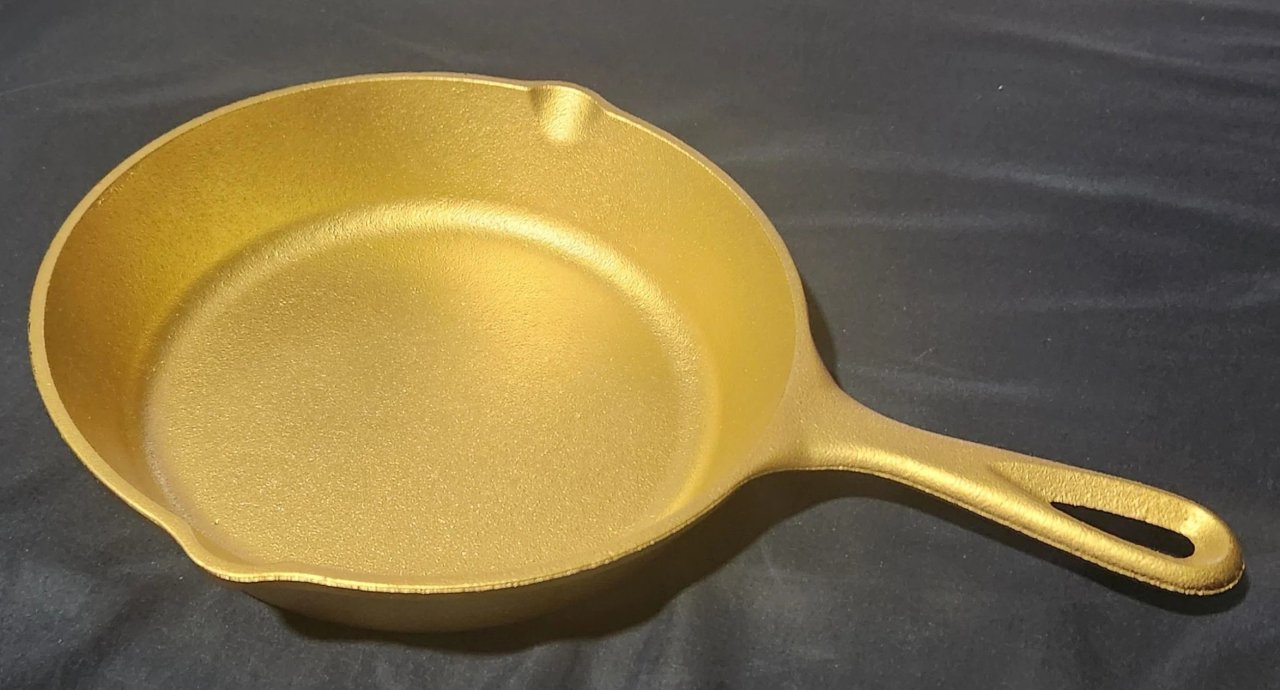
  10. Congratulations Doreen on such an epic quit. I gift to you the Golden frying pan..
  11. Mac#23 replied to Tink's topic in Games
    Chocolate cream pie
  12. Mac#23 replied to bakon's topic in Games
    -11
  13. Congratulations Kdad, you are doing so great. Keep fighting one day at a time because you deserve to be smoke free and happy.
  14. Congratulations Stew, this is awesome news. I'm so proud of you for continuing to fight for your forever quit.
  15. Nope...
  16. Nope.. no way!
  17. Congratulations Nancy, on such an epic quit. I appreciate you for all the encouragement and help that you give.


Account

Navigation

Search

Search

Configure browser push notifications

Chrome (Android)
  1. Tap the lock icon next to the address bar.
  2. Tap Permissions → Notifications.
  3. Adjust your preference.
Chrome (Desktop)
  1. Click the padlock icon in the address bar.
  2. Select Site settings.
  3. Find Notifications and adjust your preference.