Skip to content
View in the app

A better way to browse. Learn more.

Quit Train, A Quit Smoking Support Community

A full-screen app on your home screen with push notifications, badges and more.

To install this app on iOS and iPadOS
  1. Tap the Share icon in Safari
  2. Scroll the menu and tap Add to Home Screen.
  3. Tap Add in the top-right corner.
To install this app on Android
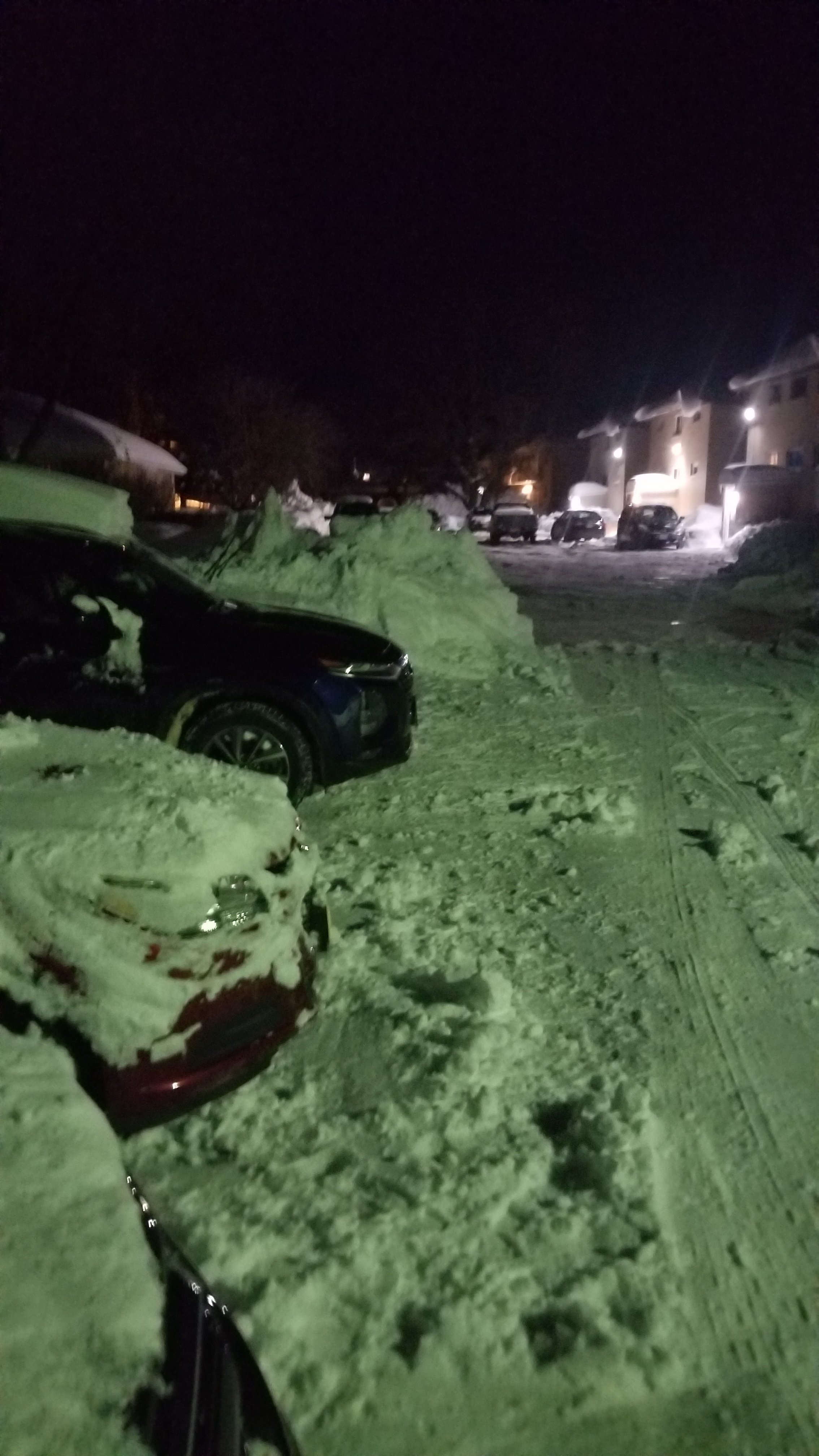
  1. Tap the 3-dot menu (⋮) in the top-right corner of the browser.
  2. Tap Add to Home screen or Install app.
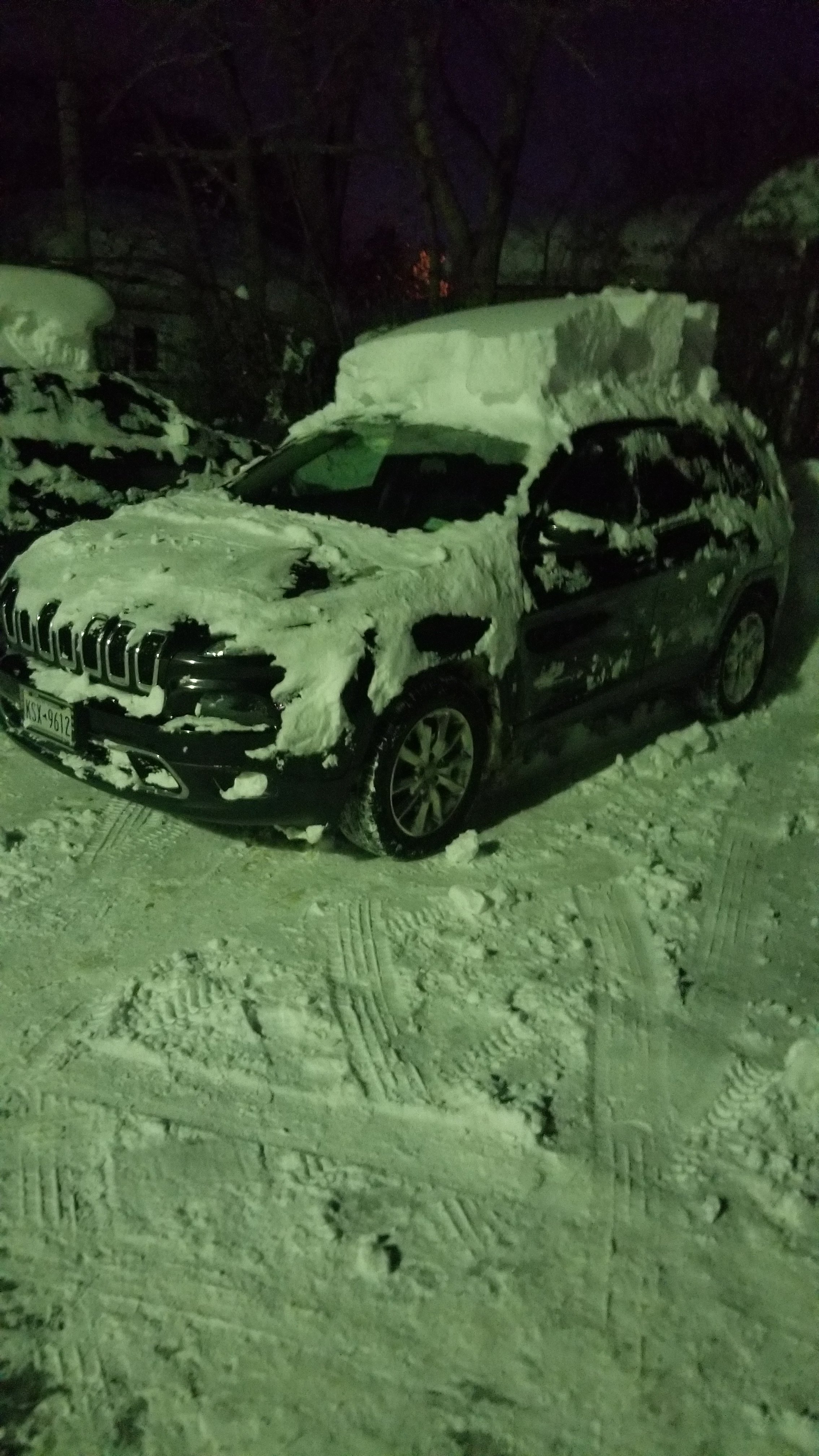
  3. Confirm by tapping Install.

Mac#23

Members
  • Joined

  • Last visited

Everything posted by Mac#23

  1. Mac#23 replied to bakon's topic in Games
    11
  2. 7. Boil it in water
  3. Mac#23 replied to beazel's topic in Games
    Taps was played
  4. Nope...this is not an option.
  5. Mac#23 replied to bakon's topic in Games
    7
  6. 2. Make Cincinnati chili
  7. Mac#23 replied to beazel's topic in Games
    Stout or lager
  8. Mac#23 replied to bakon's topic in Games
    4
  9. Mac#23 replied to bakon's topic in Games
    4
  10. There are driving bans when we get that much snow that quick. So, I stayed home and took a couple vacation days.
  11. Mac#23 replied to bakon's topic in Games
    3
  12. I finally got my Jeep unburied. Here are some pictures after we finally dug out.
  13. Mac#23 replied to bakon's topic in Games
    1
  14. Mac#23 replied to bakon's topic in Games
    00
  15. Mac#23 replied to bakon's topic in Games
    20
  16. Mac#23 replied to bakon's topic in Games
    19... Who wants it.?
  17. Mac#23 replied to bakon's topic in Games
    15
  18. Mac#23 replied to bakon's topic in Games
    14
  19. Mac#23 replied to bakon's topic in Games
    13
  20. Mac#23 replied to bakon's topic in Games
    11
  21. Mac#23 replied to bakon's topic in Games
    7
  22. Mac#23 replied to bakon's topic in Games
    5
  23. Here is a pick of my license plate. My Jeep is under all that snow.

Account

Navigation

Search

Search

Configure browser push notifications

Chrome (Android)
  1. Tap the lock icon next to the address bar.
  2. Tap Permissions → Notifications.
  3. Adjust your preference.
Chrome (Desktop)
  1. Click the padlock icon in the address bar.
  2. Select Site settings.
  3. Find Notifications and adjust your preference.