




Stewbum
Members
-
Joined
Everything posted by Stewbum
-
NOPE!!
-
-
-
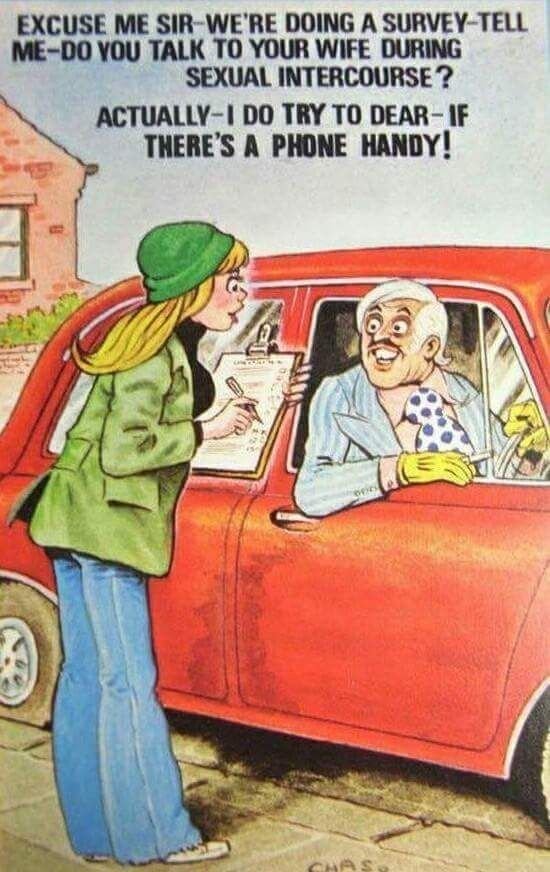
Guy went to the doctor and said my bottom hurts. Doctor said exactly where does it hurt? He said right around the entrance!!! Doctor said , as long as you call it the entrance its gonna hurt.....NOPE!!NOPE!!NOPE!!Thats because they keep losing landing gear???-3 lets go!! get some chicks...-8 Home for the day, lets do this thing sticks...."OUCH" big shot, and certainly NOPE!!NOPE!!








Important Information
Account
Navigation
Search
Configure browser push notifications
Chrome (Android)
- Tap the lock icon next to the address bar.
- Tap Permissions → Notifications.
- Adjust your preference.
Chrome (Desktop)
- Click the padlock icon in the address bar.
- Select Site settings.
- Find Notifications and adjust your preference.
Safari (iOS 16.4+)
- Ensure the site is installed via Add to Home Screen.
- Open Settings App → Notifications.
- Find your app name and adjust your preference.
Safari (macOS)
- Go to Safari → Preferences.
- Click the Websites tab.
- Select Notifications in the sidebar.
- Find this website and adjust your preference.
Edge (Android)
- Tap the lock icon next to the address bar.
- Tap Permissions.
- Find Notifications and adjust your preference.
Edge (Desktop)
- Click the padlock icon in the address bar.
- Click Permissions for this site.
- Find Notifications and adjust your preference.
Firefox (Android)
- Go to Settings → Site permissions.
- Tap Notifications.
- Find this site in the list and adjust your preference.
Firefox (Desktop)
- Open Firefox Settings.
- Search for Notifications.
- Find this site in the list and adjust your preference.