




Stewbum
Members
-
Joined
Everything posted by Stewbum
-
NOPE!!
-
NOPE!!
-
NOPE!!
-
-
NOPE!!NOPE!!NOPE!!NOPE!!NOPE!!NOPE!!NOPE! Deception Pass. Where I was Married, and from the San Juan Islands it's the entrance to the Pacific Ocean. !
 UGH !!!!
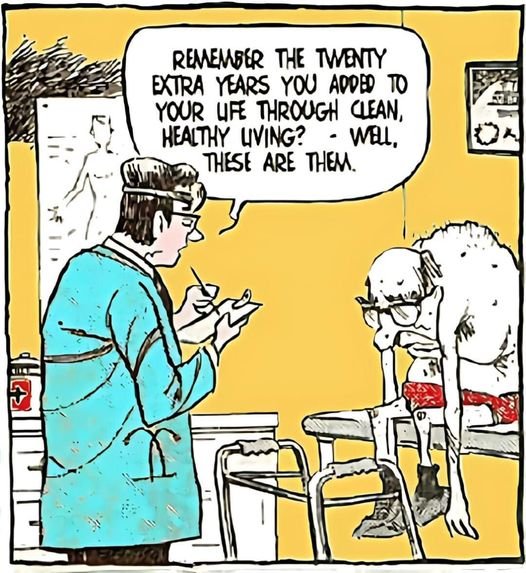 Oldie but a goodie. Think of a number....... Double it.......... Add six......... Half that...... Subtract the number you started with...... The answer is Three.NOPE!! I SPY.............................................................Salmon lined up to come join my Treager Q. Of course you might spy a Cooper also.

 NOPE!!


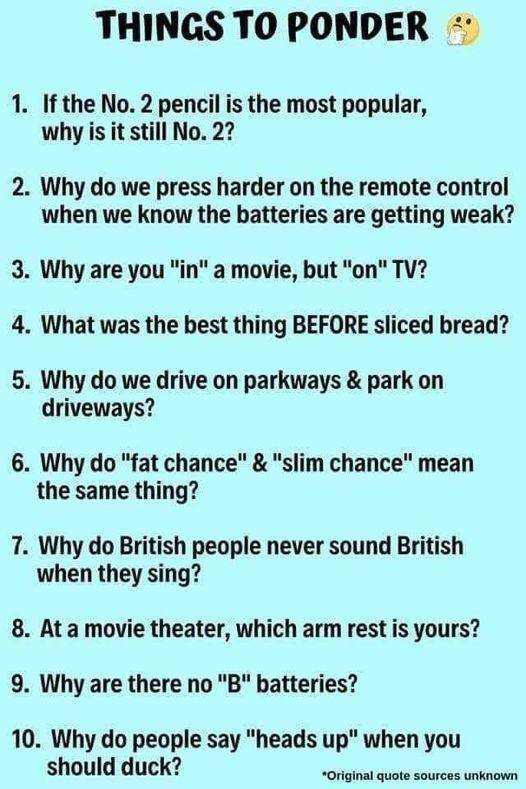









Important Information
Account
Navigation
Search
Configure browser push notifications
Chrome (Android)
- Tap the lock icon next to the address bar.
- Tap Permissions → Notifications.
- Adjust your preference.
Chrome (Desktop)
- Click the padlock icon in the address bar.
- Select Site settings.
- Find Notifications and adjust your preference.
Safari (iOS 16.4+)
- Ensure the site is installed via Add to Home Screen.
- Open Settings App → Notifications.
- Find your app name and adjust your preference.
Safari (macOS)
- Go to Safari → Preferences.
- Click the Websites tab.
- Select Notifications in the sidebar.
- Find this website and adjust your preference.
Edge (Android)
- Tap the lock icon next to the address bar.
- Tap Permissions.
- Find Notifications and adjust your preference.
Edge (Desktop)
- Click the padlock icon in the address bar.
- Click Permissions for this site.
- Find Notifications and adjust your preference.
Firefox (Android)
- Go to Settings → Site permissions.
- Tap Notifications.
- Find this site in the list and adjust your preference.
Firefox (Desktop)
- Open Firefox Settings.
- Search for Notifications.
- Find this site in the list and adjust your preference.