




Stewbum
Members
-
Joined
Everything posted by Stewbum
-
-
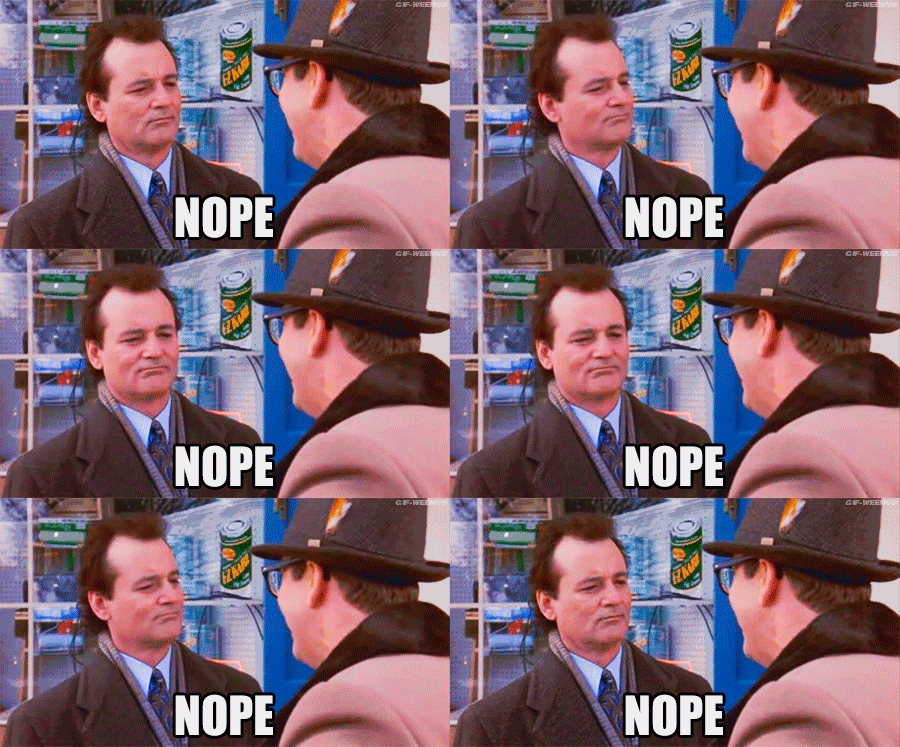
BIG NOPE!!
-
NOPE!! Because I Say So... And I want to be here for my to be Grandchild. This picture is last weekend at the highest drivable "yea right" road at Mount Baker in northern Washington State. Notice the switchback in the background. Now they are wed and are going for kids...Let's see some babies!
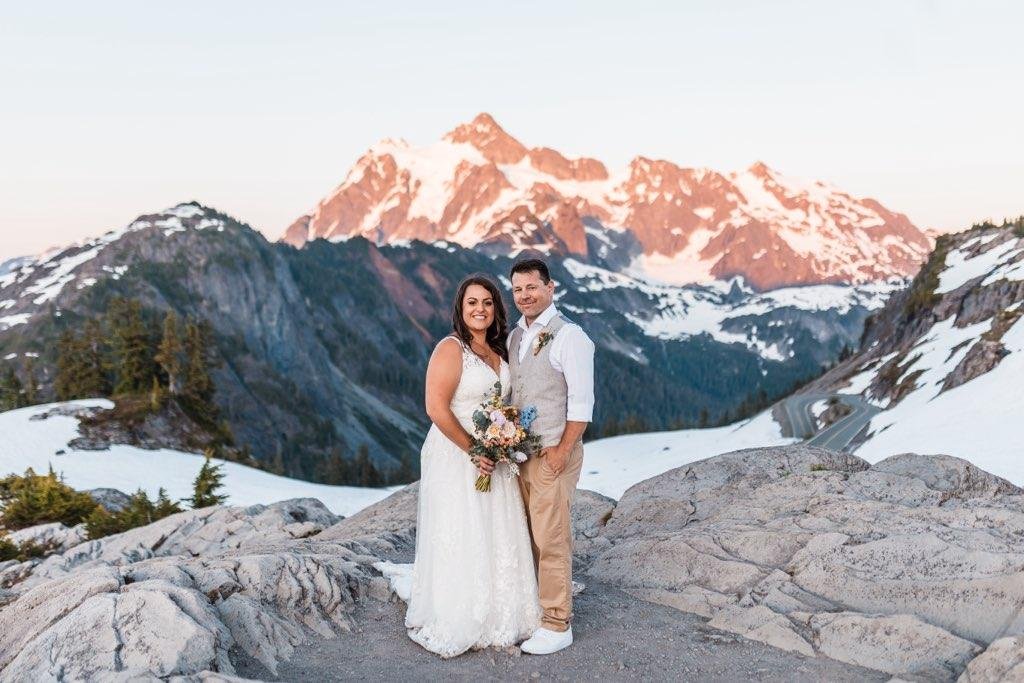 NOPE!! Completed my daughters wedding. Sad and happy at the same time....NOPE!! And YEP my daughter now has a different last name!!20 yay sticks win again...... OOPS ok 12.NOPE!!NOPE!! No thank you! In other word's, GO SUCK ON THAT THING SOMWHERE ELSE.... THANK YOU!Nope!! Should go back to the cabin. This work crap sucks.NOPIN on the 4TH.
 12 Figured I better help stick it to the chicks before bed. ..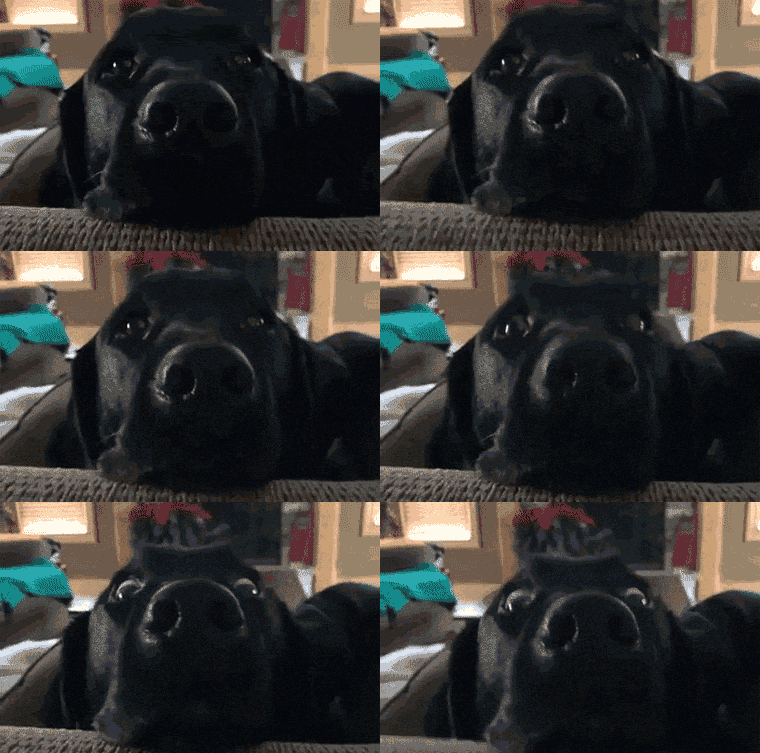







Important Information
Account
Navigation
Search
Configure browser push notifications
Chrome (Android)
- Tap the lock icon next to the address bar.
- Tap Permissions → Notifications.
- Adjust your preference.
Chrome (Desktop)
- Click the padlock icon in the address bar.
- Select Site settings.
- Find Notifications and adjust your preference.
Safari (iOS 16.4+)
- Ensure the site is installed via Add to Home Screen.
- Open Settings App → Notifications.
- Find your app name and adjust your preference.
Safari (macOS)
- Go to Safari → Preferences.
- Click the Websites tab.
- Select Notifications in the sidebar.
- Find this website and adjust your preference.
Edge (Android)
- Tap the lock icon next to the address bar.
- Tap Permissions.
- Find Notifications and adjust your preference.
Edge (Desktop)
- Click the padlock icon in the address bar.
- Click Permissions for this site.
- Find Notifications and adjust your preference.
Firefox (Android)
- Go to Settings → Site permissions.
- Tap Notifications.
- Find this site in the list and adjust your preference.
Firefox (Desktop)
- Open Firefox Settings.
- Search for Notifications.
- Find this site in the list and adjust your preference.