Skip to content
View in the app

A better way to browse. Learn more.

Quit Train, A Quit Smoking Support Community

A full-screen app on your home screen with push notifications, badges and more.

To install this app on iOS and iPadOS
  1. Tap the Share icon in Safari
  2. Scroll the menu and tap Add to Home Screen.
  3. Tap Add in the top-right corner.
To install this app on Android
  1. Tap the 3-dot menu (⋮) in the top-right corner of the browser.
  2. Tap Add to Home screen or Install app.
  3. Confirm by tapping Install.

All Activity

This stream auto-updates

  1. Past hour

  2. Well done … taking it minute by minute Is great … the minutes mount up 🐸
  3. Today

  4. Come back when you want to quit; we'll be waiting ....
  5. I guess i decide to continue smoking. Option 2.
  6. snowghost joined the community
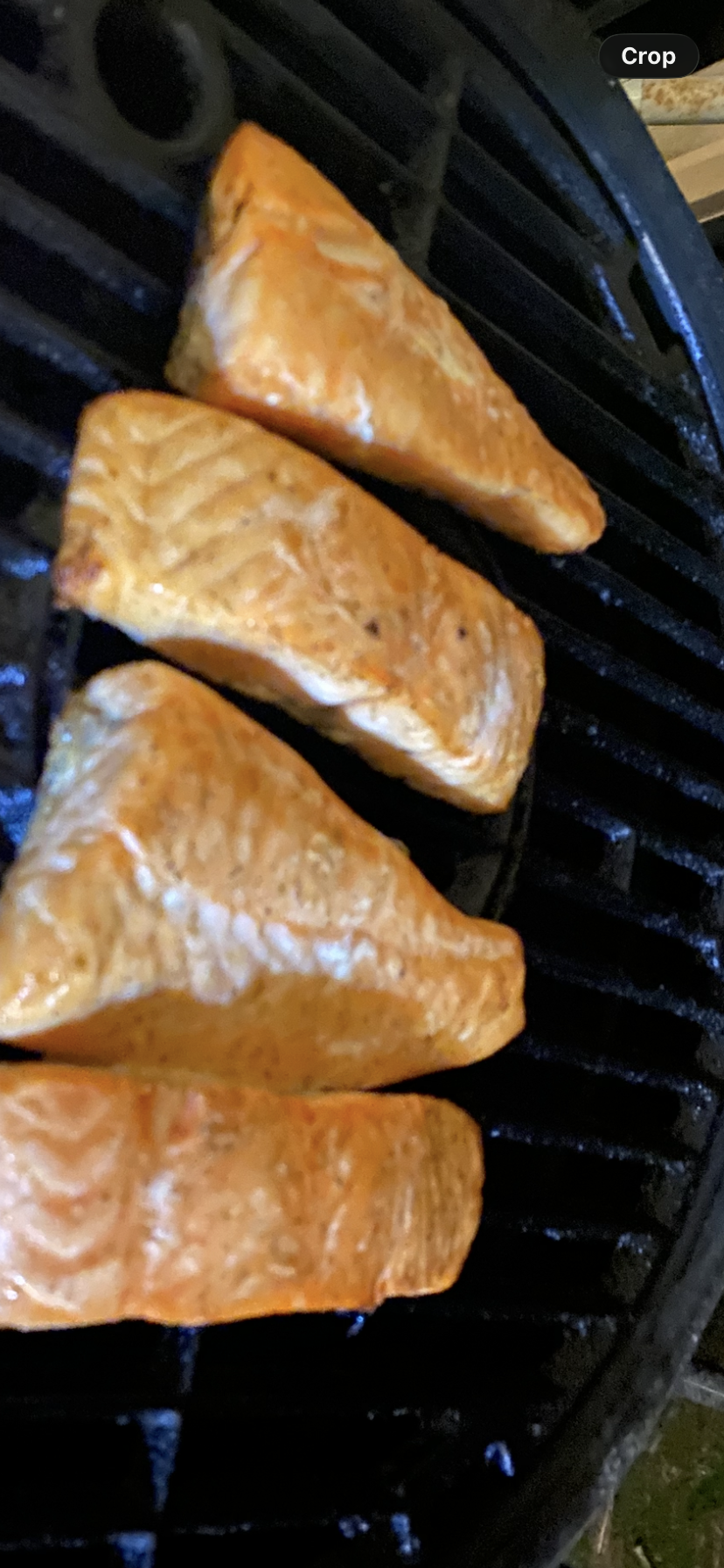
  7. Gday Hot smoked salmon. It’s Australian salmon grown in Tasmania. Cooked over Aussie iron bark charcoal so it’s got a crust skin. 1/2 a piece left over so the hound got that but the wife got the skin…..
  8. Still going crazy. Trying isn't cutting it. I'm half on the fence about quitting even though I know I must. Been feeling down about the whole thing. Lots of inner family issues. Thanks for checking up on me.
  9. On her first day at the retirement home the new manager addressed all the seniors highlighting her most important rule: "The female sleeping quarters will be out-of-bounds for all males and, likewise, the male dormitory will be out-of-bounds to the females. Anybody caught breaking this rule will be fined $20 the first time." She continued. "Anybody caught breaking this rule the second time will be fined $60 and, if you're caught a third time it will cost you a fine of $180. Are there any questions?" At this point, an older lady named Kathy stood up in the crowd and inquired..... "How much is it for a season ticket?"
  10. Yesterday

  11. Congratulations Bakon. Great job!

Account

Navigation

Search

Search

Configure browser push notifications

Chrome (Android)
  1. Tap the lock icon next to the address bar.
  2. Tap Permissions → Notifications.
  3. Adjust your preference.
Chrome (Desktop)
  1. Click the padlock icon in the address bar.
  2. Select Site settings.
  3. Find Notifications and adjust your preference.