All Activity
Past hour
-
Today
-
Paul, seeing a clear result after going through with the scan is encouraging, especially since I keep putting off anything beyond my annual physical. I quit about three years ago but still catch myself wondering whether it's worth asking my doctor in Detroit about a low-dose CT, or if I'd just be borrowing worry. What pushed me to look further was smoke lingering in my apartment, so I'm weighing a smart air purifier for the bedroom instead of guessing at specs. I came across Best Smart Air Purifier of 2026 https://pickranked.com/category/smart-air-purifier while comparing options. Anyone here actually running one in a small space?
-
NOPE.
-
Mouse has been adopted!🥳 Bit emotional to say goodbye after all we have been through. But not much time given as five new ones arrived. Very rare so late in the year.

-
Well done, Sarge! We salute your 15 years!
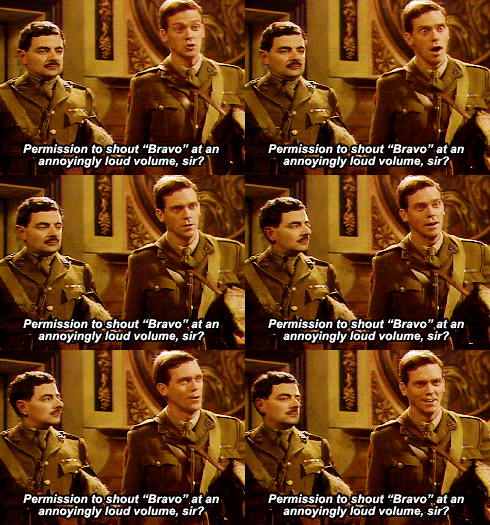
-
That's good news for both of you!!
-
Congratulations!!🥳
-
-
Congratulations @johnny5! So happy for your freedom, snd so grateful for your encouragement. Happy anniversary

-
Well done, buddy. Keep rollin!

-
-
Yesterday
-
-
NOPE…
-
20 woooooooohooooooo18 This battle is lost
 Congratulations @Stewbum You are doing great 👍NOPE!NOPE!!NOPE! Happy Thanksgiving to all our American friends🦃