


All Activity
Past hour
-
-
@snowghost There is a daily Nope thread for people who have quit and are pledging not to smoke for that day. Go on the main board and find it. We can give you support, but please let us know how you plan to quit, if you quit, etc. As far as "Real time", do you mean like up to the minute posts? I don't know if we have that where it's totally live, but since we are a group of members from all over the world, there is usually someone around most of the time. There is also a ton of reading material and videos, why don't you check it all out. Have a look around. There is lots of information. Take your time and look through all the material.
-
-
Not sure if this is the right group. Heavy smoker looking for friends to share experiences and tips.
Today
-
NOPE!
Yesterday
-
-
The Forum I mentioned is this Forum "Quit Train" On the home page; the page you see when you first log into Quit Train, you'll see many different threads with the title showing what each thread is about. You posted in the S.O.S. thread, the first one shown on the main homepage. If you scroll down from there you'll see "Introductions & About Us" is the second thread title shown. That's where you can make a post introducing your self and tell us a little about yourself and why you want to quit etc. There are a number of other threads below the Introduction & About Us thread. The title of each thread describes what the content of the thread is. Hope you can manage to navigate your way around and get some benefit from this forum 😀
-
N.O.P.E. 🙏
-
-
-
NOPE!!
-
Hi @snowghost Welcome to Quittrain. There are many posts from 2026 as we are a group who have activity every day. Here are a couple links to different category boards on here. https://www.quittrain.com/forum/3-introductions-about-us/ https://www.quittrain.com/forum/2-quit-smoking-discussions/ There are many others that you will see on the main page. It would be great, if you could introduce yourself on the Introductions board. We are a great group of people who will give you lots and lots of support. So have a look around.😀
-
Nope!
-
NOPE for today!
-
NOPE…
-
NOPE
-
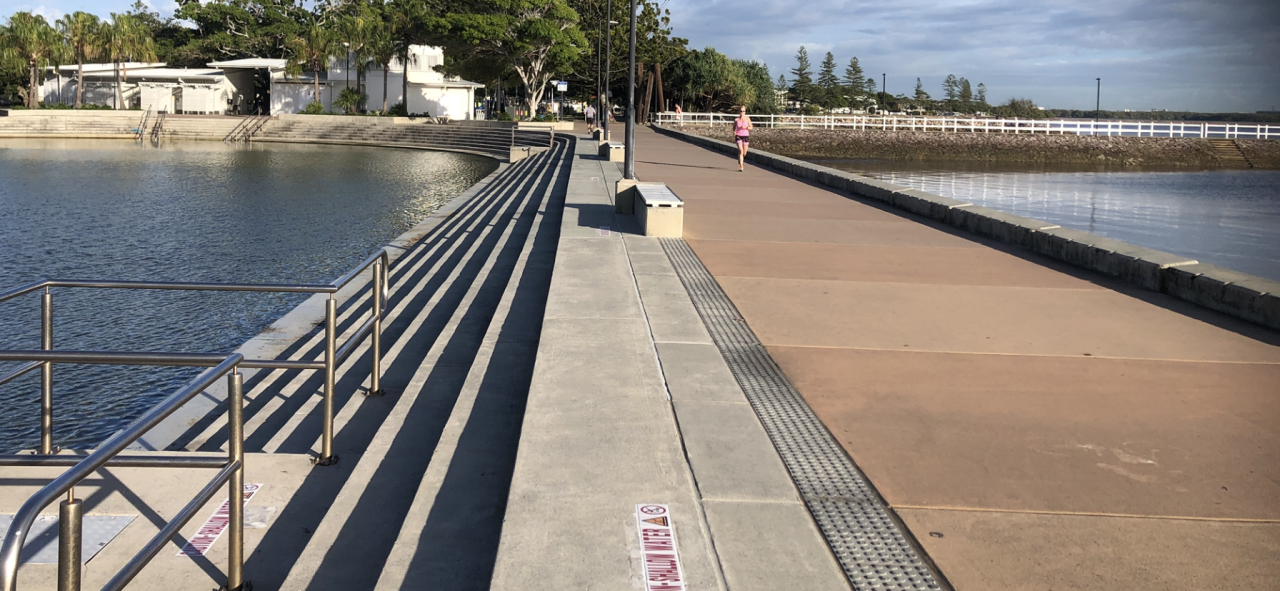
G’day NOPE .....Not One Puff Ever. Wynnum salt water wading pool
-
NOPE
-












