Skip to content
View in the app

A better way to browse. Learn more.

Quit Train, A Quit Smoking Support Community

A full-screen app on your home screen with push notifications, badges and more.

To install this app on iOS and iPadOS
  1. Tap the Share icon in Safari
  2. Scroll the menu and tap Add to Home Screen.
  3. Tap Add in the top-right corner.
To install this app on Android
  1. Tap the 3-dot menu (⋮) in the top-right corner of the browser.
  2. Tap Add to Home screen or Install app.
  3. Confirm by tapping Install.

Diane R

Members
  • Joined

  • Last visited

  1. Hi everyone sorry I’ve been missing in action. Though the storm didn’t hit south Florida it did a real number on our friends and neighbors in The Bahamas. I have been quite busy helping with the relief efforts to Grand Bahama. It’s only 60 miles from me. We spend a lot of time their in the summer. Please everyone pray for them and the lost souls. There are going to be thousands that parish in the storm. I’m still keeping my quit. No smoking even with all the stress of a hurricane. God bless you all. I will be back on when things slow down a little so many things to do at the moment.
  2. Nope not today!
  3. Nope not ever
  4. Nope not today or any day.
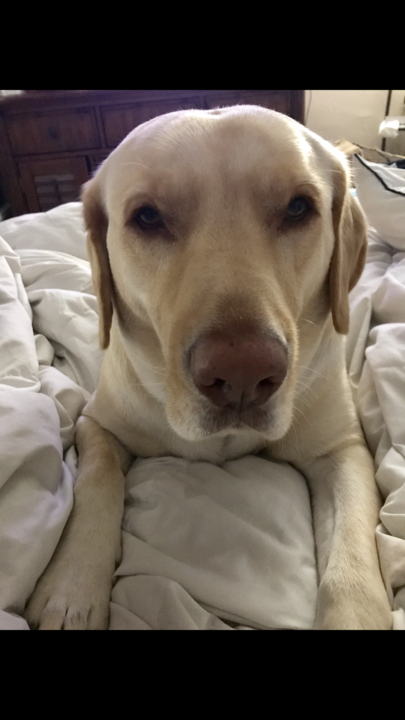
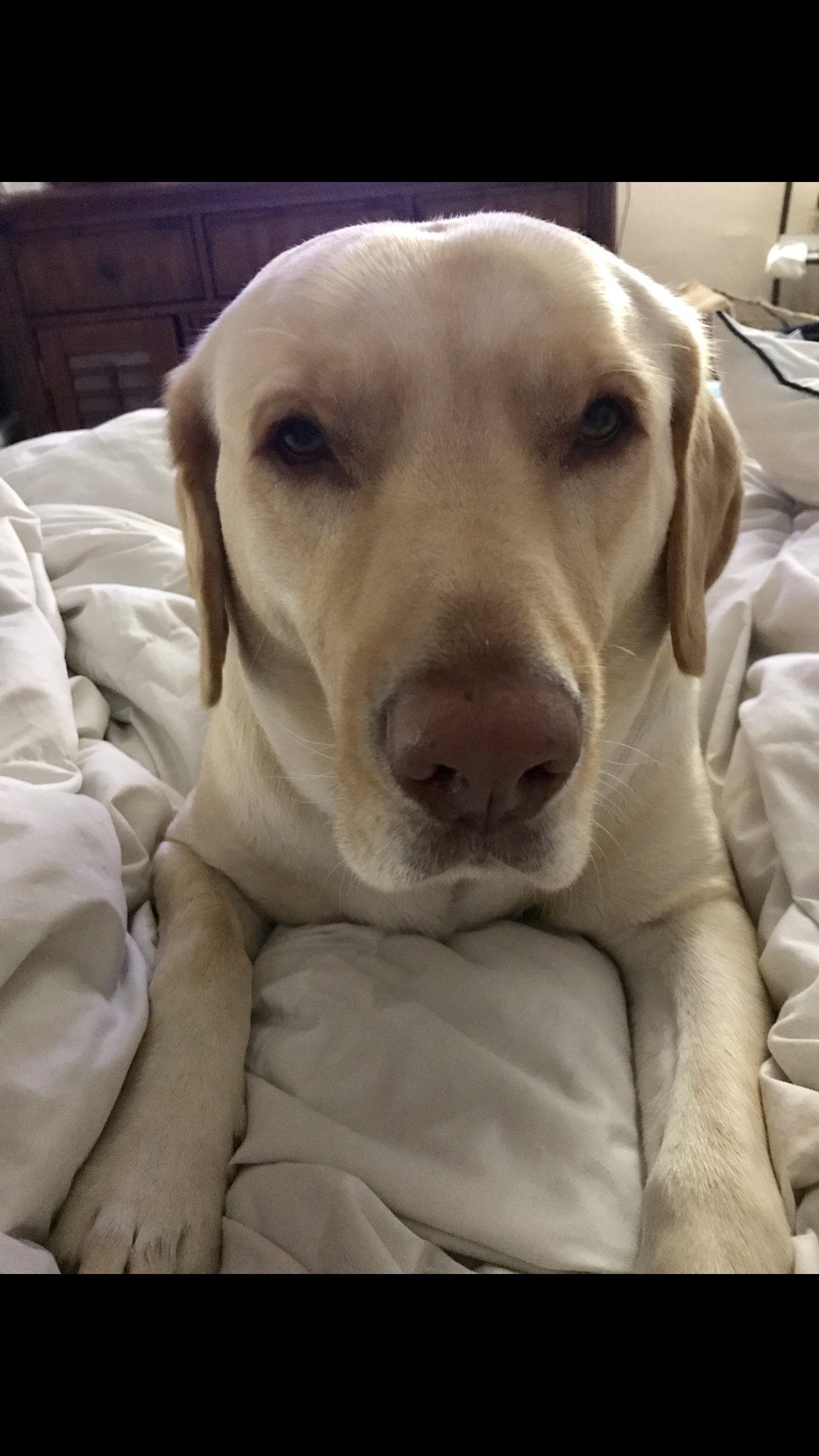
  5. They are the best family dogs. Great with kids. Samson has no conception of personal space lol. He is always next to me or at my feet.
  6. Thanks is a little sleepy there. He’s my best pal.
  7. Nope not today!
  8. Samson doesn’t smoke!
  9. He was supposed to quit with me. He can go all weekend without smoking. He doesn’t smoke around me. His kids really want him to quit. But I know he has to be ready to quit.
  10. Nope not today!

Account

Navigation

Search

Search

Configure browser push notifications

Chrome (Android)
  1. Tap the lock icon next to the address bar.
  2. Tap Permissions → Notifications.
  3. Adjust your preference.
Chrome (Desktop)
  1. Click the padlock icon in the address bar.
  2. Select Site settings.
  3. Find Notifications and adjust your preference.