



TAC
Members
-
Joined
-
Last visited
Everything posted by TAC
-
Has anyone seen this non smoking fish?
-
So you'll do it for Julie but not for bakon?
-
It's unfair Julie, adorable babies ALWAYS steal the show!
-
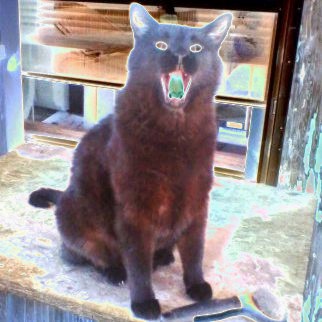
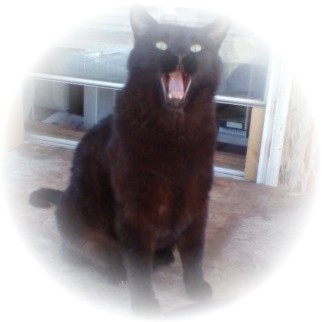
Good to see you here.So what's wrong with cat avatars?Psychedelic Solarized Vignette
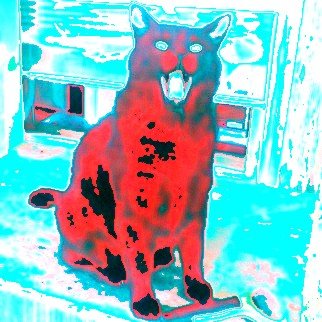
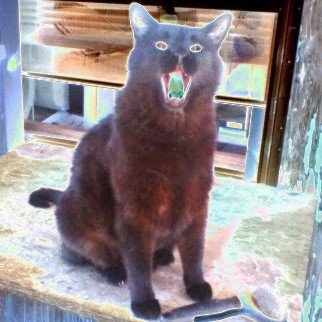
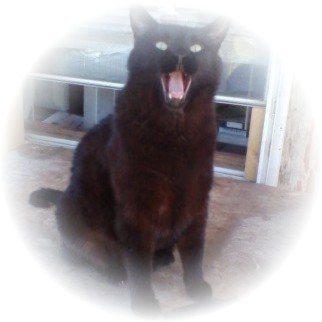 If you have a picture with you in it and others you don't want in it, I can remove the other people for you so you don't have to cut the picture in half. It is a little more work but the results are worth it.With some images, you have to delete them, move the cursor to a different location in your post then paste them again. If that doesn't work try it again at least 3 or 4 times. If it still won't post I usually just save it onto my computer, modify it in my graphics program, rename it and all is good. There are some graphics that you just can't copy and paste because the entire image is water marked with copyright protection and for those you probably shouldn't use them anyway.I can also make an avatar lighter if you think it is too dark, solarize it, or create a mix of your favorite pics. Cannot fix bakon's avatar though, don't want to get any anti cat viruses in my computer LOLI can make the boarders on the sides any color you want if you don't like white.The new avatar is a JPG with white boarders on either side of it. It is now 150 x 150 pixels so it will not be distorted by MQ's software any more. After you save the new avatar to your computer, you will have to go back into your "edit profile" and upload the new one. Let me know if you have any trouble.There you go, that should display properly now. Just left click on the image and when the pop up appears click the save button. (unless you are from the UK, you might have to click the right button LOL)
 If you have a graphic or photo that you would like to use as an avatar and you are having trouble configuring it or your avatar needs some work because it just doesn't look right to you I'll be happy to fix it for you. No charge, just throw a few likes my way and we're good. LOLWhen you are reading those two posts I mentioned , put the words "Who would I" in front of each line. Of course I am assuming what "Snog" means LOL Too bad you missed what the OP first posted, it was funny as hell.Check out post #5 and #13, you'll figure it out.Don't worry bakon, it's a cat thing.



Important Information
Account
Navigation
Search
Configure browser push notifications
Chrome (Android)
- Tap the lock icon next to the address bar.
- Tap Permissions → Notifications.
- Adjust your preference.
Chrome (Desktop)
- Click the padlock icon in the address bar.
- Select Site settings.
- Find Notifications and adjust your preference.
Safari (iOS 16.4+)
- Ensure the site is installed via Add to Home Screen.
- Open Settings App → Notifications.
- Find your app name and adjust your preference.
Safari (macOS)
- Go to Safari → Preferences.
- Click the Websites tab.
- Select Notifications in the sidebar.
- Find this website and adjust your preference.
Edge (Android)
- Tap the lock icon next to the address bar.
- Tap Permissions.
- Find Notifications and adjust your preference.
Edge (Desktop)
- Click the padlock icon in the address bar.
- Click Permissions for this site.
- Find Notifications and adjust your preference.
Firefox (Android)
- Go to Settings → Site permissions.
- Tap Notifications.
- Find this site in the list and adjust your preference.
Firefox (Desktop)
- Open Firefox Settings.
- Search for Notifications.
- Find this site in the list and adjust your preference.