



Mac#23
Members
-
Joined
-
Last visited
Everything posted by Mac#23
-
-
Nope!!
-
-
The total snowfall at my house after 2 days is 5 1/2 feet. My vehicle is still burried . We are waiting for a front loader to come and clear our parking lot.
-
Congratulations Joe, this is a really incredible quit. This is also extremely inspiring for the rest of us. Keep it up.
-
-
Nope!!
-
-
-
-
-
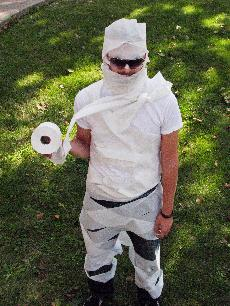
6. Use to make mummy costume
-
Looking out my sliding glass door to my balcony.
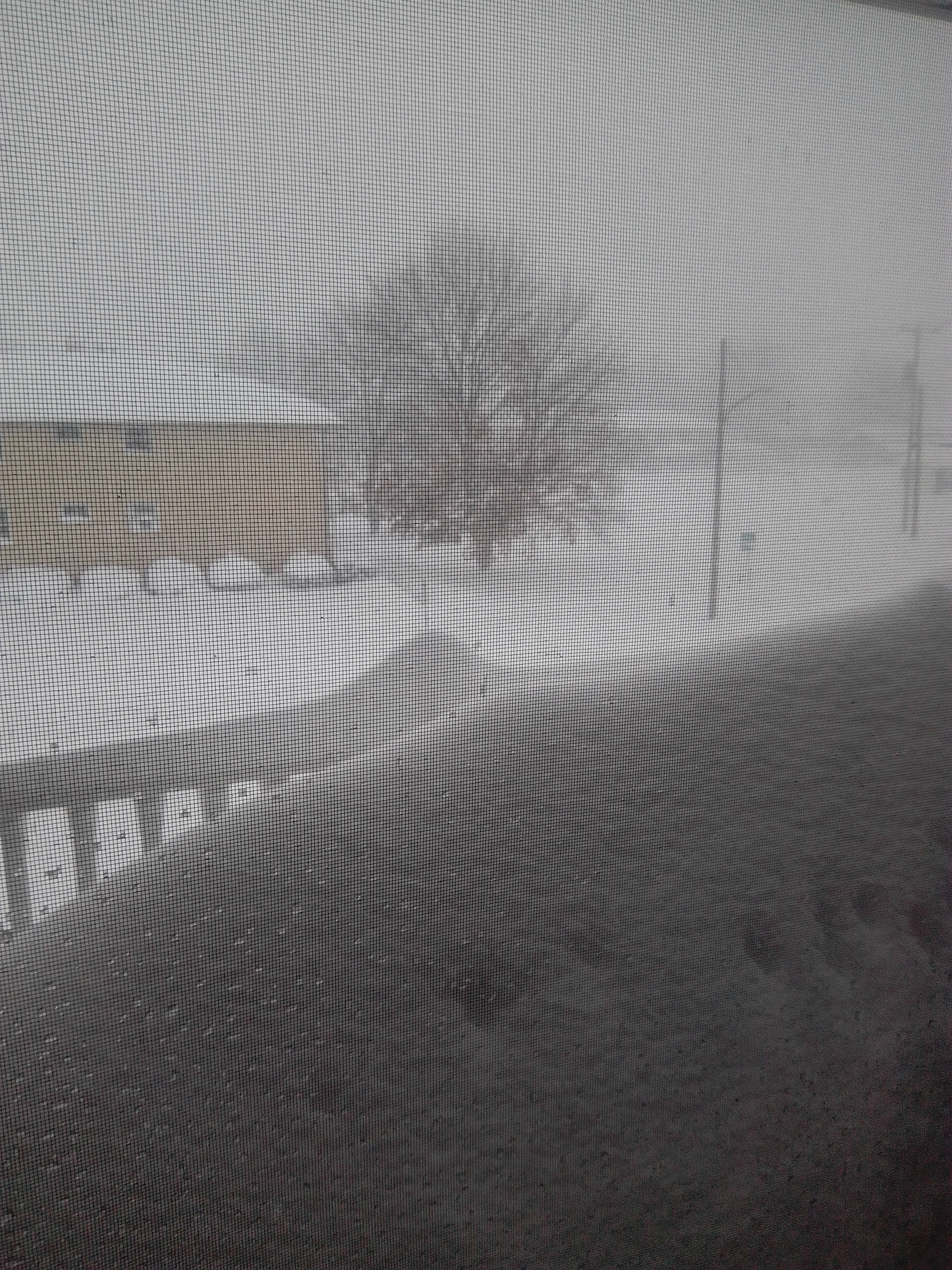
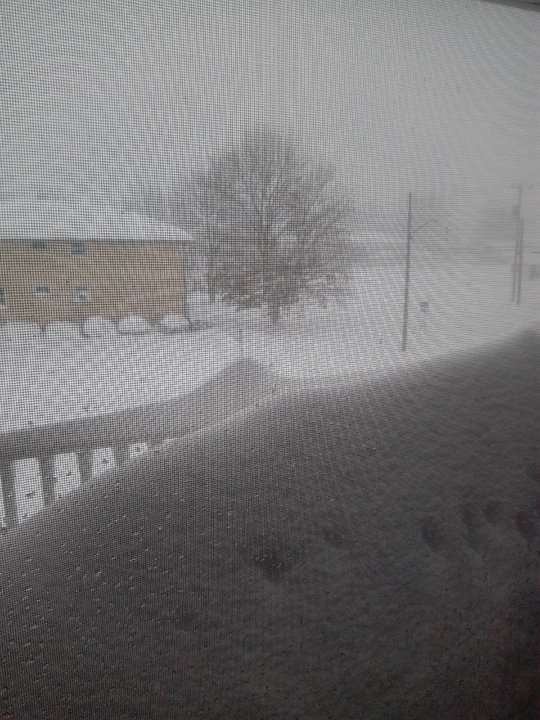 Buffalo has been hit with a wee bit of snow. There is 2 1/2 feet on the ground and still snowing. Trying to dig out.Congratulations Barney, on your exceptional quit.




Important Information
Account
Navigation
Search
Configure browser push notifications
Chrome (Android)
- Tap the lock icon next to the address bar.
- Tap Permissions → Notifications.
- Adjust your preference.
Chrome (Desktop)
- Click the padlock icon in the address bar.
- Select Site settings.
- Find Notifications and adjust your preference.
Safari (iOS 16.4+)
- Ensure the site is installed via Add to Home Screen.
- Open Settings App → Notifications.
- Find your app name and adjust your preference.
Safari (macOS)
- Go to Safari → Preferences.
- Click the Websites tab.
- Select Notifications in the sidebar.
- Find this website and adjust your preference.
Edge (Android)
- Tap the lock icon next to the address bar.
- Tap Permissions.
- Find Notifications and adjust your preference.
Edge (Desktop)
- Click the padlock icon in the address bar.
- Click Permissions for this site.
- Find Notifications and adjust your preference.
Firefox (Android)
- Go to Settings → Site permissions.
- Tap Notifications.
- Find this site in the list and adjust your preference.
Firefox (Desktop)
- Open Firefox Settings.
- Search for Notifications.
- Find this site in the list and adjust your preference.