




Stewbum
Members
-
Joined
Everything posted by Stewbum
-
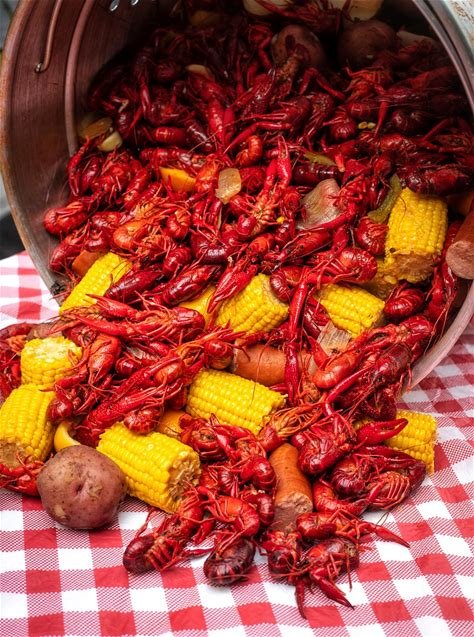
Back from N'awlens full of Crawfish, Gumbo, Shrimp Po-Boys etc... Of course NOPIN all the way!!!
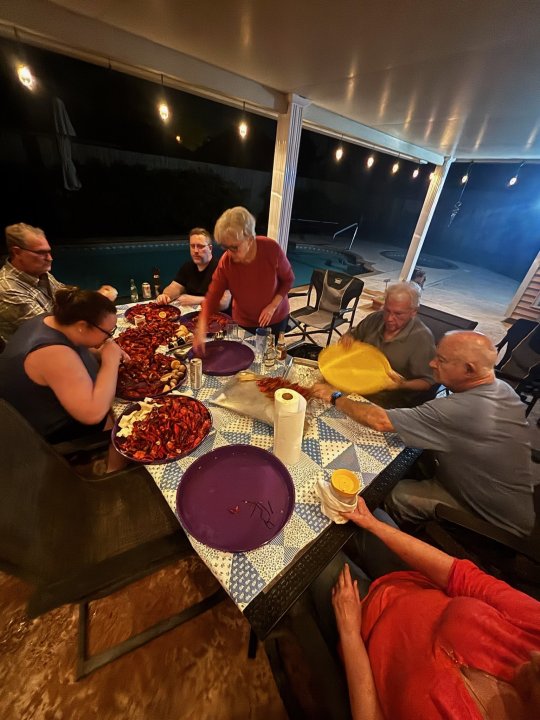
-
NOPIN!! From New Orleans.... OOPS N'awlens
-
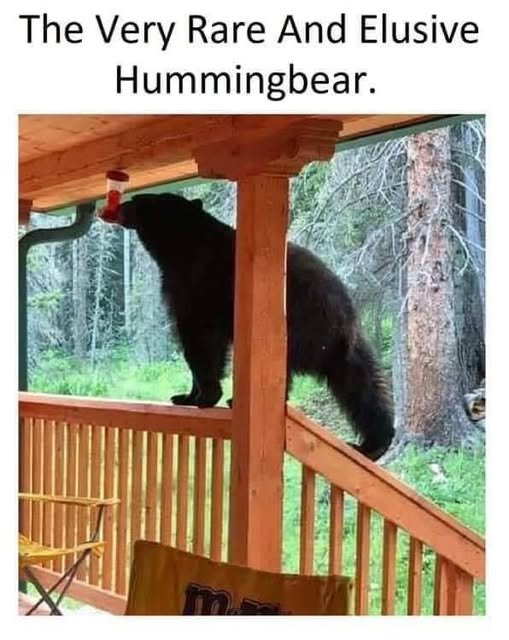
NOPE!!NOPE!!Oh a Baby T Rex, need to pet the little fella... NOPE!!-1 Hello to the slappin queen named Doreen.NOPE!! THANK YOU...NOPE!!NOPE!!NOPE!!Better be careful using that it looks like it wants all your Taco's... Look closer and think car toon.
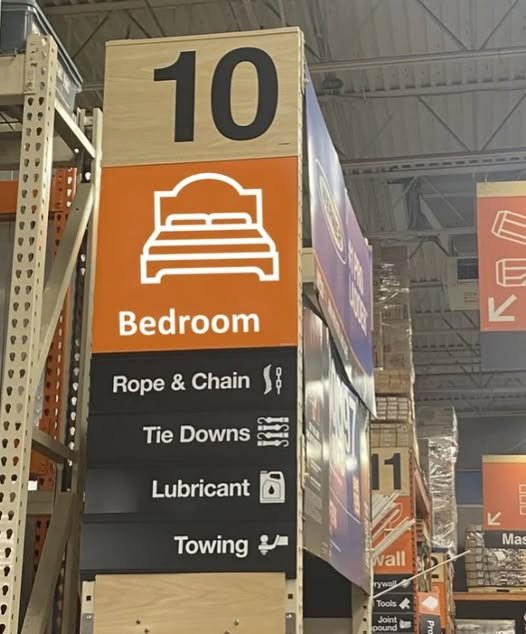
 NOPE!!NOPE!! But have my tickets to New Orleans YEP!!NOPE!!NOPE!!NOPE!!NOPE!!NOPE!!








Important Information
Account
Navigation
Search
Configure browser push notifications
Chrome (Android)
- Tap the lock icon next to the address bar.
- Tap Permissions → Notifications.
- Adjust your preference.
Chrome (Desktop)
- Click the padlock icon in the address bar.
- Select Site settings.
- Find Notifications and adjust your preference.
Safari (iOS 16.4+)
- Ensure the site is installed via Add to Home Screen.
- Open Settings App → Notifications.
- Find your app name and adjust your preference.
Safari (macOS)
- Go to Safari → Preferences.
- Click the Websites tab.
- Select Notifications in the sidebar.
- Find this website and adjust your preference.
Edge (Android)
- Tap the lock icon next to the address bar.
- Tap Permissions.
- Find Notifications and adjust your preference.
Edge (Desktop)
- Click the padlock icon in the address bar.
- Click Permissions for this site.
- Find Notifications and adjust your preference.
Firefox (Android)
- Go to Settings → Site permissions.
- Tap Notifications.
- Find this site in the list and adjust your preference.
Firefox (Desktop)
- Open Firefox Settings.
- Search for Notifications.
- Find this site in the list and adjust your preference.