Skip to content
View in the app

A better way to browse. Learn more.

Quit Train, A Quit Smoking Support Community

A full-screen app on your home screen with push notifications, badges and more.

To install this app on iOS and iPadOS
  1. Tap the Share icon in Safari
  2. Scroll the menu and tap Add to Home Screen.
  3. Tap Add in the top-right corner.
To install this app on Android
  1. Tap the 3-dot menu (⋮) in the top-right corner of the browser.
  2. Tap Add to Home screen or Install app.
  3. Confirm by tapping Install.

All Activity

This stream auto-updates

  1. Past hour

  2. Today

  3. He is so real!!
  4. If I can quit, cold turkey too, anyone can. Put on your boots, one day at a time…ten minutes at a time first couple days actually….but it can be done. No way you’re weaker than some of the window lickers in here. And they are all successful. Just remember some rewards are going to be needed. I made my first hour and went to Subway for a sandwich. Keep marching.
  5. bakon started following Can't Quit
  6. I think your mom got out a calculator. You only have one friend and it’s not a real person…..
  7. Yesterday

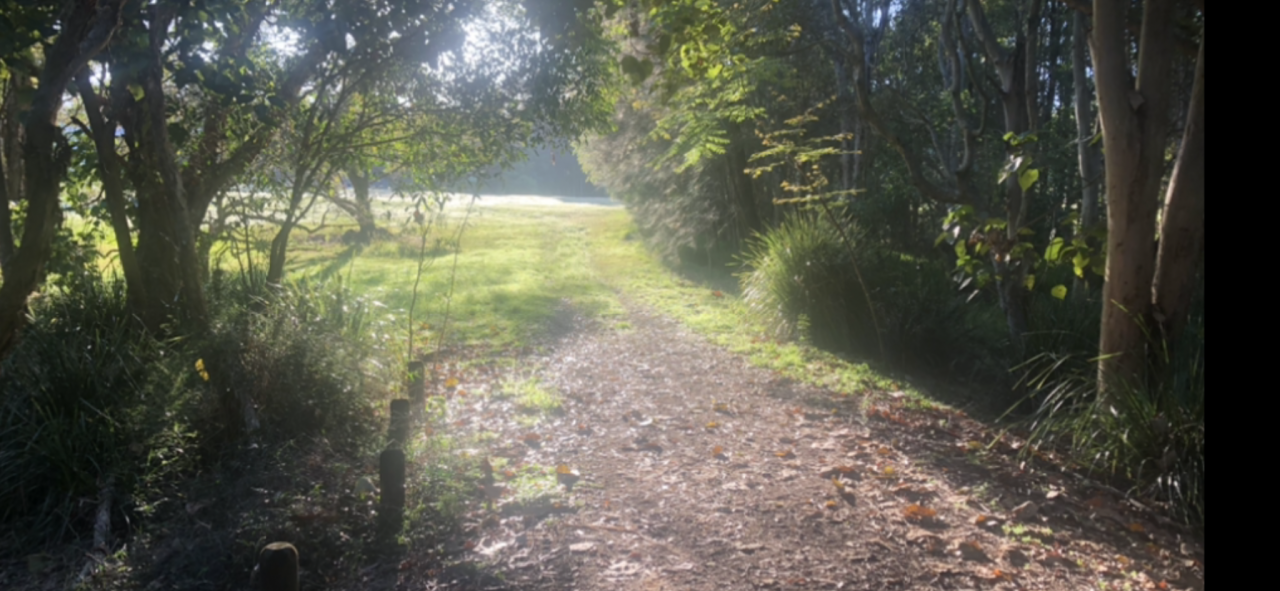
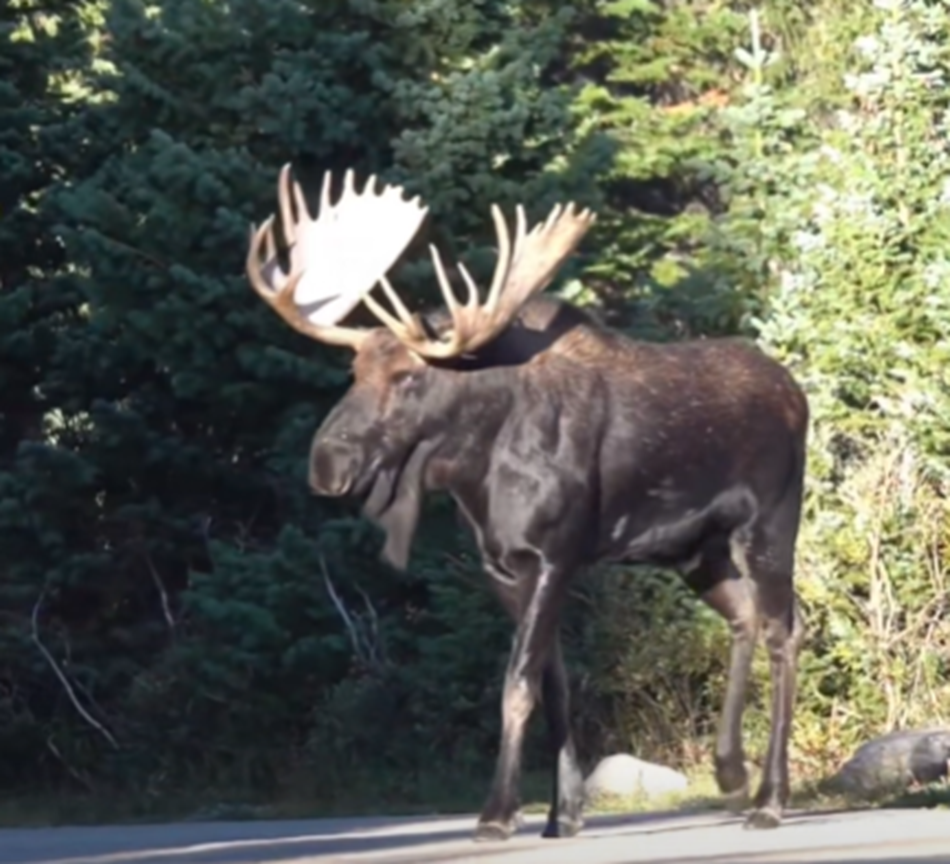
  8. Gday Bigger than a roo but I hope they have better road smarts
  9. N.O.P.E. 🙏
  10. NOPE! Canadian Bull Moose - A 1,600 lb, Road Hazard!
  11. G’day NOPE .....Not One Puff Ever.

Account

Navigation

Search

Search

Configure browser push notifications

Chrome (Android)
  1. Tap the lock icon next to the address bar.
  2. Tap Permissions → Notifications.
  3. Adjust your preference.
Chrome (Desktop)
  1. Click the padlock icon in the address bar.
  2. Select Site settings.
  3. Find Notifications and adjust your preference.