


Tending Your Garden

intoxicated yoda 31
Posted yesterday at 07:35 PM
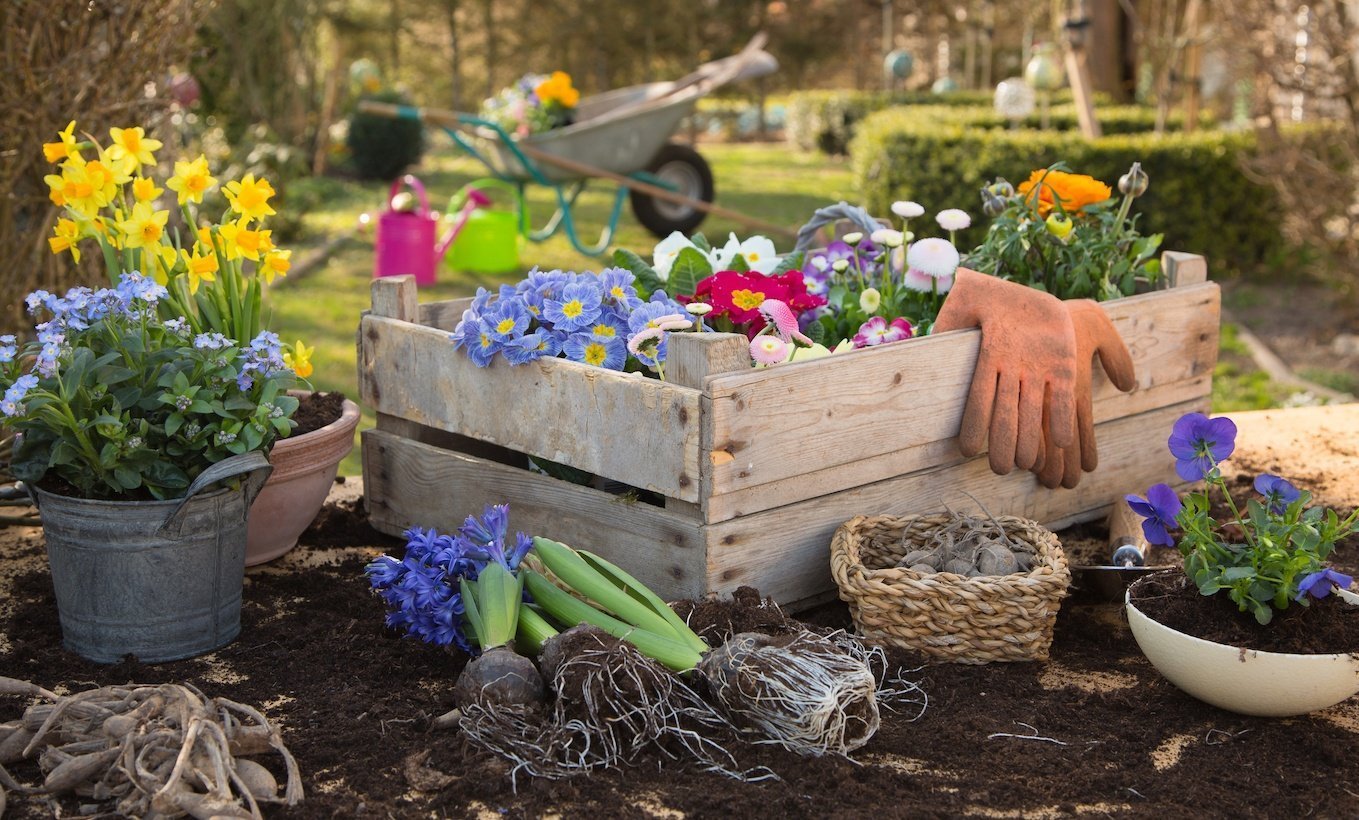
honestly...even tho i've been quit for a few weeks, the cigs are still in control. I'm still an abstaining smoker. Most of my thoughts are dominated by the quit but that's okay. it has to be this way. my quit is a garden and right now it's full of weeds so it's going to take all my focus and effort to get all the weeds pulled. then once all the weeds are pulled it's going to take daily monitoring for new sprouts of weeds so i can dig down and find the roots. later it will take weekly monitoring for more weed sprouts so i can dig down further and get the rest of the roots. and then when i've gotten all the roots out and all the weeds are gone and there are only beautiful blooming flowers in my quit garden i still have to be vigilant in monitoring for weeds cause seeds will blow in on the wind from who knows where and they will pop up when and where i least expect them. but that is life. the garden, whatever it is be it quitting smoking or playing piano, must be tended. to do otherwise is to stop living.
Link to original blog entry: Who's in Charge? https://www.quittrain.com/blogs/entry/1050-whos-in-charge/
Edited by jillar
-
 5
Recommended Comments