Skip to content
View in the app

A better way to browse. Learn more.

Quit Train, A Quit Smoking Support Community

A full-screen app on your home screen with push notifications, badges and more.

To install this app on iOS and iPadOS
  1. Tap the Share icon in Safari
  2. Scroll the menu and tap Add to Home Screen.
  3. Tap Add in the top-right corner.
To install this app on Android
  1. Tap the 3-dot menu (⋮) in the top-right corner of the browser.
  2. Tap Add to Home screen or Install app.
  3. Confirm by tapping Install.

Stewbum

Members
  • Joined

Everything posted by Stewbum

  1. NOPE!! no puffin tonight.
  2. Stewbum replied to bakon's topic in Games
    back to 6
  3. Good Morning NOPE!!
  4. Stewbum replied to bakon's topic in Games
    SIX.
  5. Stewbum replied to bakon's topic in Games
    6
  6. NOPE!! Not tonight.
  7. Stewbum replied to bakon's topic in Games
    10
  8. Stewbum replied to bakon's topic in Games
    10 ish
  9. I forgot how long this lethargy lasted for me. Seems to be dragging on? I know I wrote about this during the last quit I will have to keep looking. KTQ
  10. Stewbum replied to bakon's topic in Games
  11. NOPE!! For tonight. La Conner harbor and tourist trap. Mt. Baker in the background. Primary launch area for the boats we build.
  12. Good Morning NOPE!!
  13. Stewbum replied to bakon's topic in Games
    8
  14. Stewbum replied to bakon's topic in Games
    5
  15. Not Tonight!!
  16. Stewbum replied to bakon's topic in Games
    6
  17. Stewbum replied to bakon's topic in Games
    6
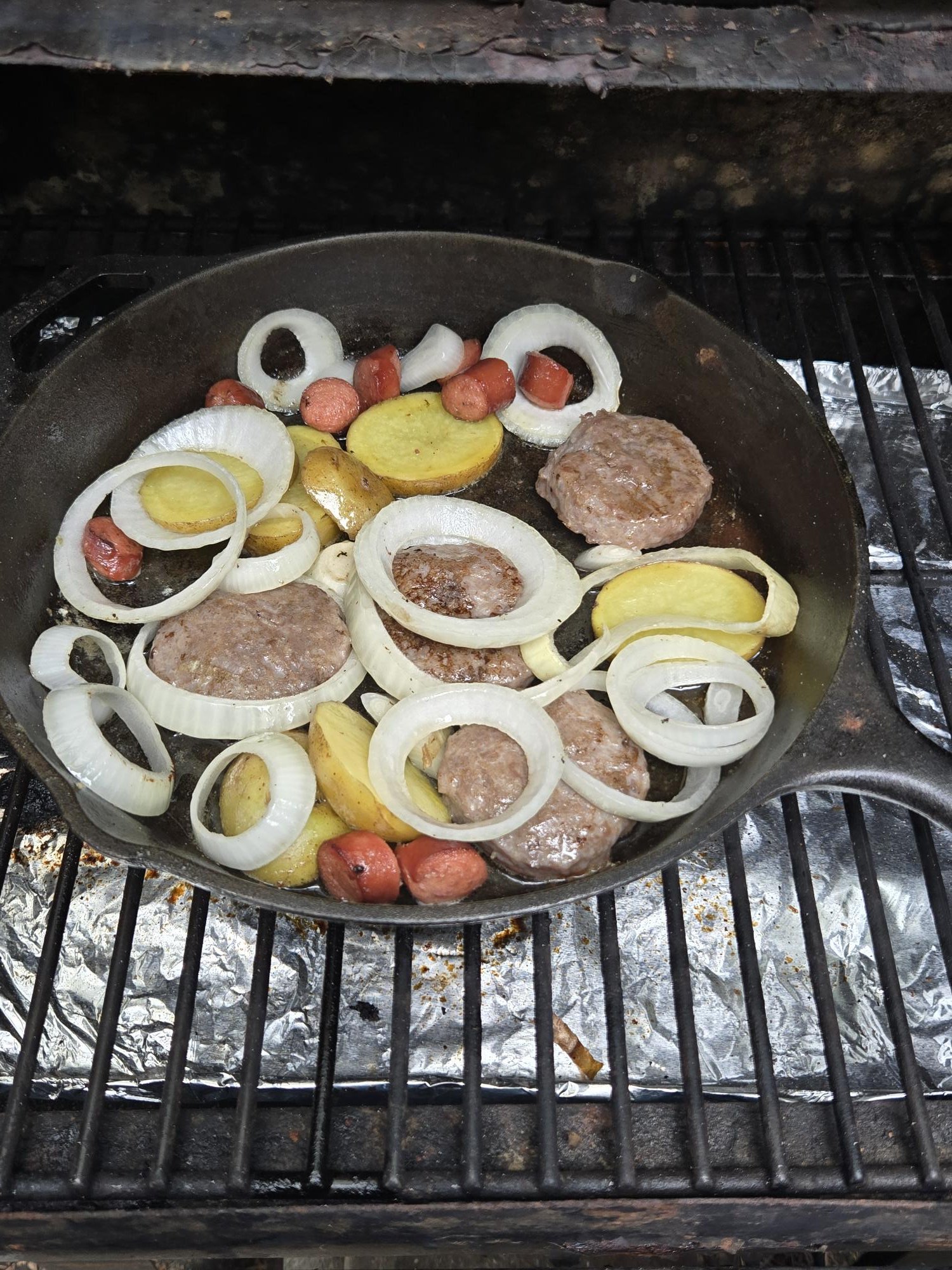
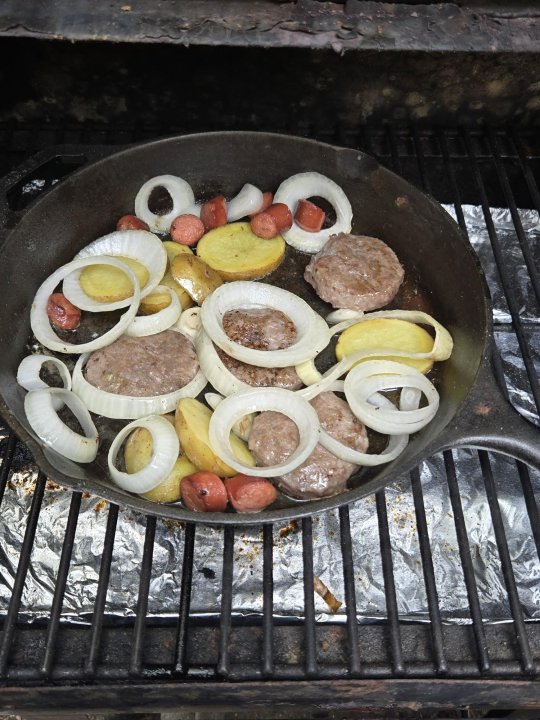
  18. Good Morning NOPE!! The start of breakfast at my cabin on the Treager.
  19. Stewbum replied to bakon's topic in Games
    8
  20. Stewbum replied to bakon's topic in Games
    6
  21. NOPE!! for today. Mt. Shasta, Cascade range- N. California.
  22. Stewbum replied to bakon's topic in Games
    4
  23. Stewbum replied to bakon's topic in Games
    5
  24. Good Morning NOPE!!

Account

Navigation

Search

Search

Configure browser push notifications

Chrome (Android)
  1. Tap the lock icon next to the address bar.
  2. Tap Permissions → Notifications.
  3. Adjust your preference.
Chrome (Desktop)
  1. Click the padlock icon in the address bar.
  2. Select Site settings.
  3. Find Notifications and adjust your preference.