


Cbdave
Members
-
Joined
-
Last visited
Everything posted by Cbdave
-
-
G’day NOPE .....Not One Puff Ever.... (replace Ever with Min,Hour, Day as required).
-
G’day NOPE .....Not One Puff Ever.... (replace Ever with Min,Hour, Day as required).
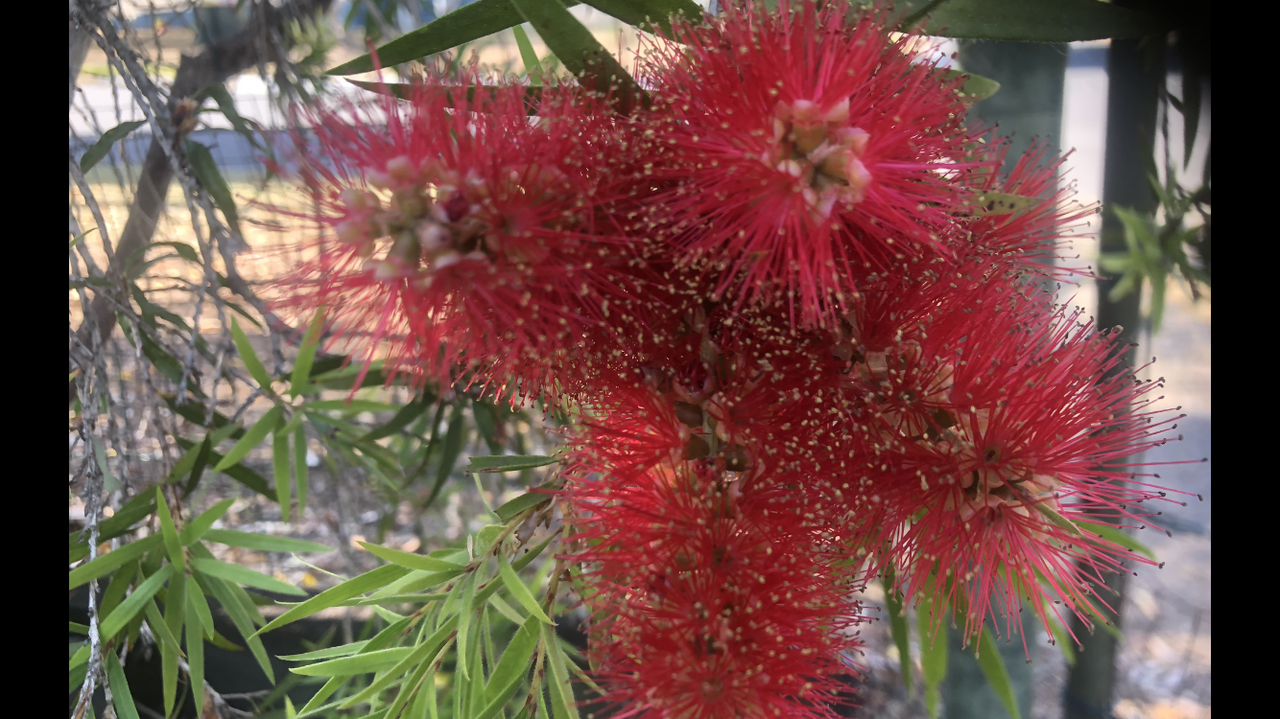 G’day NOPE .....Not One Puff Ever.... (replace Ever with Min,Hour, Day as required). Bushfire Sunsets
 G’day NOPE .....Not One Puff Ever.... (replace Ever with Min,Hour, Day as required).
 G’day NOPE .....Not One Puff Ever.... (replace Ever with Min,Hour, Day as required).
 G’day NOPE .....Not One Puff Ever.... (replace Ever with Min,Hour, Day as required).
 G’day NOPE .....Not One Puff Ever.... (replace Ever with Min,Hour, Day as required).
 G’day NOPE .....Not One Puff Ever.... (replace Ever with Min,Hour, Day as required).
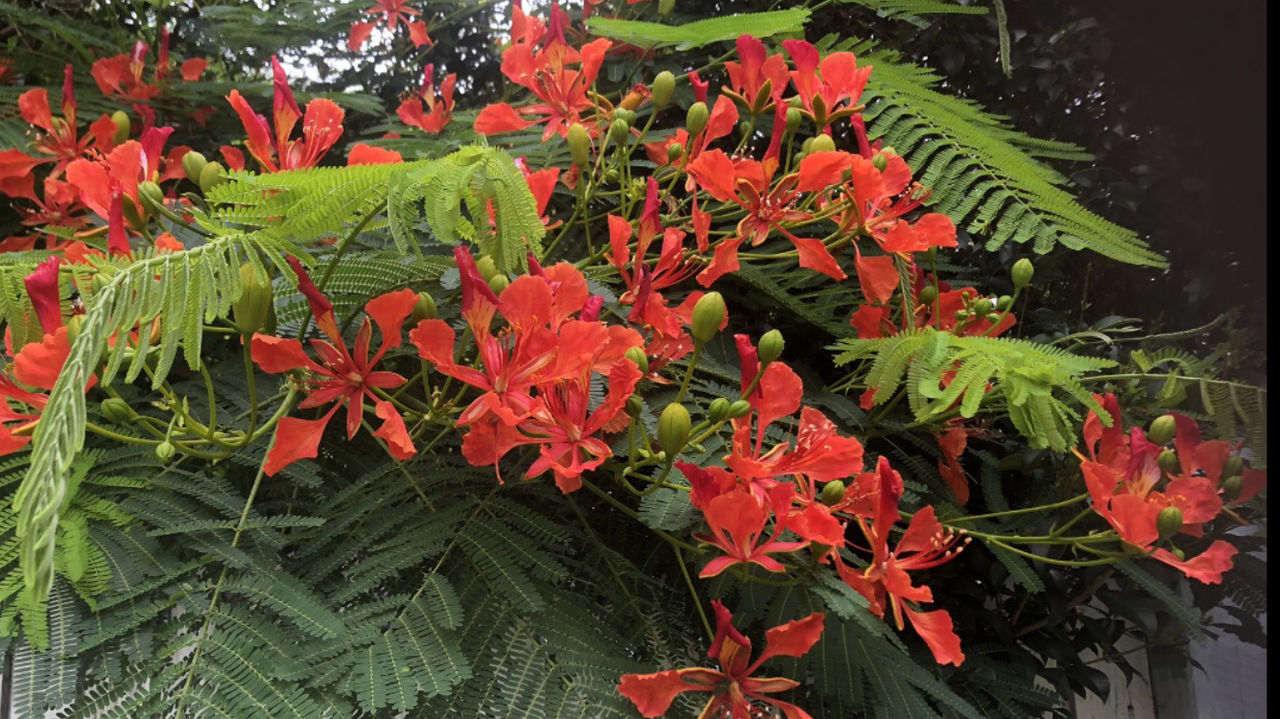 G’day NOPE .....Not One Puff Ever.... (replace Ever with Min,Hour, Day as required).
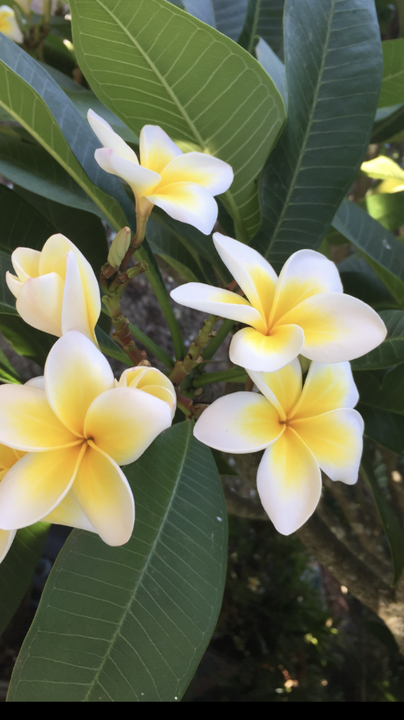 G’day NOPE .....Not One Puff Ever.... (replace Ever with Min,Hour, Day as required).
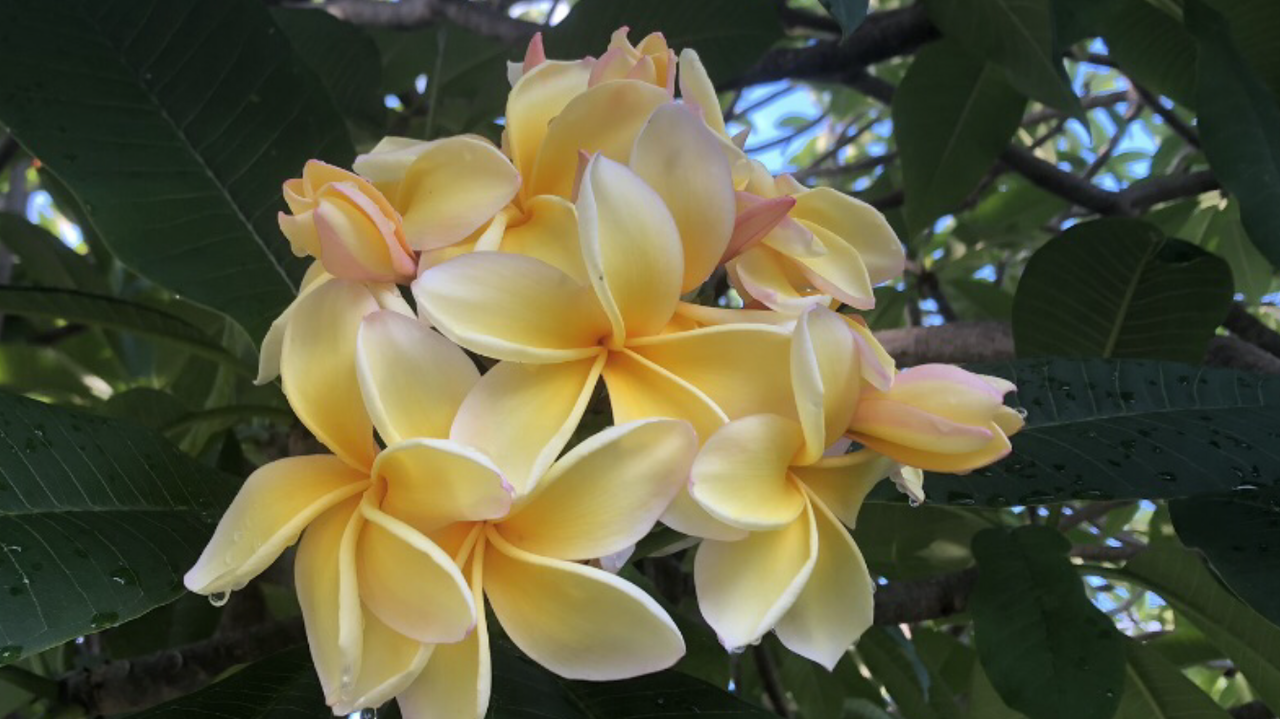 G’day NOPE .....Not One Puff Ever.... (replace Ever with Min,Hour, Day as required).
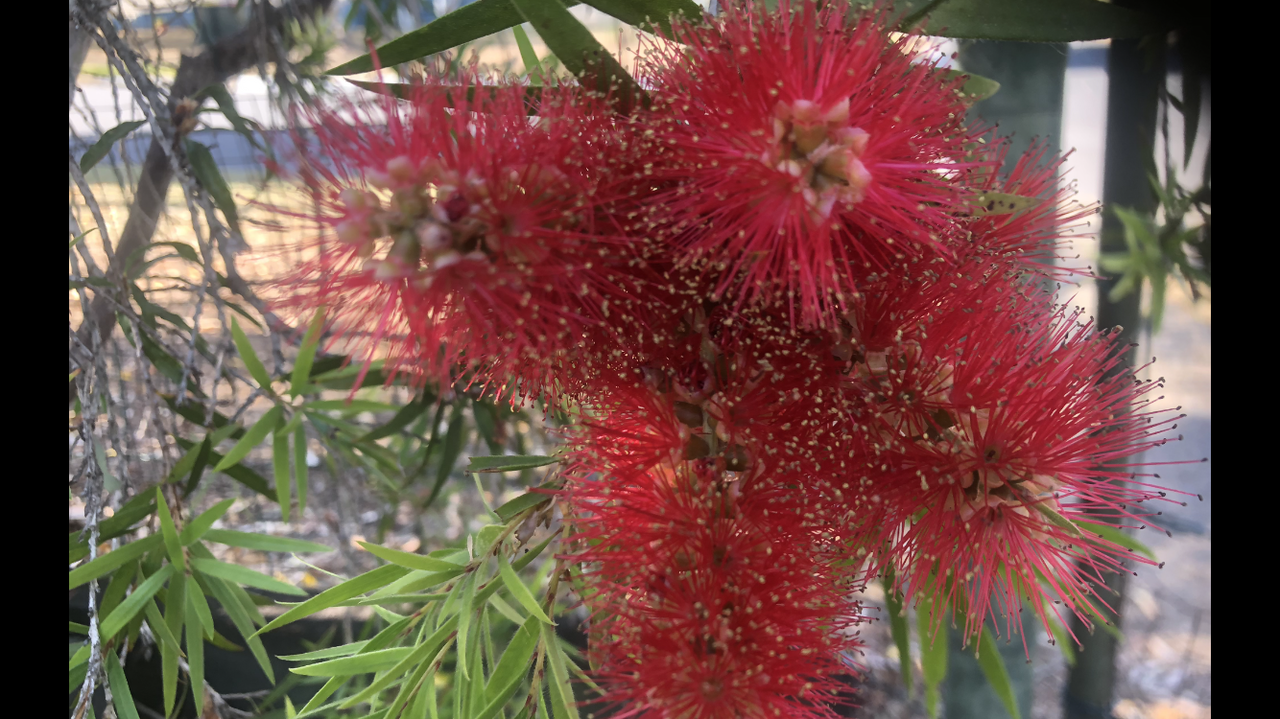 G’day NOPE .....Not One Puff Ever.... (replace Ever with Min,Hour, Day as required).
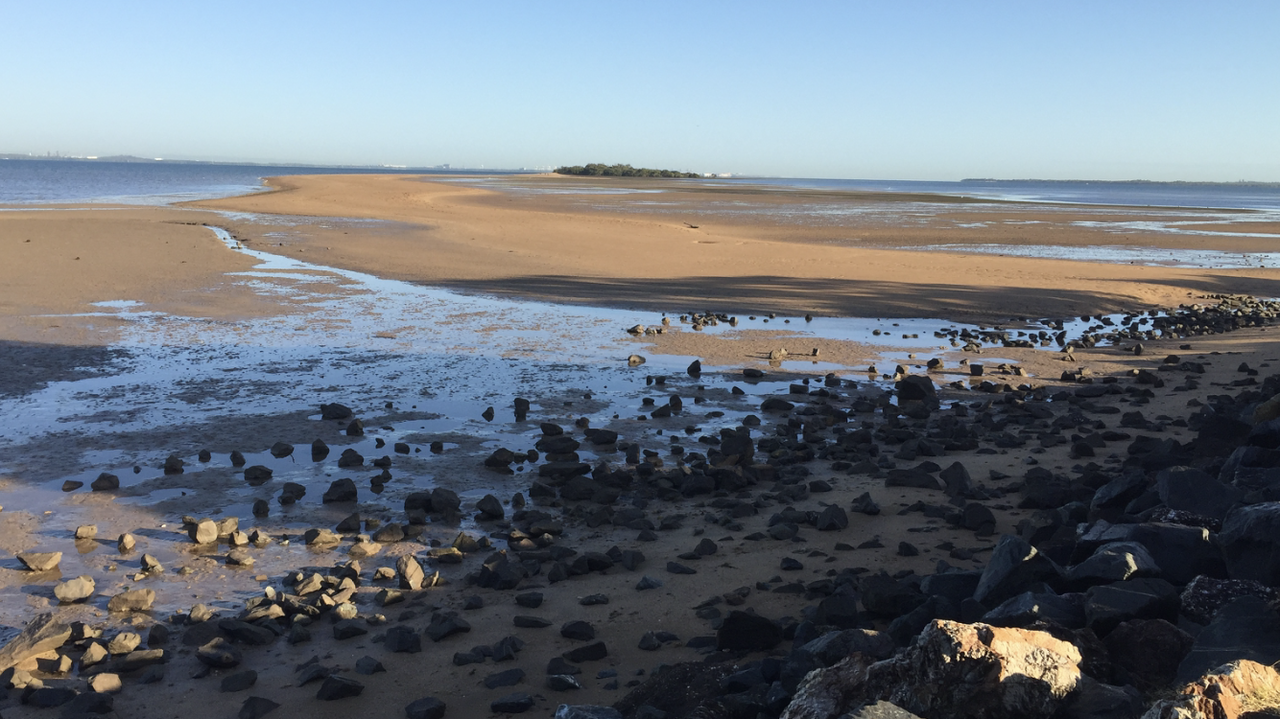 G’day NOPE .....Not One Puff Ever.... (replace Ever with Min,Hour, Day as required).
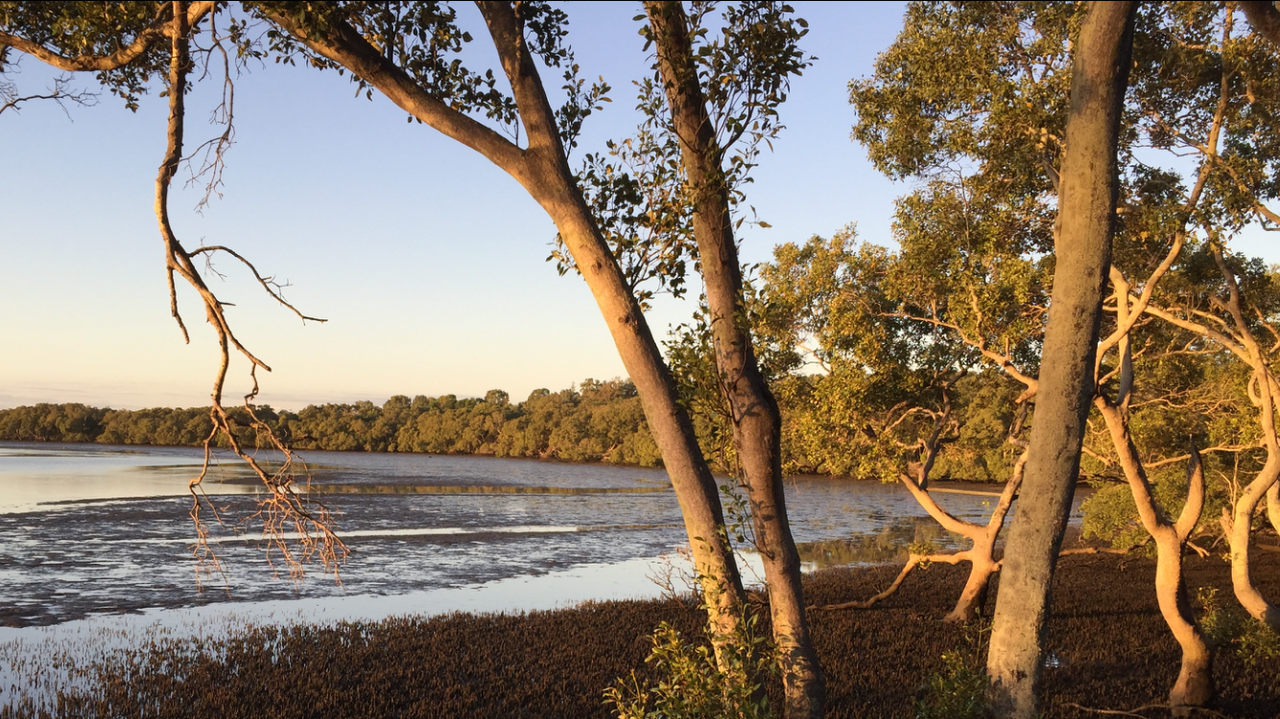
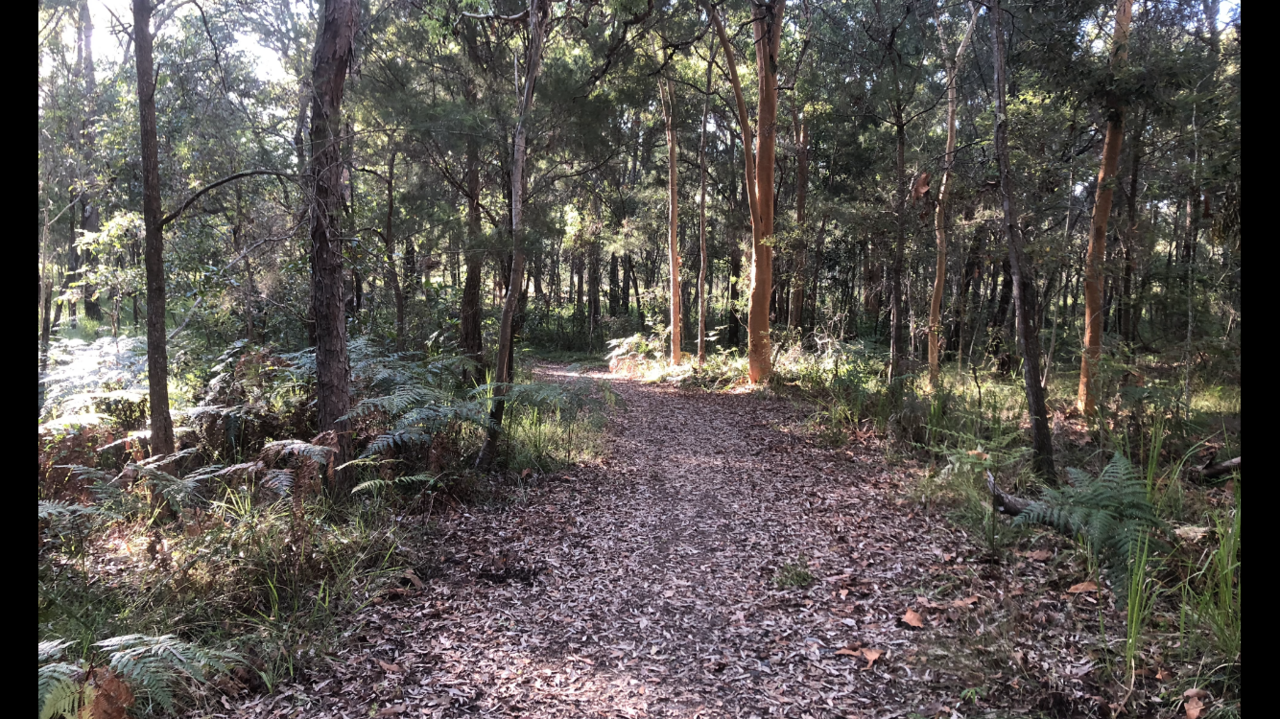
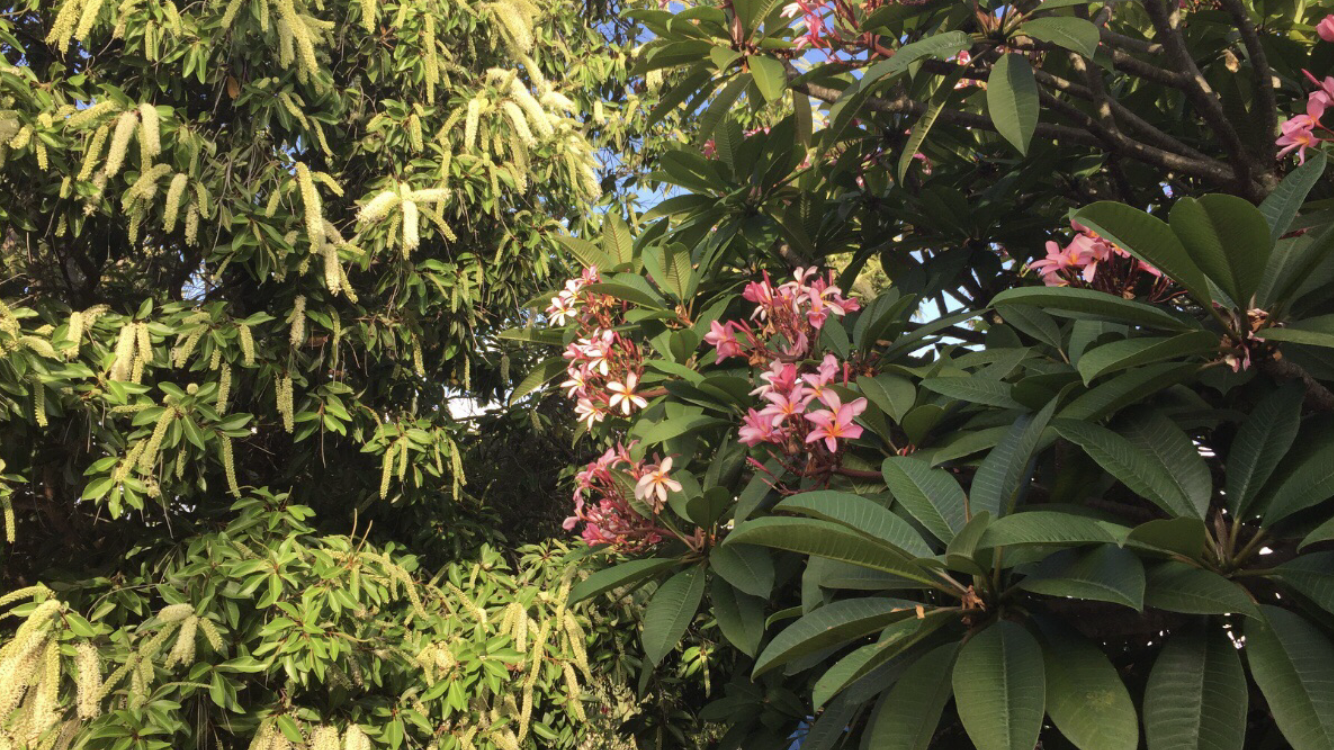
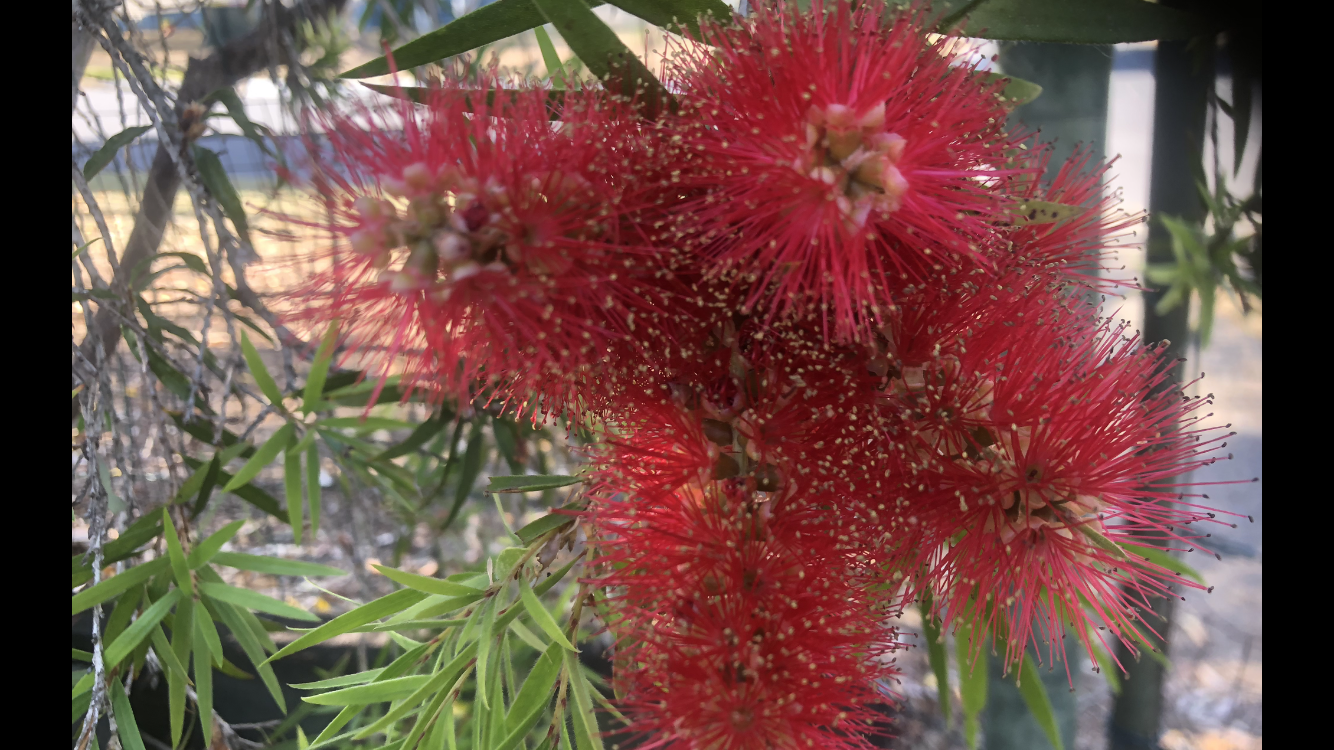
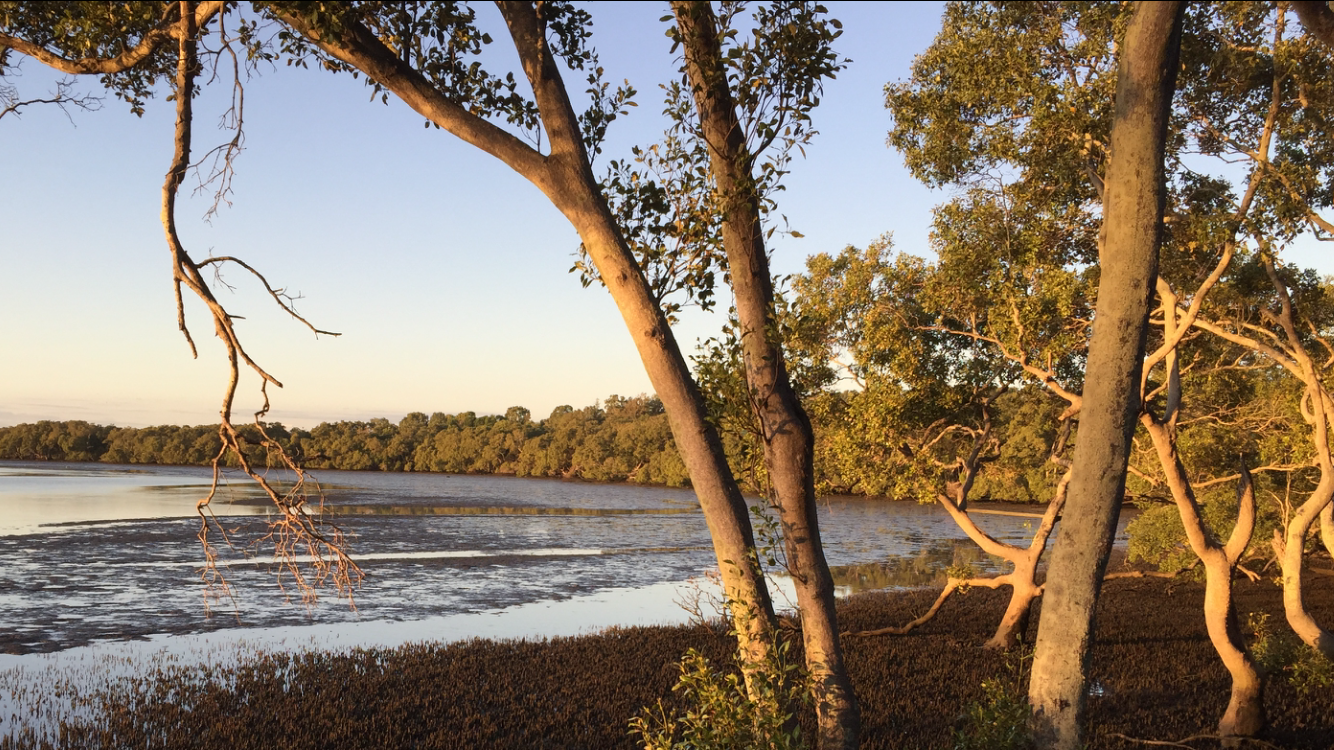
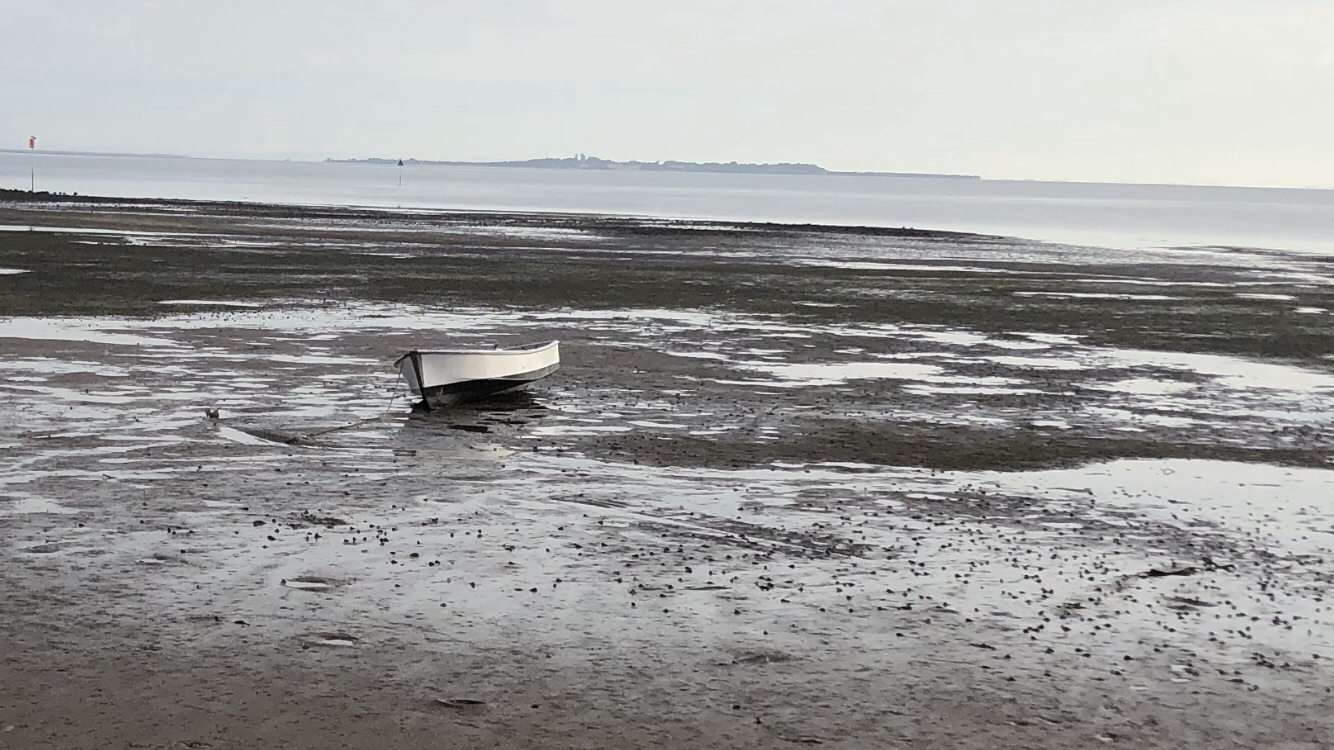
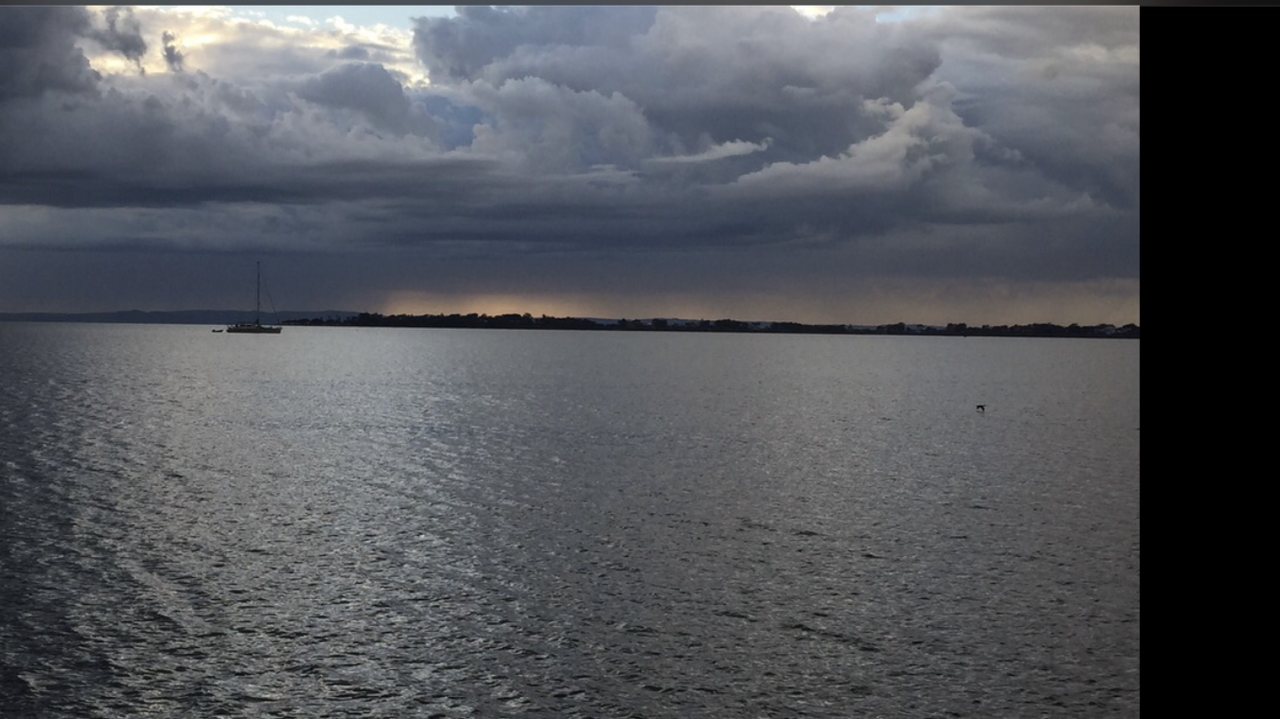 Gday These are pics taken usually early mornings on a walk. We drive no more than 10 mins from home and walk for 1/2 an hour. I live on Moreton bay 1/2 an hour from the middle of Brisbane and I know it’s a special place. Early morning light means even a pic with a simple I phone has a special quality. Unfortunately due to work and commute my walks are late evenings at the moment. But it’s still a pleasure each morning to select a pic from the little library and post it up.G’day NOPE .....Not One Puff Ever.... (replace Ever with Min,Hour, Day as required).
 Wow…… it’s like having a second birthday really. One is actually pretty young! And really looks foward to getting older! Im looking forward to being a teenager again known what I know now. ChrisG’day NOPE .....Not One Puff Ever.... (replace Ever with Min,Hour, Day as required).
 G’day NOPE .....Not One Puff Ever.... (replace Ever with Min,Hour, Day as required).
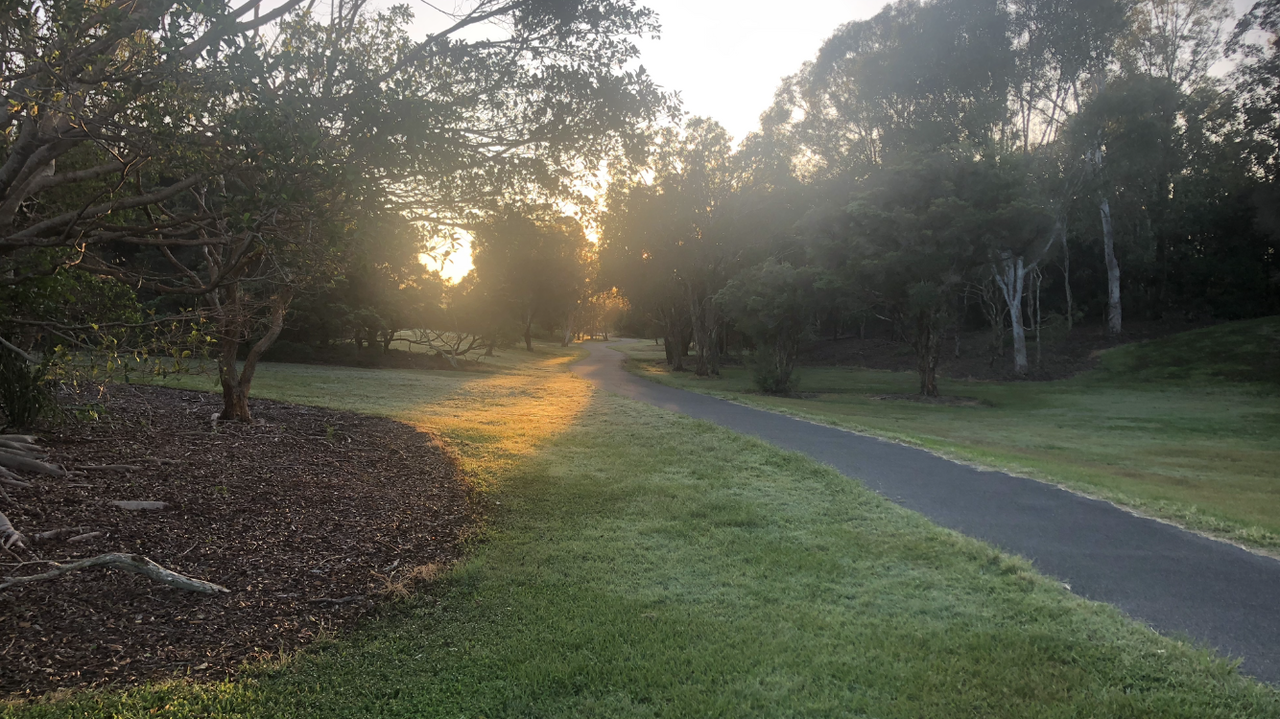 G’day NOPE .....Not One Puff Ever.... (replace Ever with Min,Hour, Day as required).
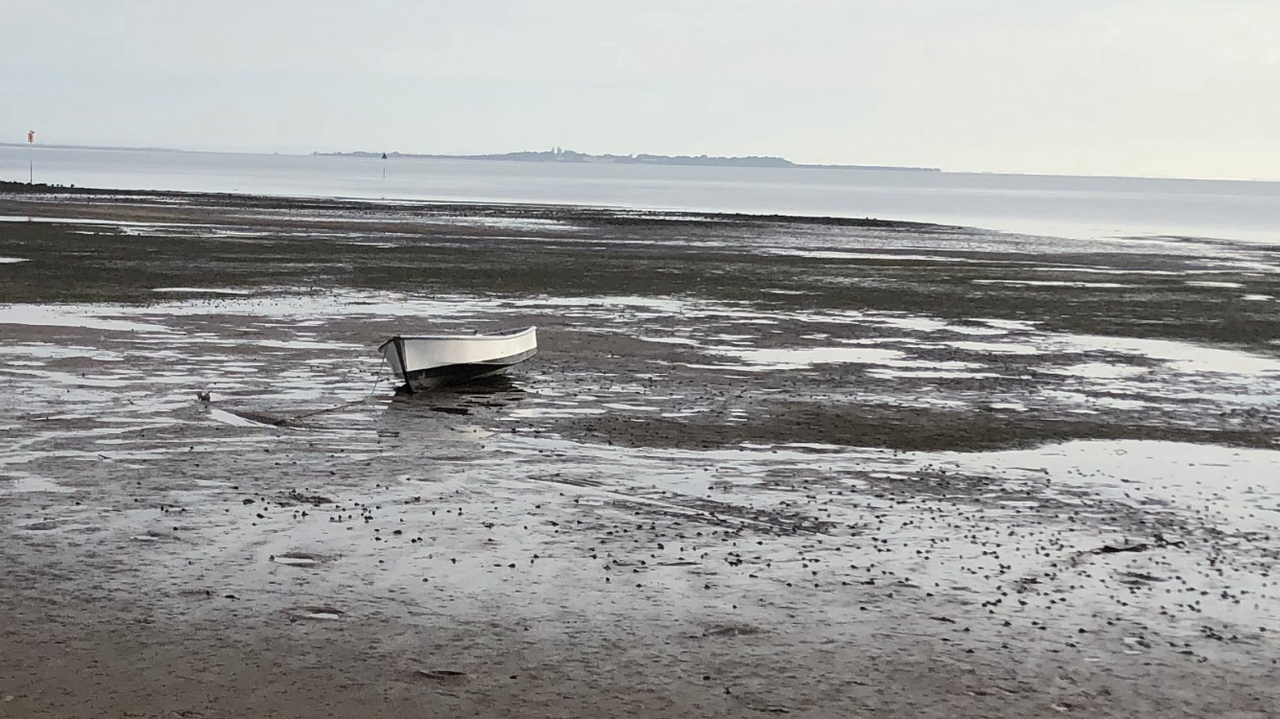 G’day NOPE .....Not One Puff Ever.... (replace Ever with Min,Hour, Day as required).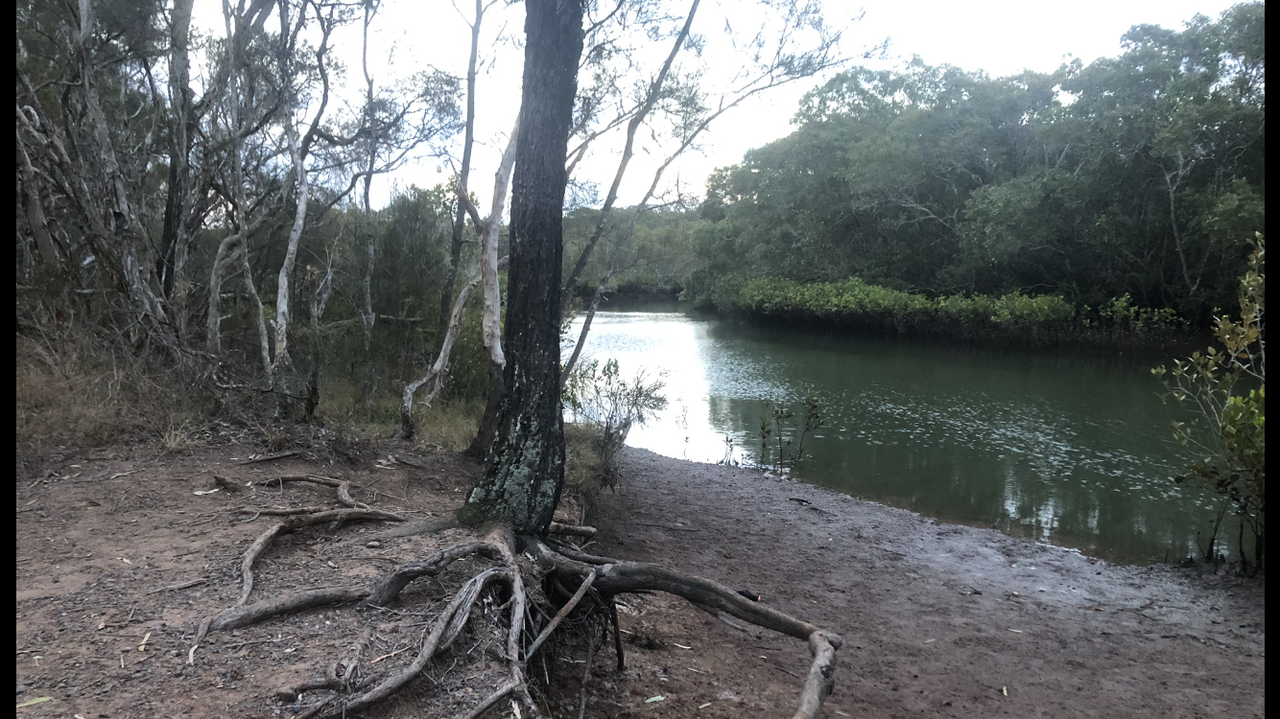



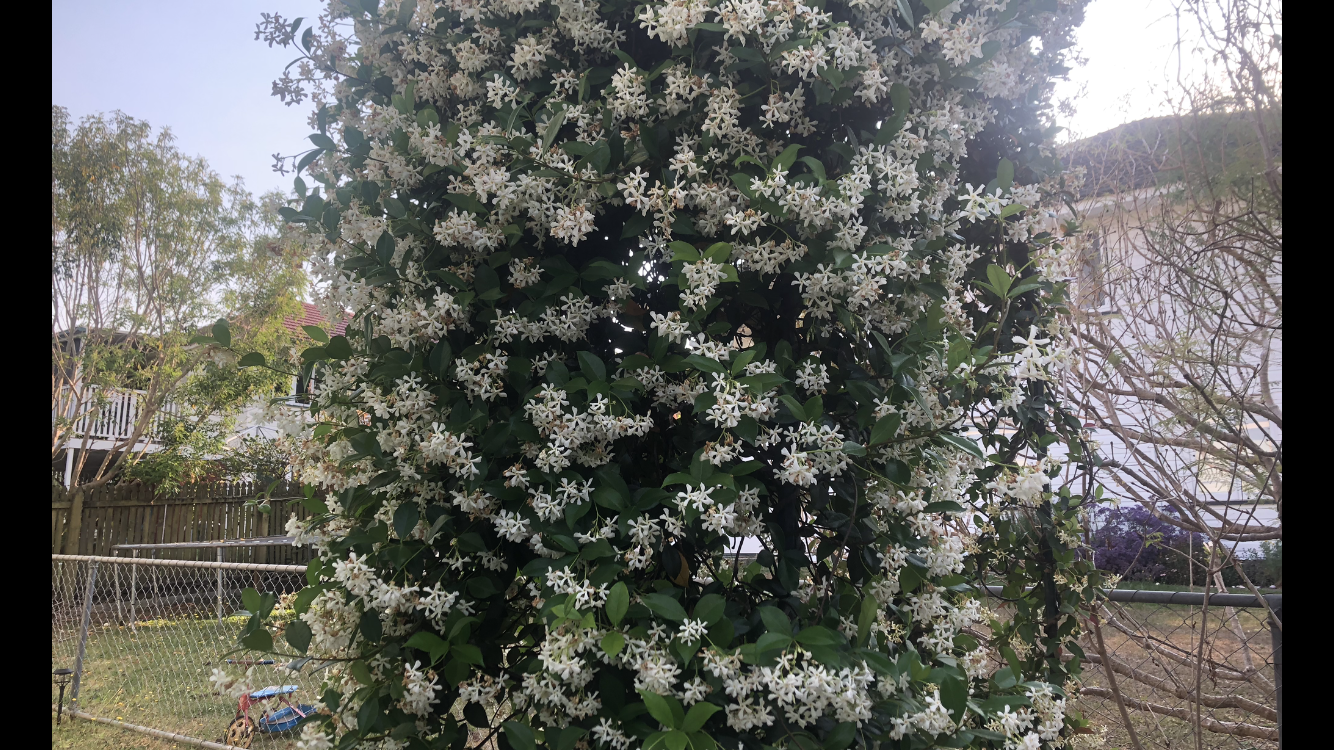















Important Information
Account
Navigation
Search
Configure browser push notifications
Chrome (Android)
- Tap the lock icon next to the address bar.
- Tap Permissions → Notifications.
- Adjust your preference.
Chrome (Desktop)
- Click the padlock icon in the address bar.
- Select Site settings.
- Find Notifications and adjust your preference.
Safari (iOS 16.4+)
- Ensure the site is installed via Add to Home Screen.
- Open Settings App → Notifications.
- Find your app name and adjust your preference.
Safari (macOS)
- Go to Safari → Preferences.
- Click the Websites tab.
- Select Notifications in the sidebar.
- Find this website and adjust your preference.
Edge (Android)
- Tap the lock icon next to the address bar.
- Tap Permissions.
- Find Notifications and adjust your preference.
Edge (Desktop)
- Click the padlock icon in the address bar.
- Click Permissions for this site.
- Find Notifications and adjust your preference.
Firefox (Android)
- Go to Settings → Site permissions.
- Tap Notifications.
- Find this site in the list and adjust your preference.
Firefox (Desktop)
- Open Firefox Settings.
- Search for Notifications.
- Find this site in the list and adjust your preference.