


All Activity
Past hour
-
Welcome on board the Quit Train @ASHISH JOSHI ! Glad to hear you have made a wise decision to take back your life and put smoking behind you. It's not easy but it IS possible. Be determined and keep yourself busy. Keeping your mind busy helps keep it off smoking. Stick around on the train and get support from others who are quitting or who have already quit. They understand what you are going through🙂
-
Nope for the first day of autumn!

-
-
-
NOPE!!
Yesterday
-
NOPE
-
N.O.P.E. 🙏
-
NOPE!
-
NOPE for today!
-
-
NOPE…
-
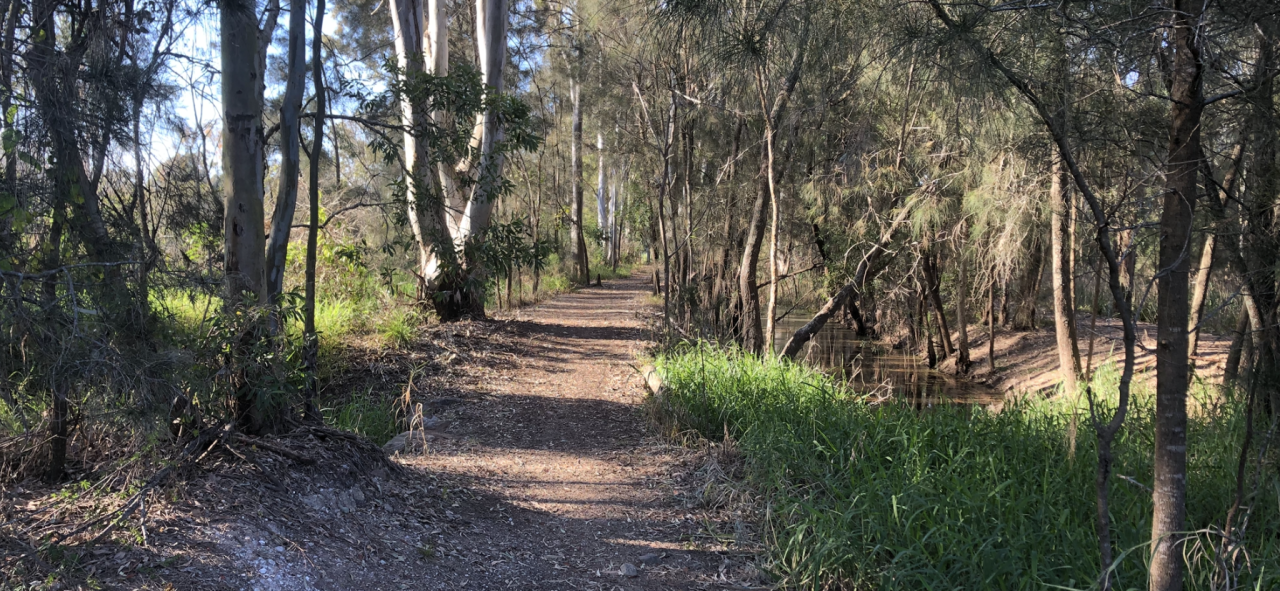
G’day NOPE .....Not One Puff Ever.
-
-
NOPE! 💫
-
-
-
-
Nope
-
I HAVE DECIDED TO BREAK CHAINS F SMOKE ,,,,,,,, 22/09/2026 (00:00) ITS NEARING ABOUT 12 HRS (11:38) HERE IN INDIA I ALREADY FEELING BIT HEAVY AND SLEEPY HOPE IS A LIGHT............ FOUND QUITTRAIN TODAY WHILE HAVING BREAKFAST............. SEEMS IT HELPS ME TO GO THROUGH MY JOURNEY......... ALL HAVE A GOOD DAY AND STAY SMOKE FREE ☺️
-
I am not going to smoke today. NOPE.
-
-
ASHISH JOSHI joined the community
-
-
Hey @Sal. This was my mantra when I quit and it's all I have to offer you... The life you want is on the other side of the shit you don't want to do. Quitting sucks so embrace it. If it was easy everyone would do it, so be elite. No one can quit for you and if they could they wouldn't so it's all up to you. If you think quitting sucks wait until you get to try out emphysema. And the best advice...never put anything in your mouth and set it on fire. Good luck, bud.
Last week
-
-
NOPE!!










.thumb.jpg.7b1999cedf8cea3fb23ae42d3ba44980.jpg)


